
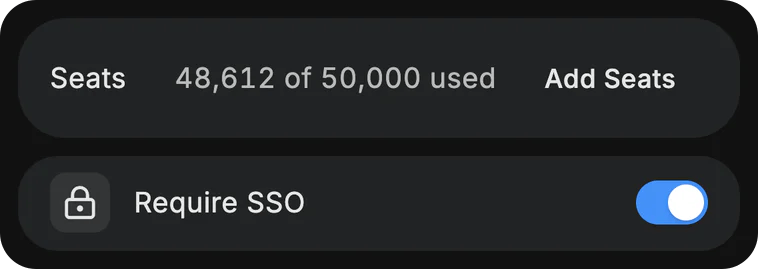
In on day one. Out on the last. Single sign-on over SAML or OIDC, on your verified domain. Your directory adds and removes people, and its groups become teams. When someone leaves, their access ends at once, and the reports they built go to someone on the team.
Dvina for Enterprise
One company.
One memory.
On her first morning, Lauren asks why the 14 trial sites in six countries were picked, and gets the answer Operations wrote down in March.

Get the highlights.


Say it once, and the whole night crew’s page shows it.


It notices what’s selling before the shelf is empty.


When Frank retires, his team’s work stays with the team.


Check a part’s history against the bulletin before the shift ends.


Error logs, the spec and last week’s plan in. A test plan out.
Company-wide
One assistant.
Not a hundred.
When every team buys its own AI, or IT builds one nobody opens, people work around it and your data leaves. Give everyone one Dvina instead, behind your single sign-on.

Fits how each
team works.
Sales, finance, legal and security get the same Dvina, reading the apps each team already uses, under the same rules.


Twenty minutes before the board meets, Valerie asks for the quarter on one page. It builds from her teams’ own numbers, and the deck is written too.
Shared context
Know what the
company knows.
The whiteboard from Tuesday’s planning session gets wiped tonight. Share the thread once, and every team can still ask about it.

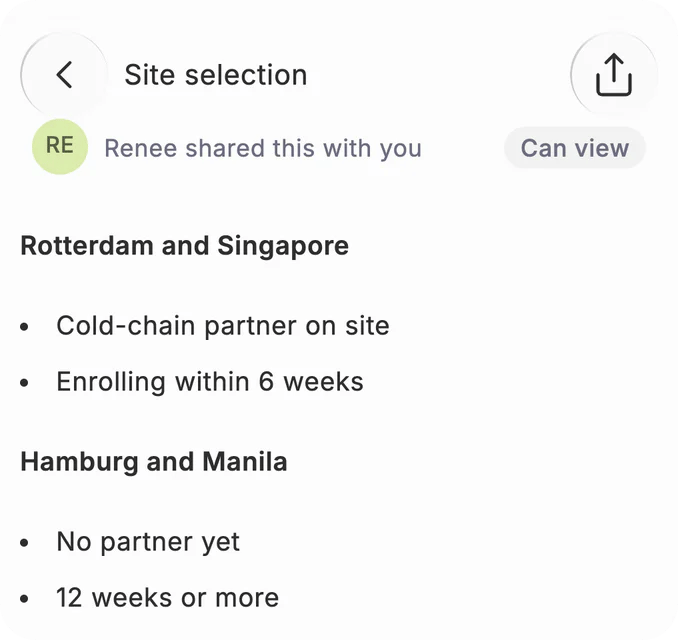
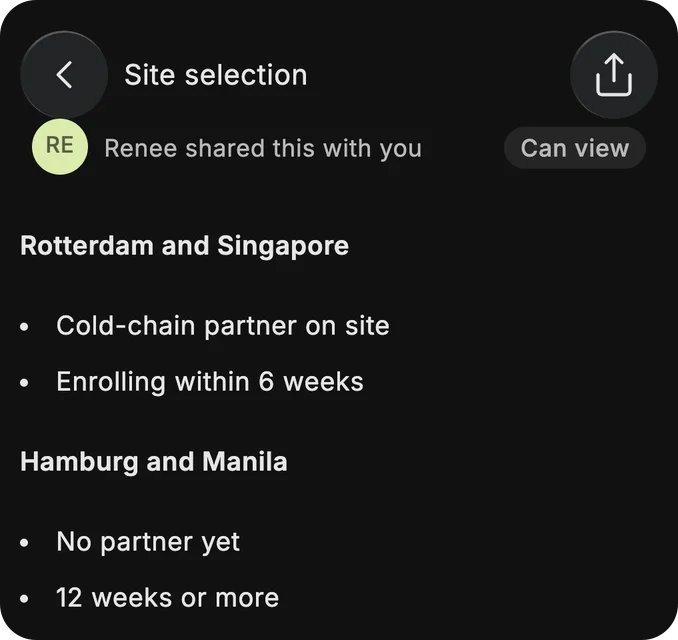
Ask why, not who. Why did we pick Rotterdam? Dvina answers from the thread Operations shared, not from whoever remembers.
Hand off. Nothing retold. Share the customer’s thread with Support, and they can ask about every promise made on the calls.
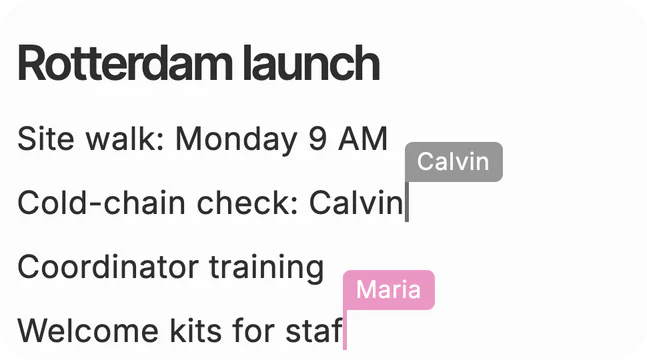
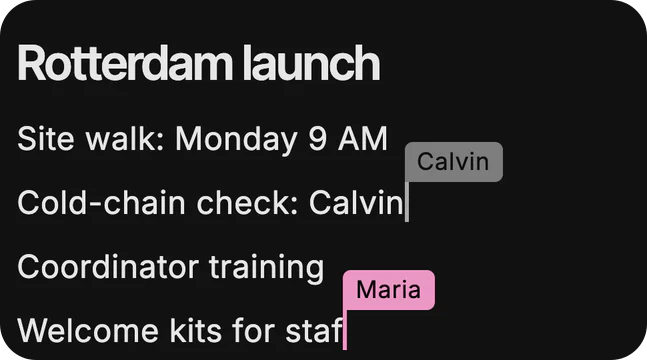
Think on one page. A shared canvas your team and Dvina edit together, live, as Monday’s launch plan takes shape.


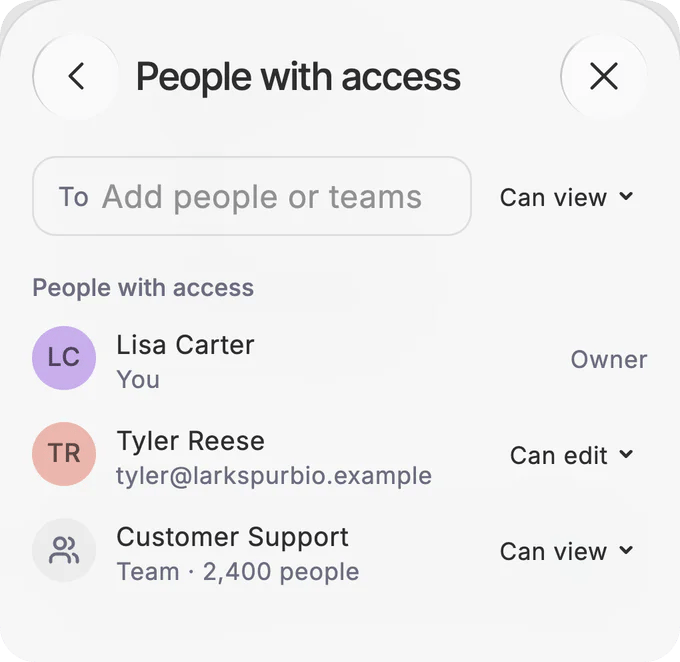
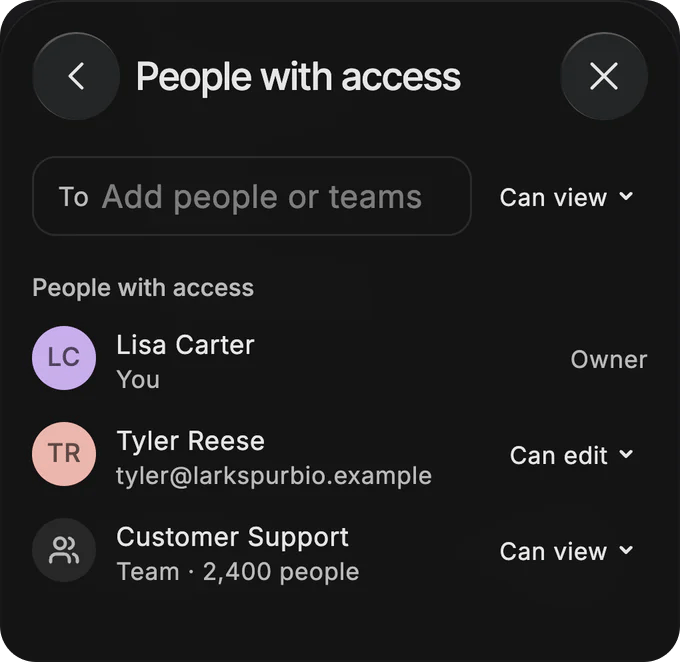
Only what you may see. Dvina answers from what is shared with you, and never from what isn’t. Owner, editor, viewer: share with a person, a team or the whole company.
Security and control
Your company.
Your rules.
Your people get the assistant they want. Your security team gets every control it needs, on from the first sign-in.

Every action,
accounted for.
The minute Frank’s access ended, the log kept who did it, when and from where. Nothing can skip the log. Export it, or stream every event to your security tools; signed webhooks and personal access tokens too.


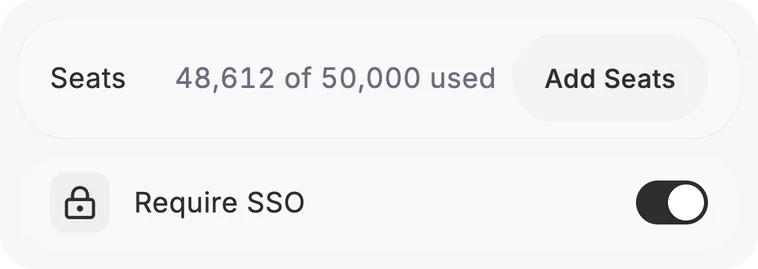
Required, not optional. Make single sign-on and two-step verification the only way in. Passkeys work too. Sessions that end when people go idle, and sign-in only from your own networks.
Sensitive data stays put. Card numbers, IDs, keys and your own confidential terms are caught before they reach a model outside your company. 19 kinds built in.
Your own rules. Patterns, term lists and numbers with a check digit, tested before they go live. Masking on for everyone, and counts, never the content.
One switch. Every member. Turn computer use, the browser, voice, uploads or connected apps on or off for everyone.
Asks before it acts. Set how often Dvina asks before it acts. Connect the apps your company already runs, and decide which apps and tools your people may use.
Seen by the right people. Every chat, file and page has an owner, who shares it with a person, a team or the whole company. Turn off outside sharing, or public links, in one switch.
Teams and limits. Create teams in People, or let your directory create them. Usage limits and reports for every team and every person.
Kept as policy says. Keep chats, files and memory as long as you must, from 30 days up to 7 years. A legal hold stops every delete.


Why companies
choose Dvina.
Live in days.
In our cloud, days. In your own cluster, one install, and your team runs it from there.
Where it runsOne assistant to govern.
One sign-in, one set of switches and one audit log, in place of a tool per team.
Questions from ITTalk to a person.
Sales helps you plan and set up. Support answers by email.
Talk to sales
Our cloud,
or yours.
Models
Your models,
your call.
Use the models your company trusts, in the cloud or on your own servers, with your own certificates. Then decide where your data may go.
Standard. Your models first, and Dvina's fill in the rest.
No data out. Only your own models answer, and nothing goes to the outside web.
Region rule. Only models in the region you name may answer.
Questions from IT
How long does it take to start?
In our cloud, days. In your own cluster, one install, and your team runs it from there.
Where does our data live?
In our cloud, in the EU. With Enterprise Sovereign, in your own data center.
Is our data used to train models?
No. Nothing your people write, upload or connect trains a model.
How does Dvina help with shadow AI?
It gives every team one approved assistant, so nobody needs a tool of their own. Everyone signs in through your single sign-on, your admins decide which features and apps it may use, and every sign-in, setting and action lands in one audit log. Dvina doesn’t find or block other AI tools.
Who can see what Dvina knows?
Each person sees only what is shared with them. Dvina answers from what is shared with you, and never from what isn’t.
Can it run inside our own network?
Yes. Enterprise Sovereign installs in your own cluster, with your own models and storage; sign-in and licensing connect to Dvina. Closed-network installs, on request.
How do we buy it?
Talk to sales. We'll set up a demo and a plan that fits your company.
Bring Dvina
to your company.
Tell us about your company, and we'll set up a demo.
Talk to salesKeep exploring.