Your hardware, your models. Dvina runs on a small server you own, with local models that run right on it.
Dvina for Studios & Firms
Your craft.
The rest, handled.
The client’s numbers that don’t add up and the board deck due Monday: one assistant knows your work and runs the firm around it.

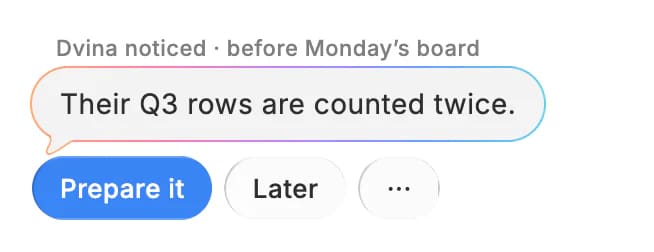
Get the highlights.
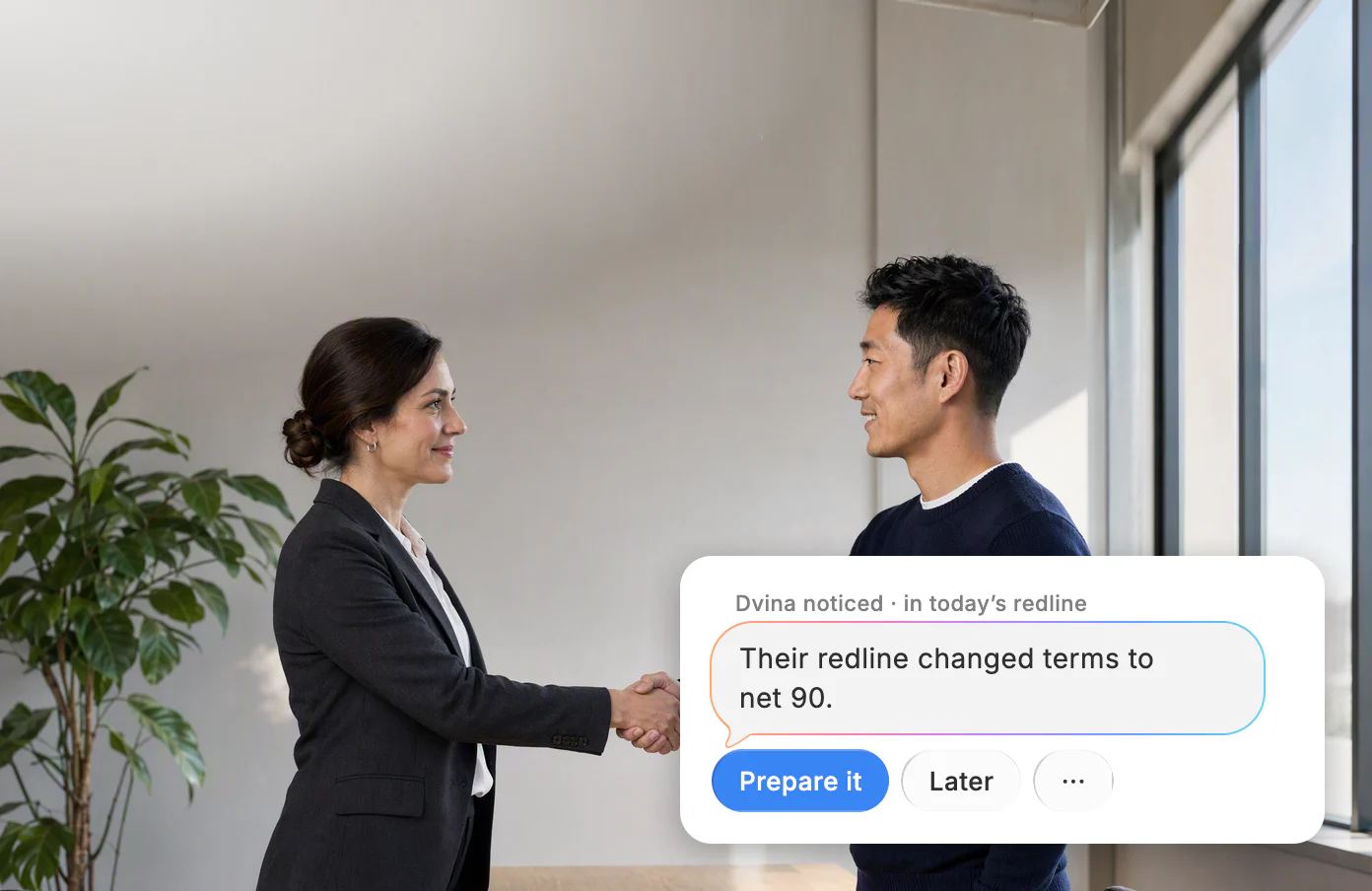
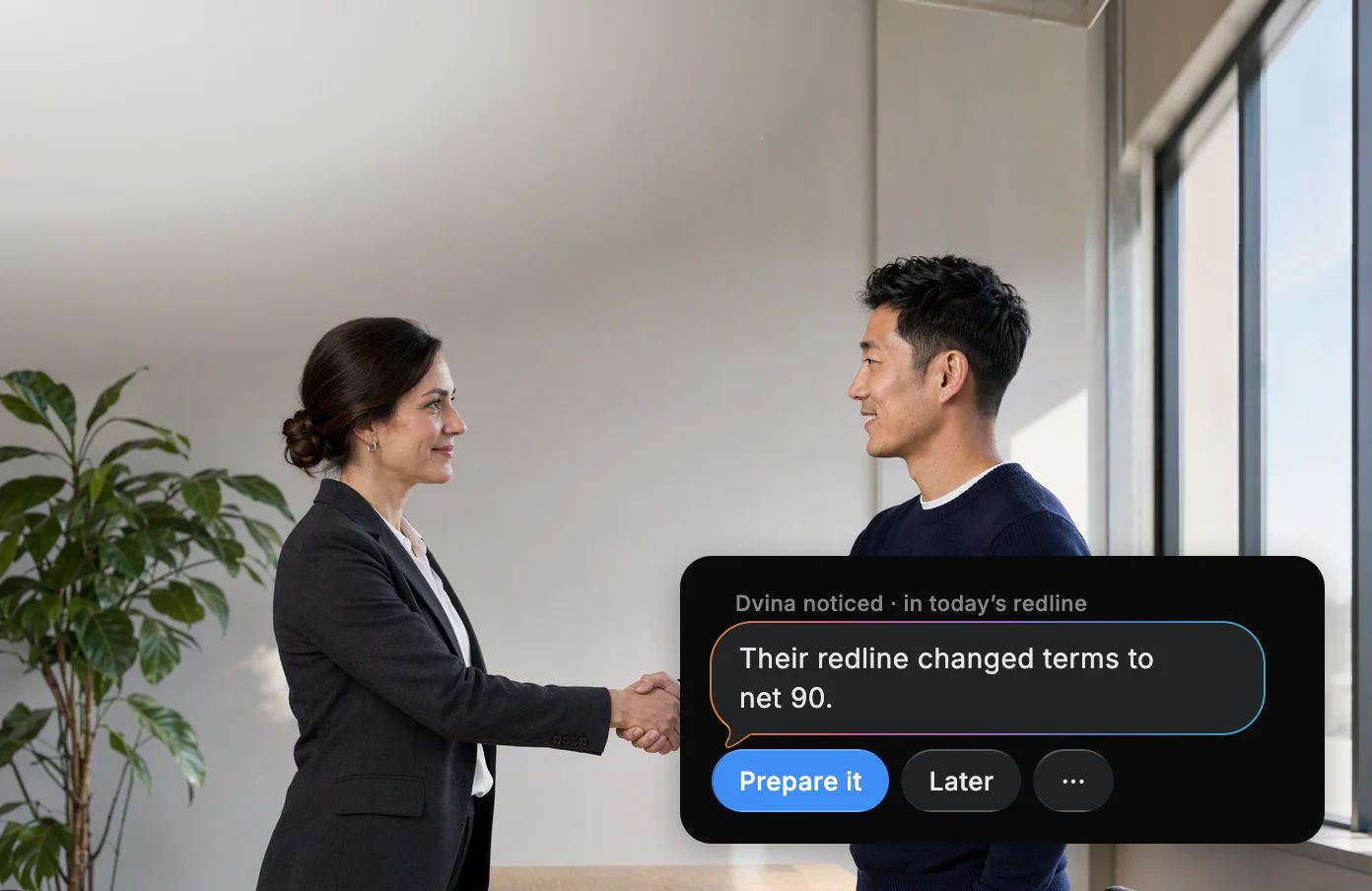
Paid on your terms.
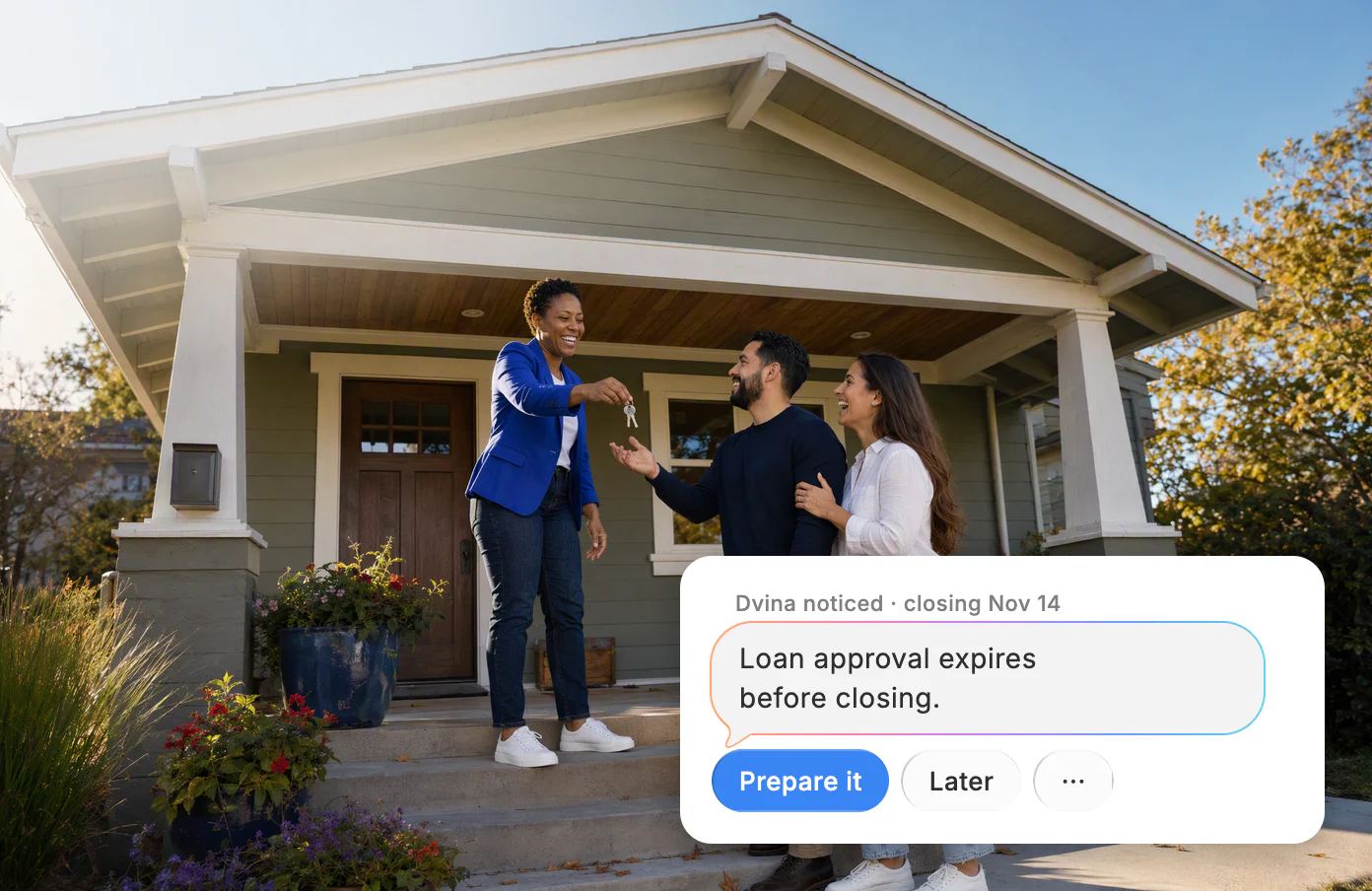
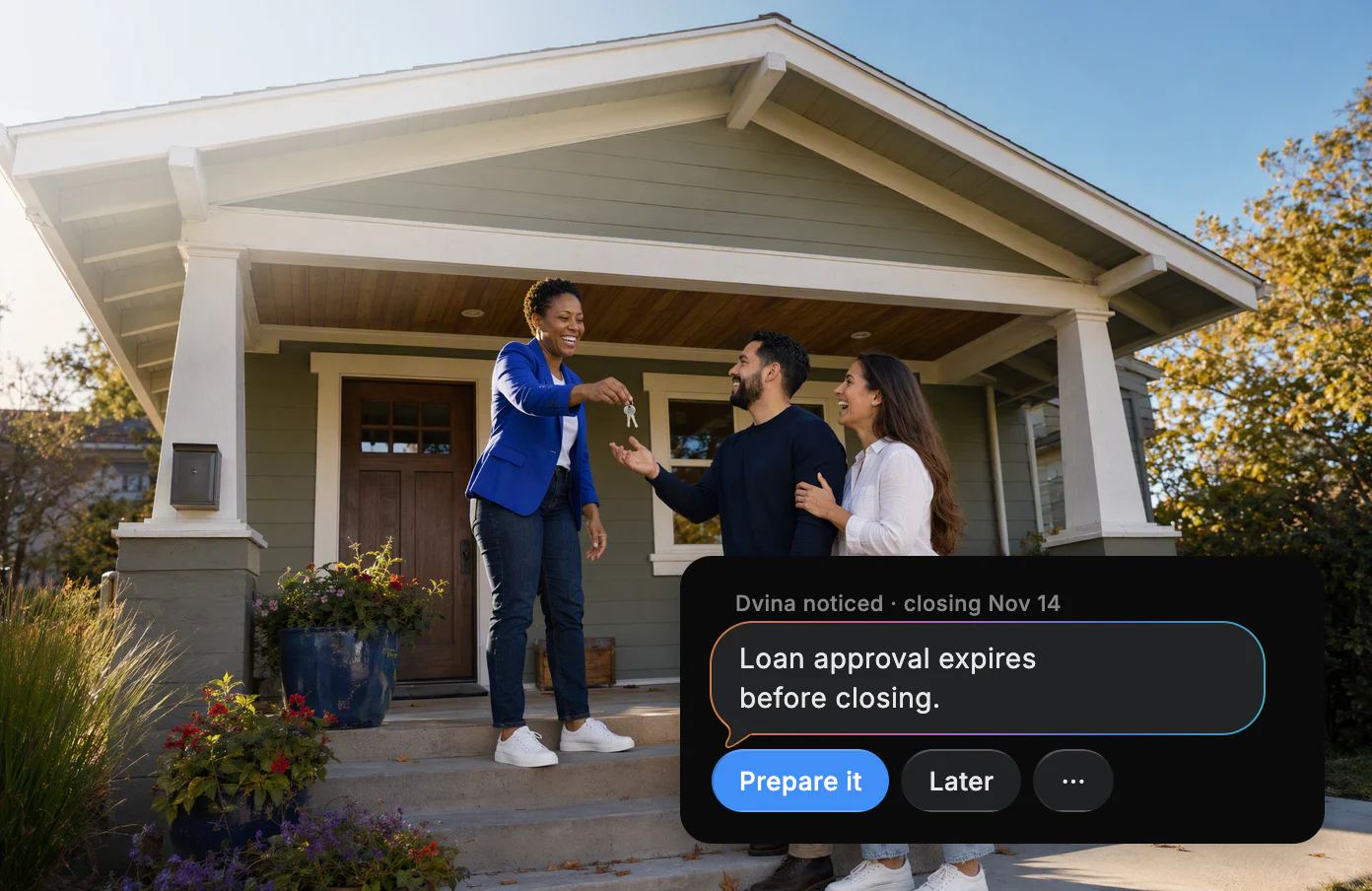
Closing day, on schedule.

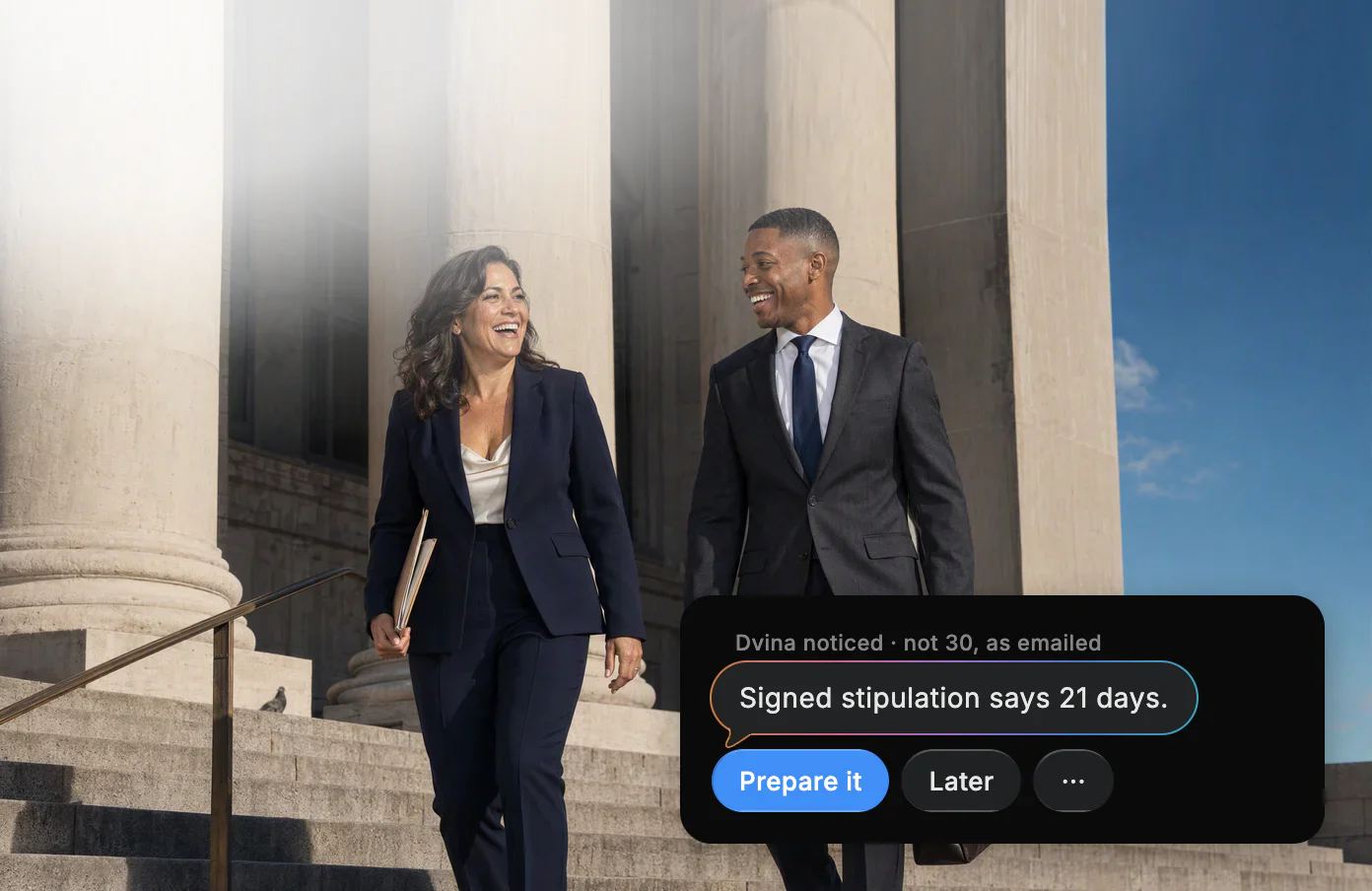
Deadlines, never missed.


Tax season, ahead of the IRS.

Your software
At home in
your tools.
On the walkthrough, the change order is already priced from the supplier’s quote and ready for the owner to sign.
Right where the work is.


The close, reconciled. In your books, with the two odd charges waiting for you.


Every form, accounted for. The seller’s disclosure packet, checked against the state’s list; the two missing forms come drafted.


Their redline, compared. Against your last version, before you reply: three changed clauses, each one marked.


Works with Revit and AutoCAD. Through Autodesk’s own connectors: ask which doors miss the fire code, and the fixes come drafted for your OK.


Any app on your Mac. Dvina works right in your agency’s own desktop system, even the old one, form by form.
Keep your days
for the craft.
Every practice
Knows
your field.
A lien waiver, an offer letter, a room block: Dvina knows the work of your trade and does it with you.


A client mentioned three new hires in an email. Dvina sees they aren’t on her workers’ comp policy and drafts the payroll update before the audit.
Try asking: “Which policies renew in the next 60 days?”
And every other firm: notaries, translators and surveyors, too.

Running the firm
The office, handled.
It’s 5:30 and the studio is closing on time: the invoices went out, and tomorrow’s client brief is waiting.
Projects, hours, invoices and the client who still hasn’t paid: the part of the firm nobody went to school for.
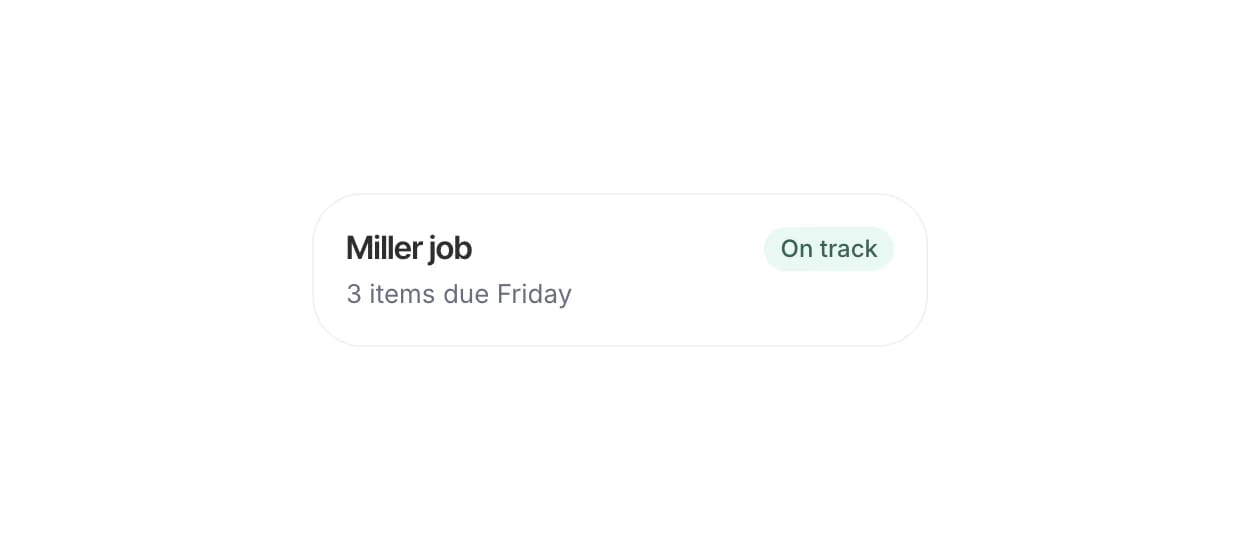
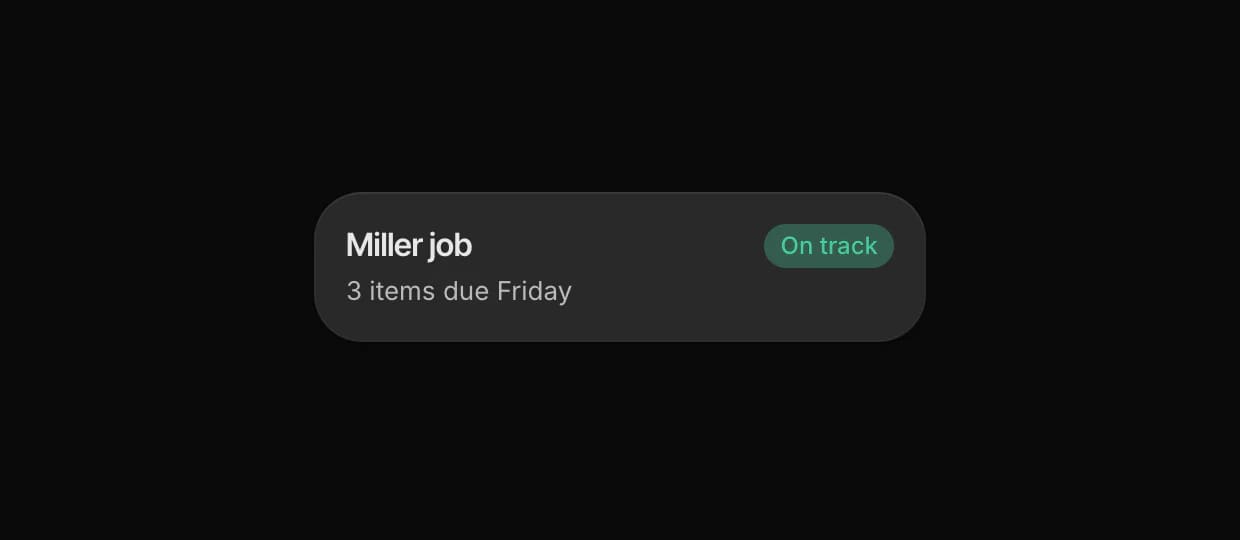
Every project, answered. Ask where the Miller job stands, and Dvina answers from your tasks and project boards.
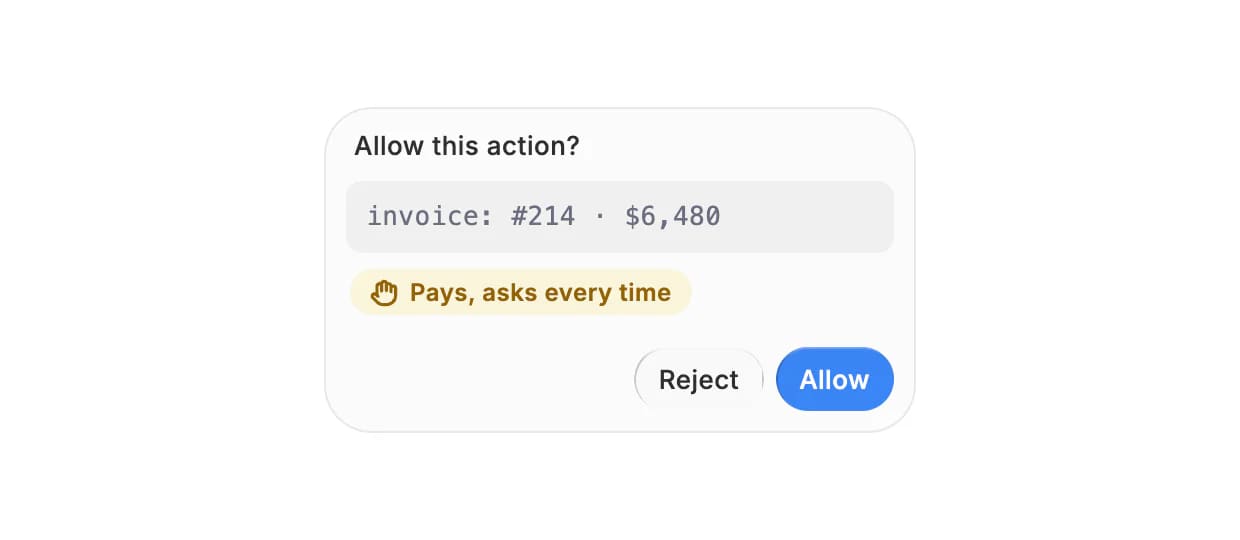
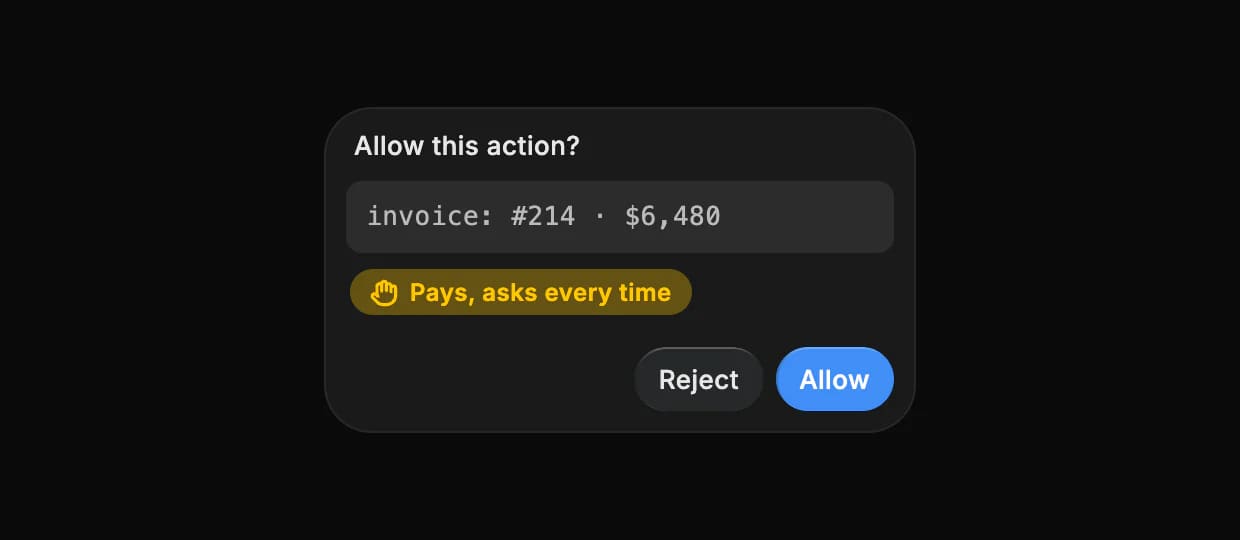
Hours into invoices. Your logged hours become an invoice in your own template, and it goes to QuickBooks or Xero when you approve.
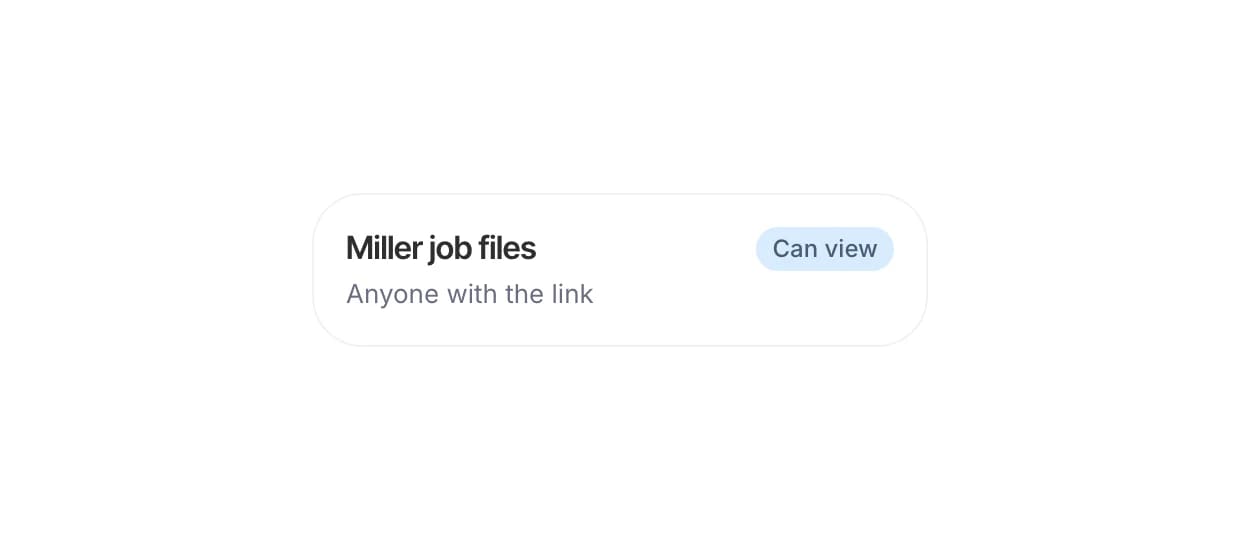
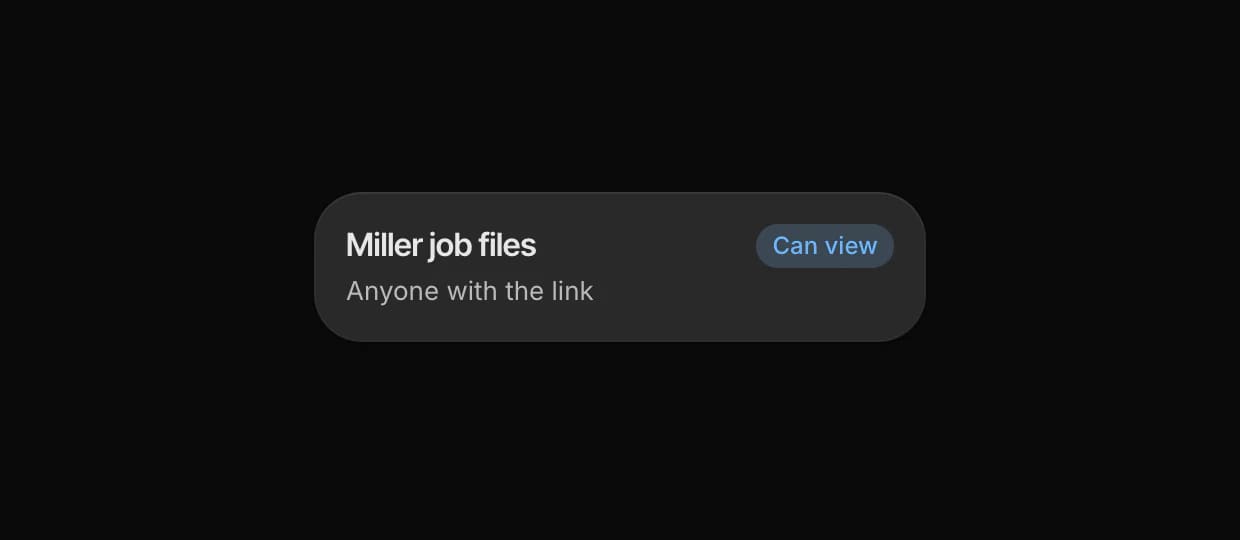
One board. One link. Your team works on the same live board; your client sees the files you choose, by link, and nothing else.
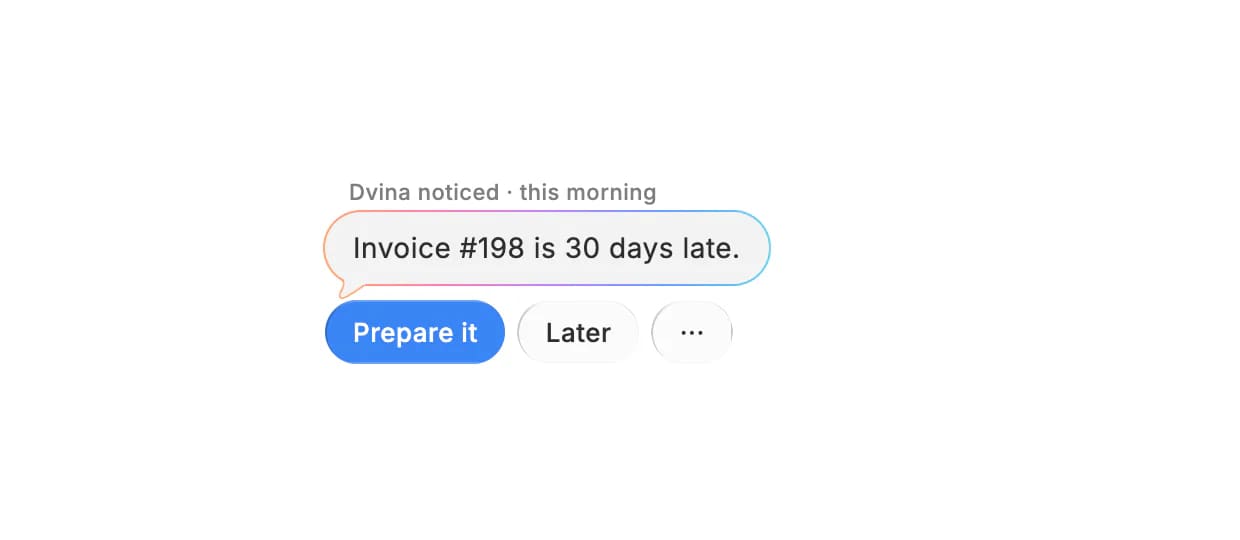
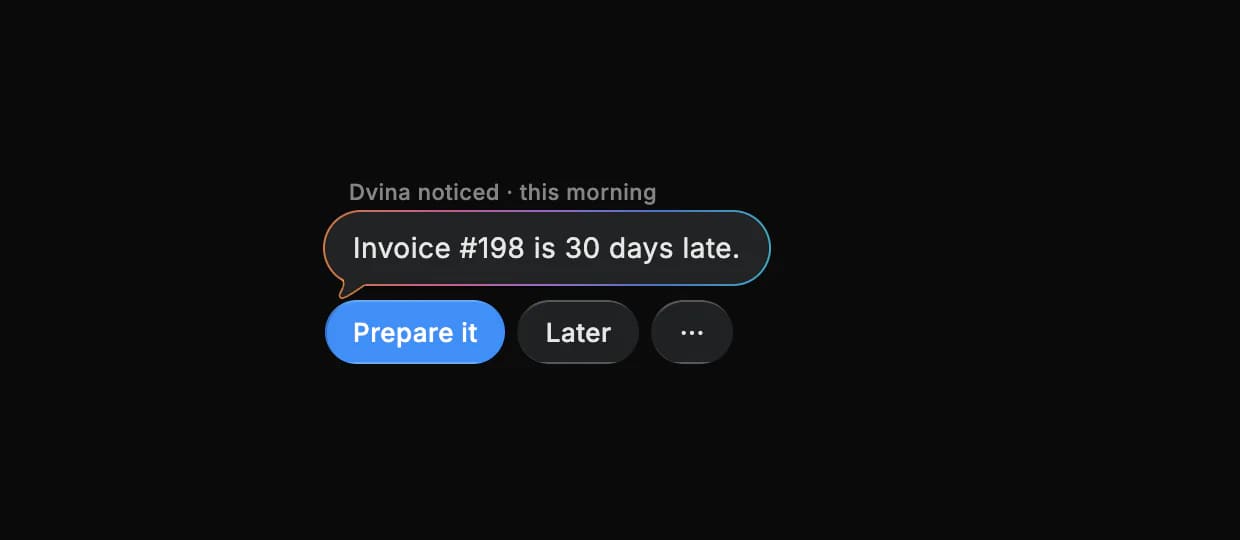
Mornings, briefed. Before your first client: the invoice that’s 30 days late, with a friendly nudge already drafted.
Your own server
Keep it
in the building.
Client files that can’t leave the office don’t have to. Run Dvina on a Mac Studio or an NVIDIA DGX Spark in the back room, with local models doing the thinking.

Client files stay in the office. What you ask, upload and connect stays on your own network.
Made for confidential work. Case files, tax returns and patient charts: keep every one of them in-house.
Good questions.
My kind of firm isn’t in the tabs. Is it for me?
Yes. Notaries, translators or surveyors: Dvina works with the files, mail and apps your practice already uses.
What would I ask it?
Whatever your day holds: “Which clients haven’t sent their W-2s yet?”, “What’s still missing for the Elm Street closing?”, “Compare their redline to our last version.” or “Check the client’s numbers before I build the deck.”
Does it work with Revit and AutoCAD?
Yes, through Autodesk’s own connectors for Revit and AutoCAD (Revit 2027.2 or later). Your other design tools work too: on your Mac, Dvina works right in any desktop program.
What does my client see?
Only what you share by link, like the plans or the draft for review. Your team’s boards stay with your team.
Do we need our own server?
No. Start free in the cloud. When client files must stay in the office, run Dvina on a Mac Studio or an NVIDIA DGX Spark there.
Get back to
your craft.
Account numbers, ID numbers and contact details are masked before the AI sees them. Sending, paying and deleting ask every time, and nothing you connect trains a model.
Start freeKeep exploring.