


Sheets, docs and slides. Made in real office apps on its own computer, with nothing to install on yours, ready to open and download.
Computer Use
It does the clicking.
Dvina uses a browser and a computer the way you do, and clicks, types, reads and compares until the job is done. You step in only for what’s yours to decide.



All the steps.
Only your yes.

Dvina’s browser
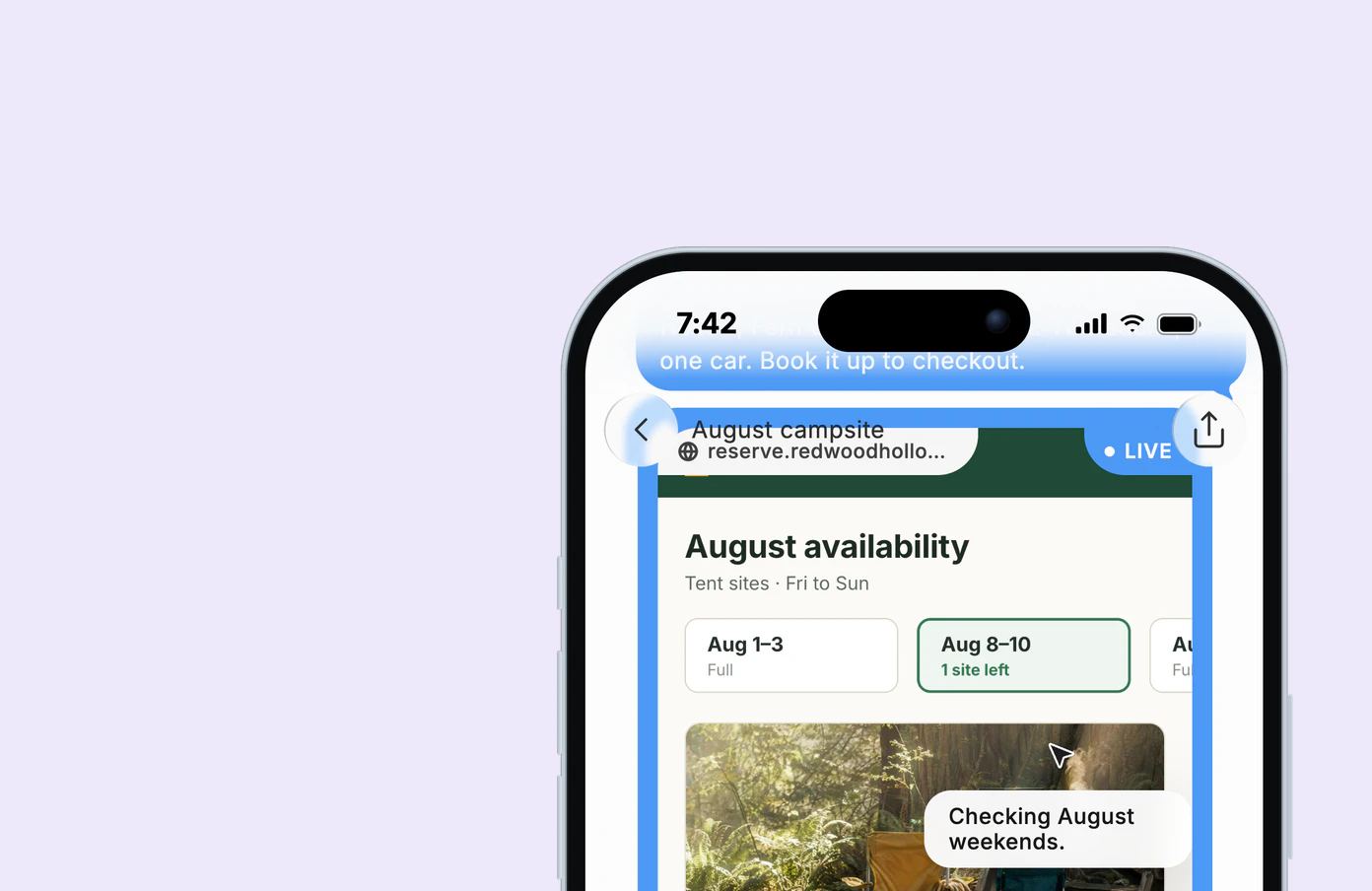
It found the last site.
Every August weekend at three campgrounds, checked tab by tab until site 14 opened. It filled in the form and stopped at checkout, so your card stayed with you.
On the web.
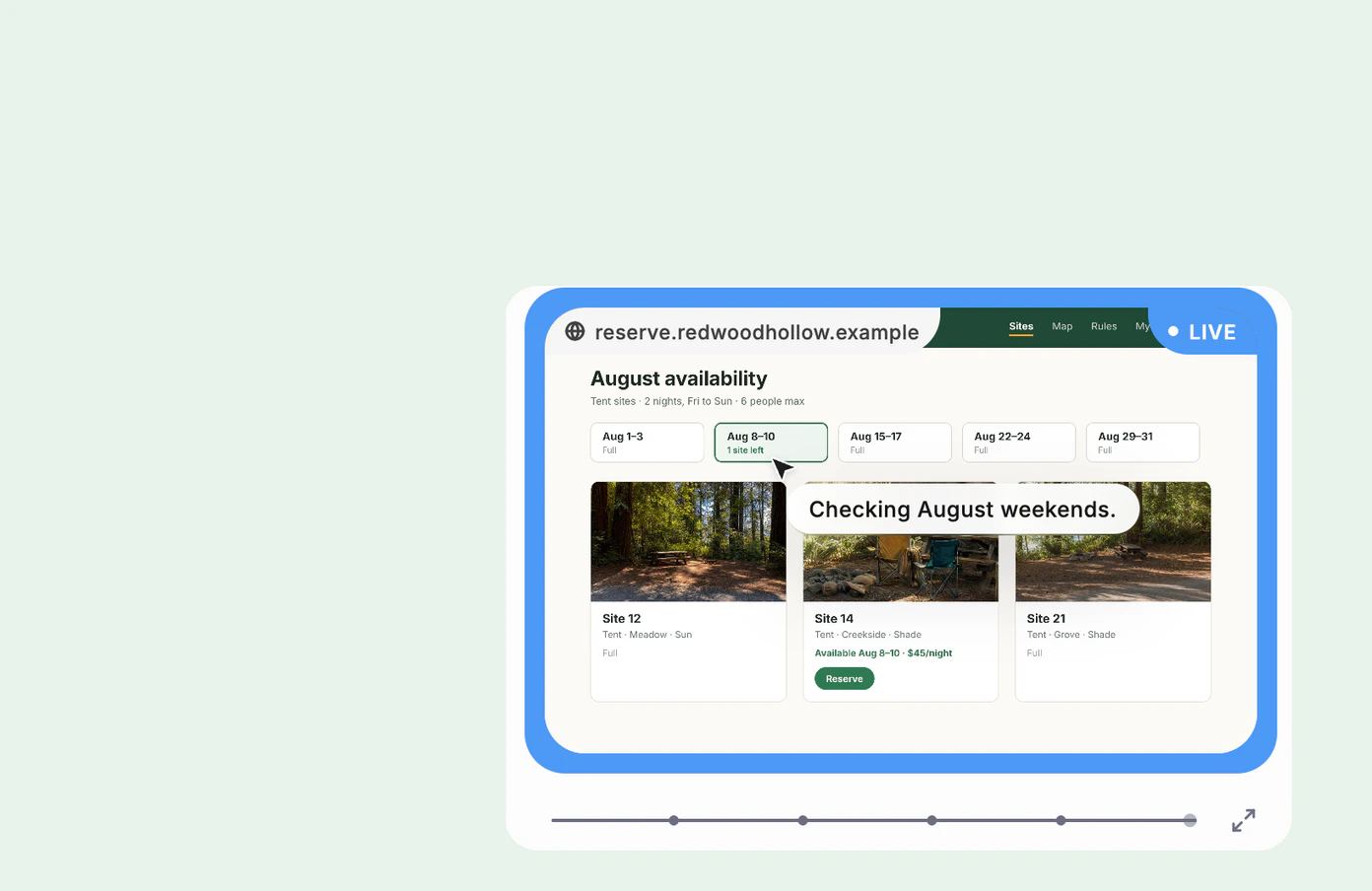
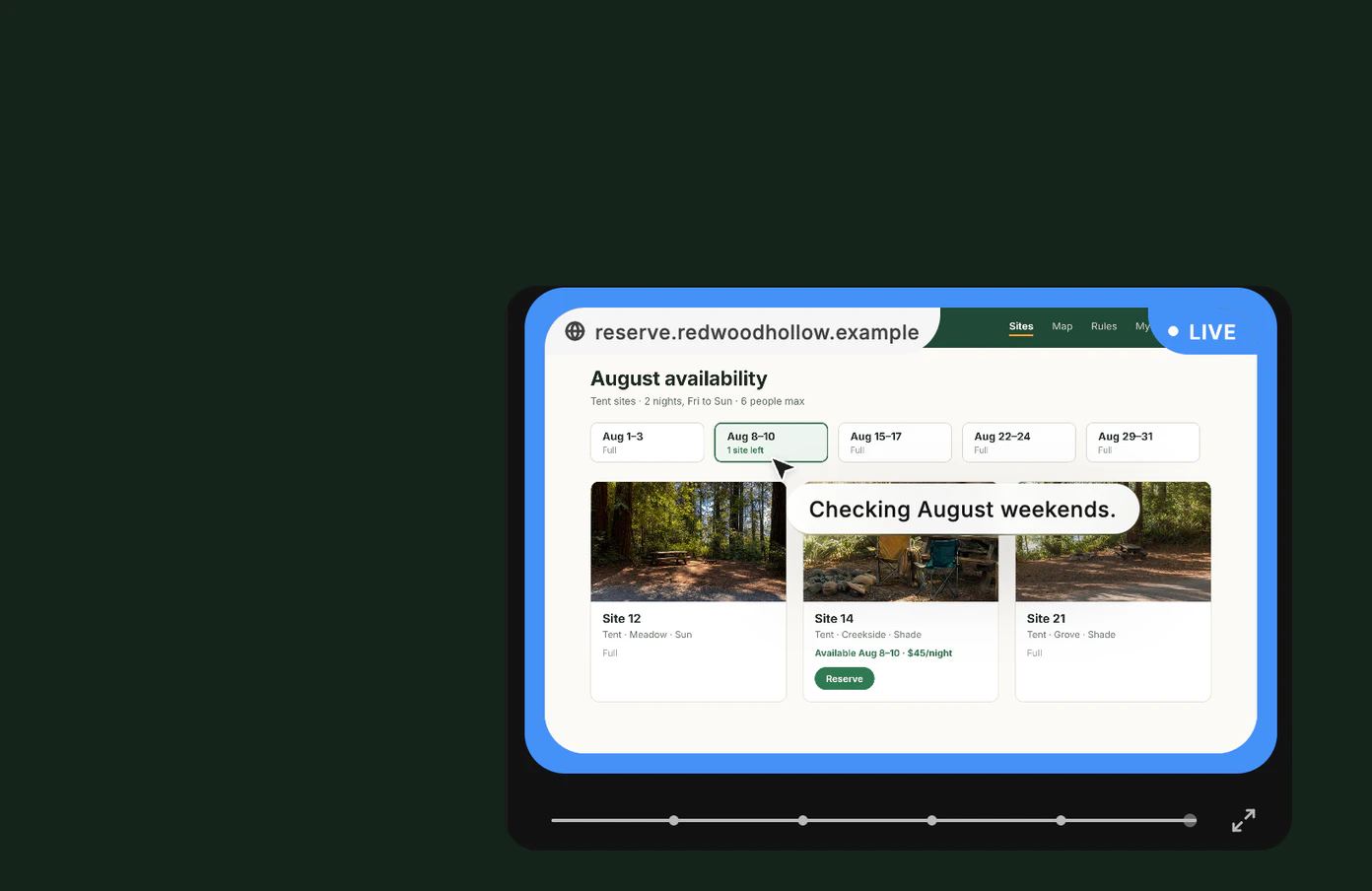
Watch every click, live on the page.
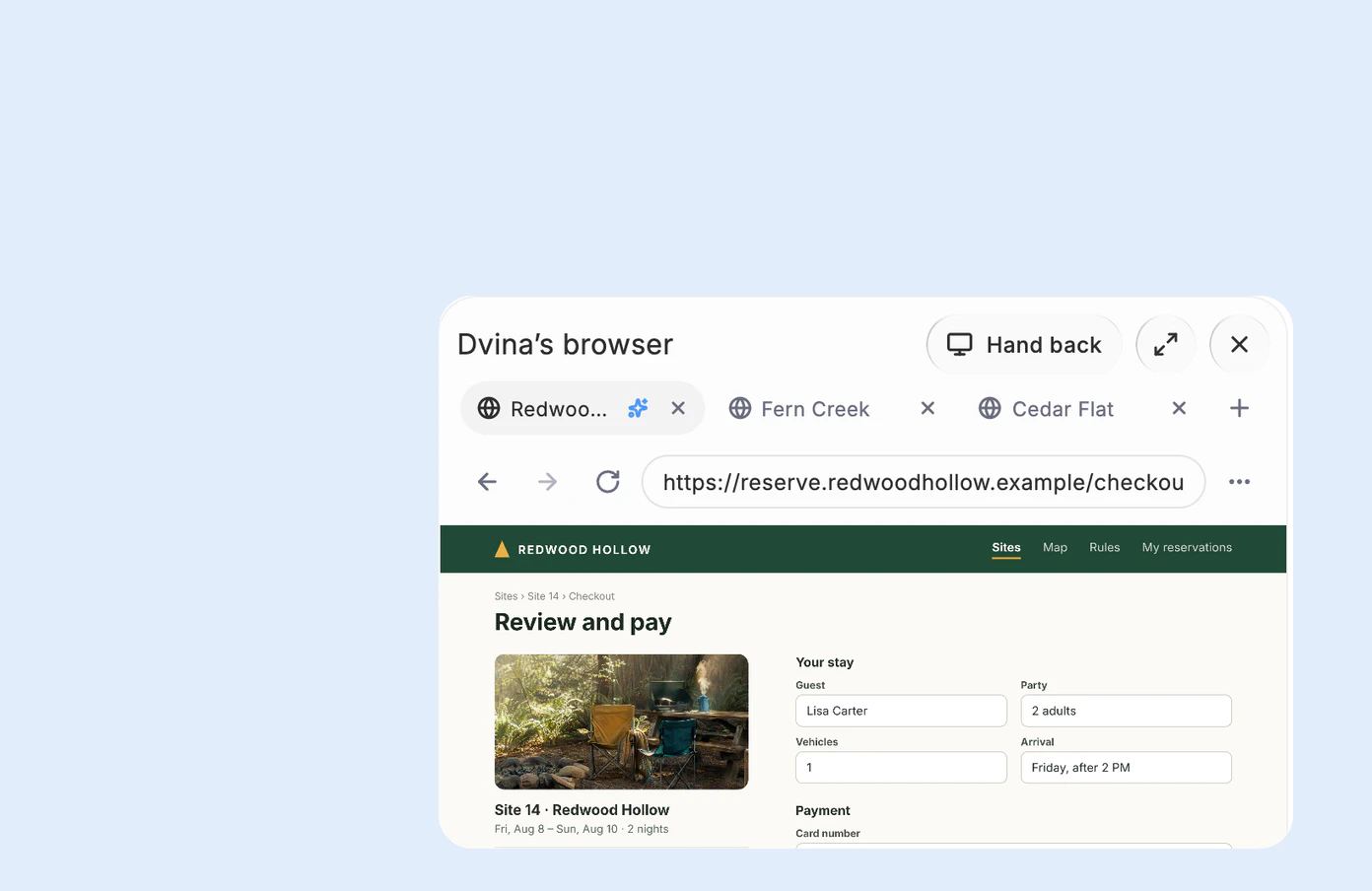
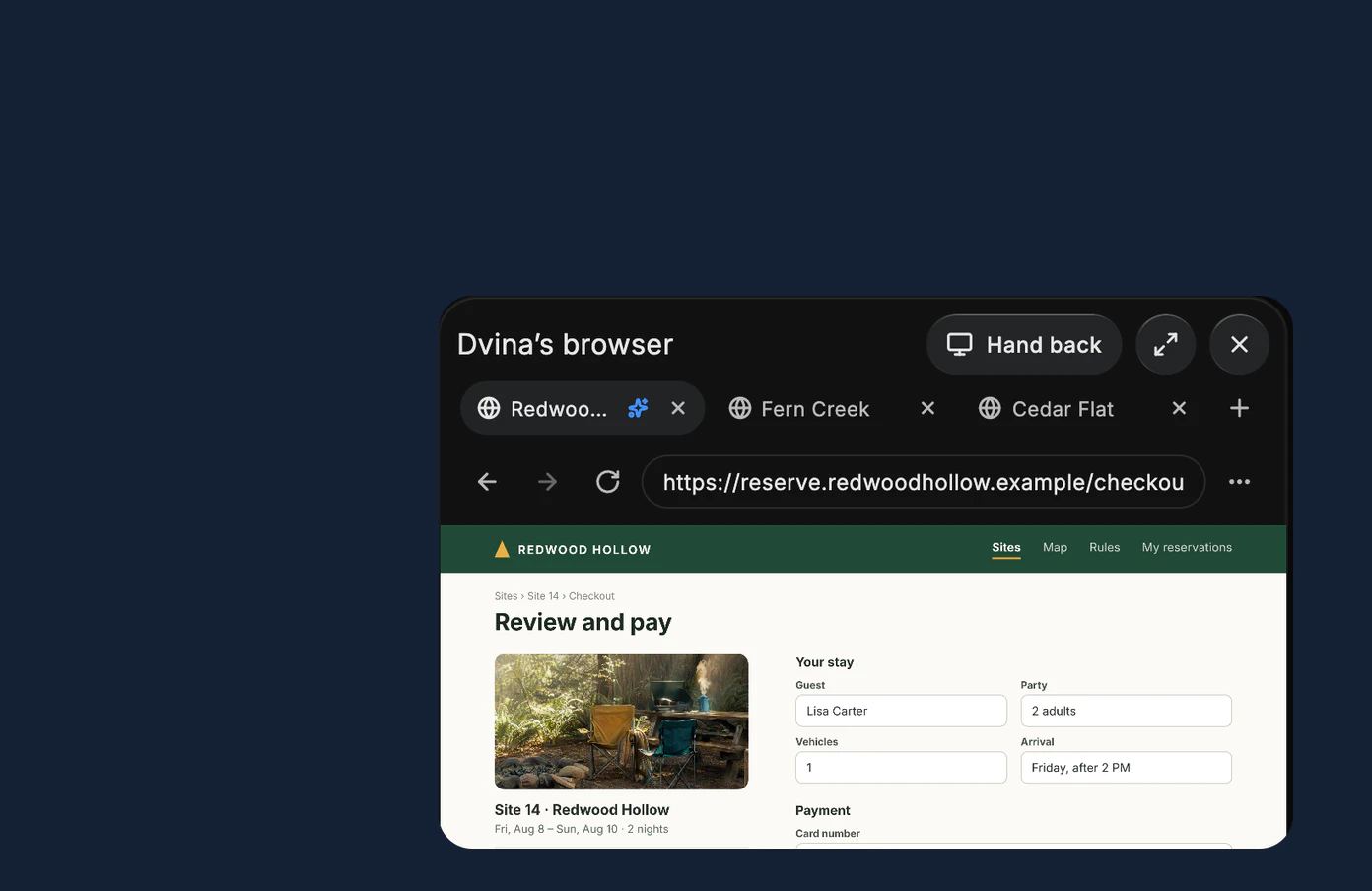
Take over anytime. Hand it back after.
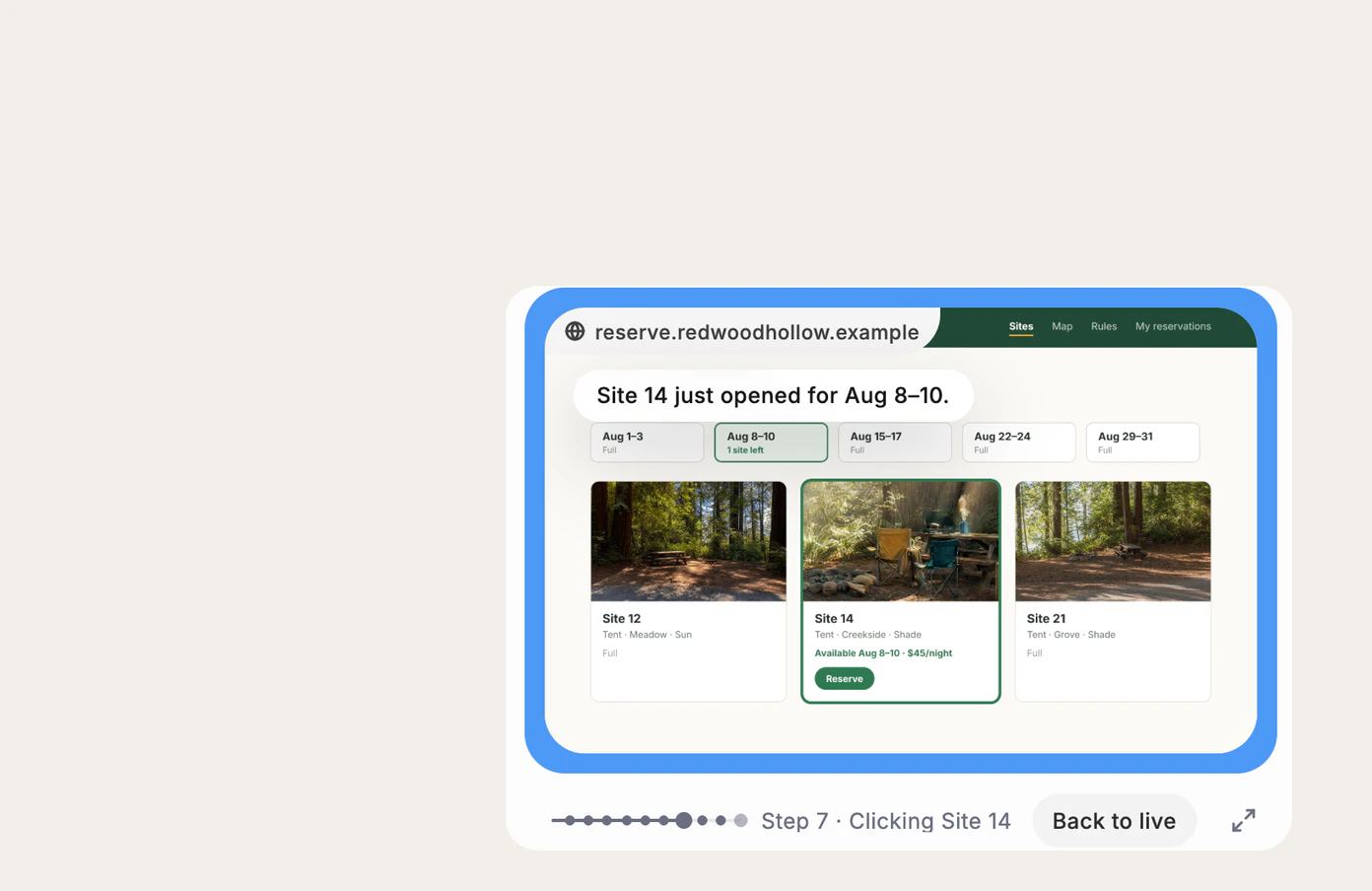
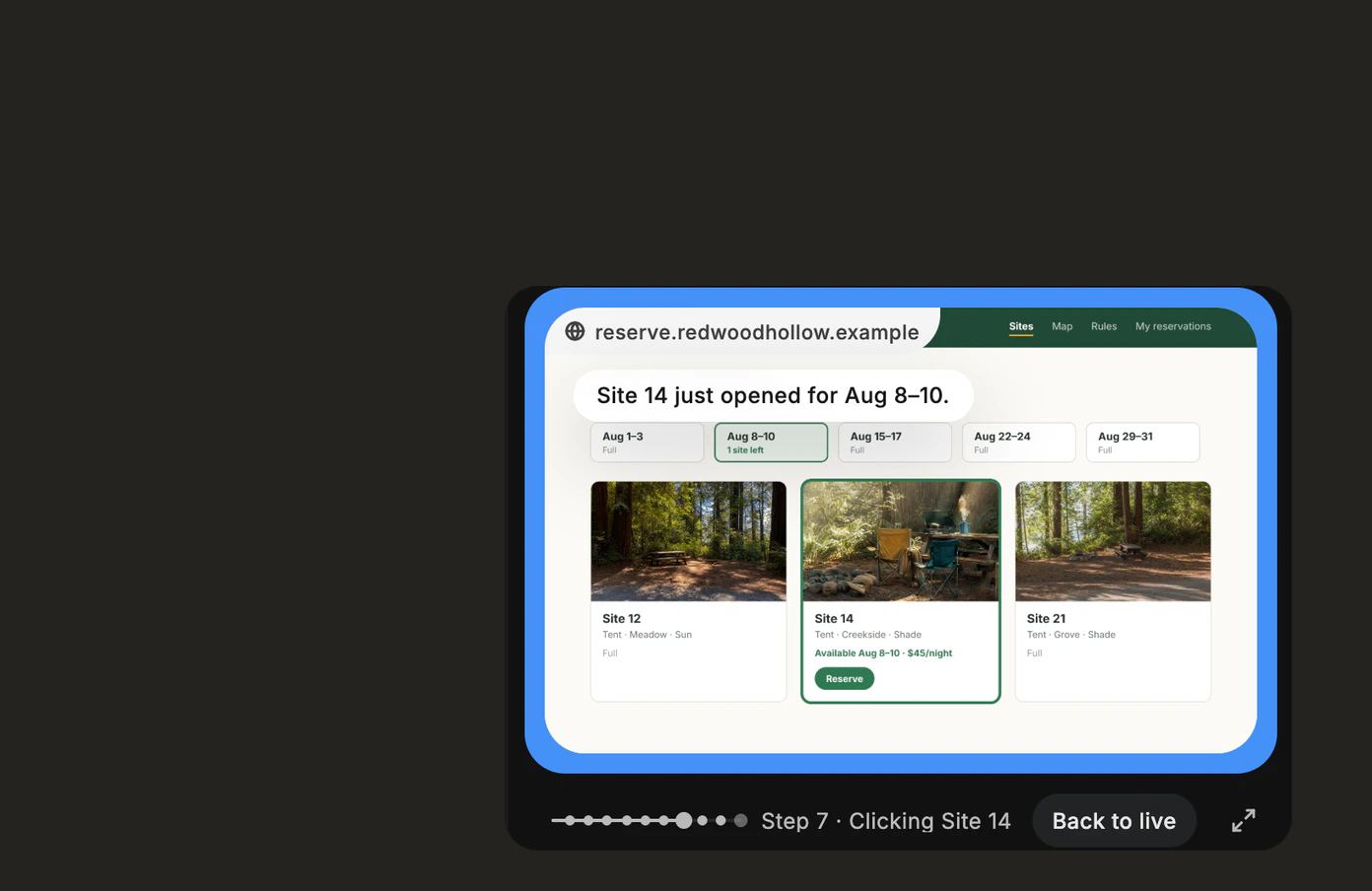
Every step, kept for 30 days.
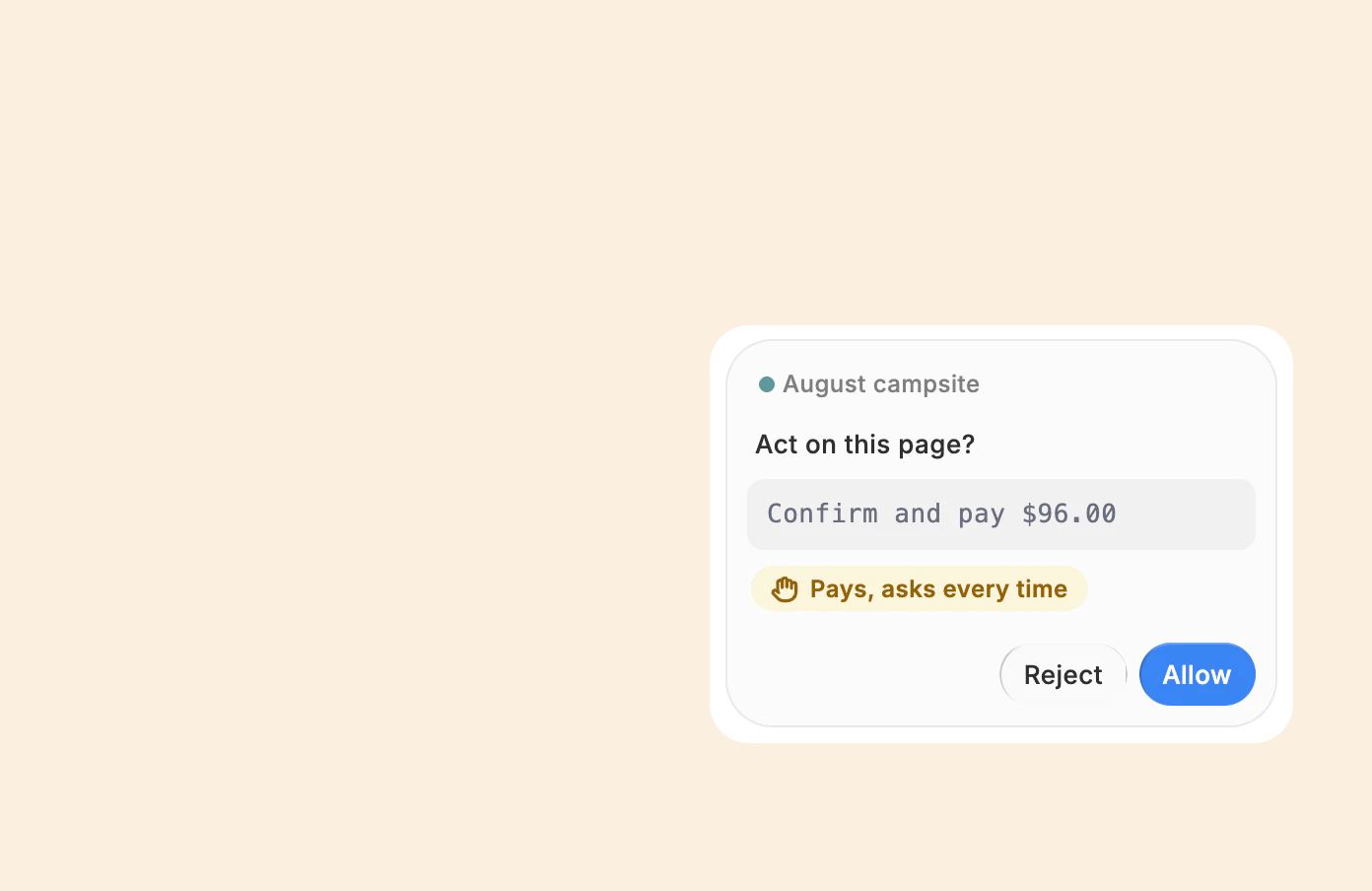
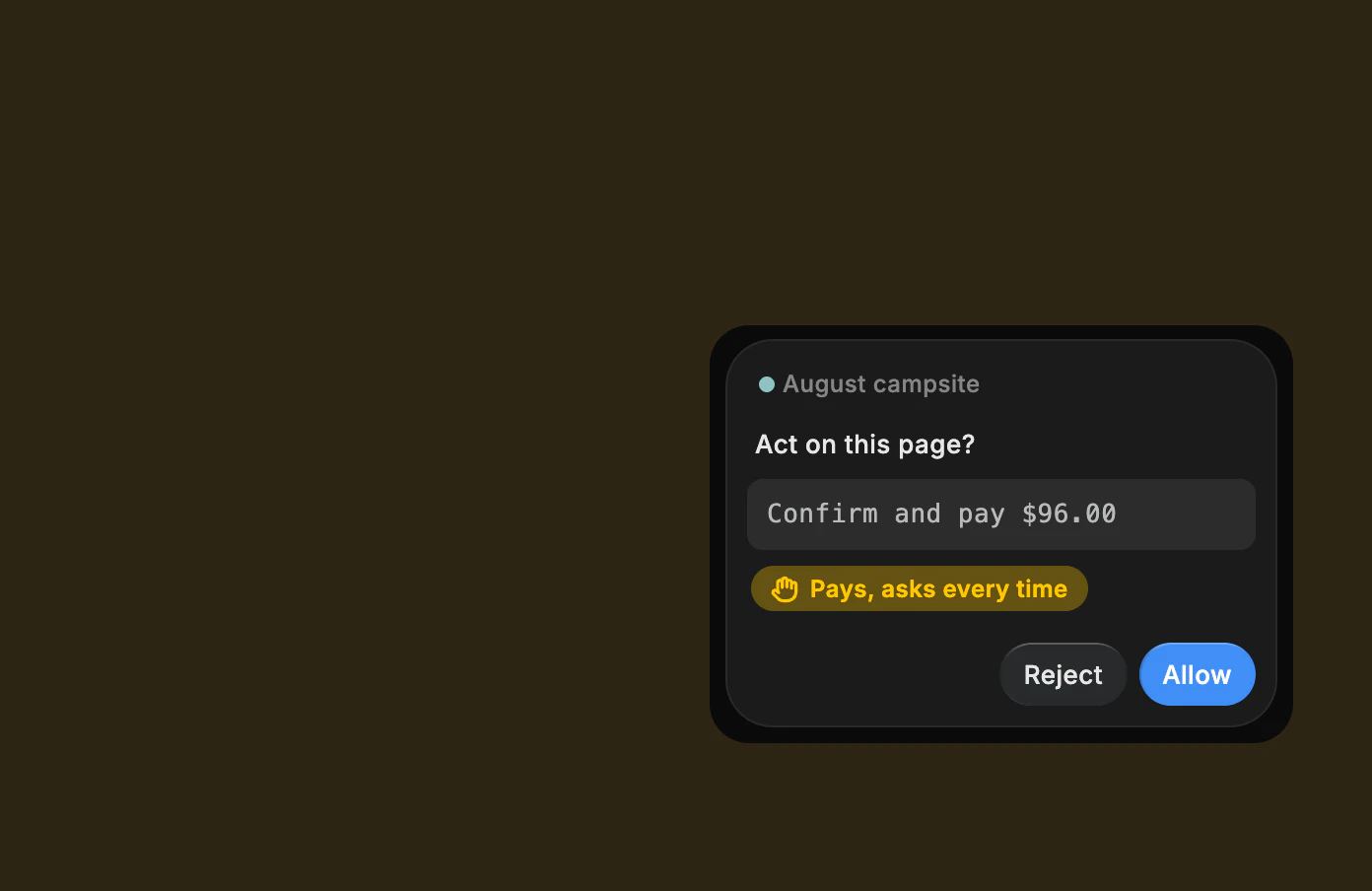
Paying always asks. Every time.
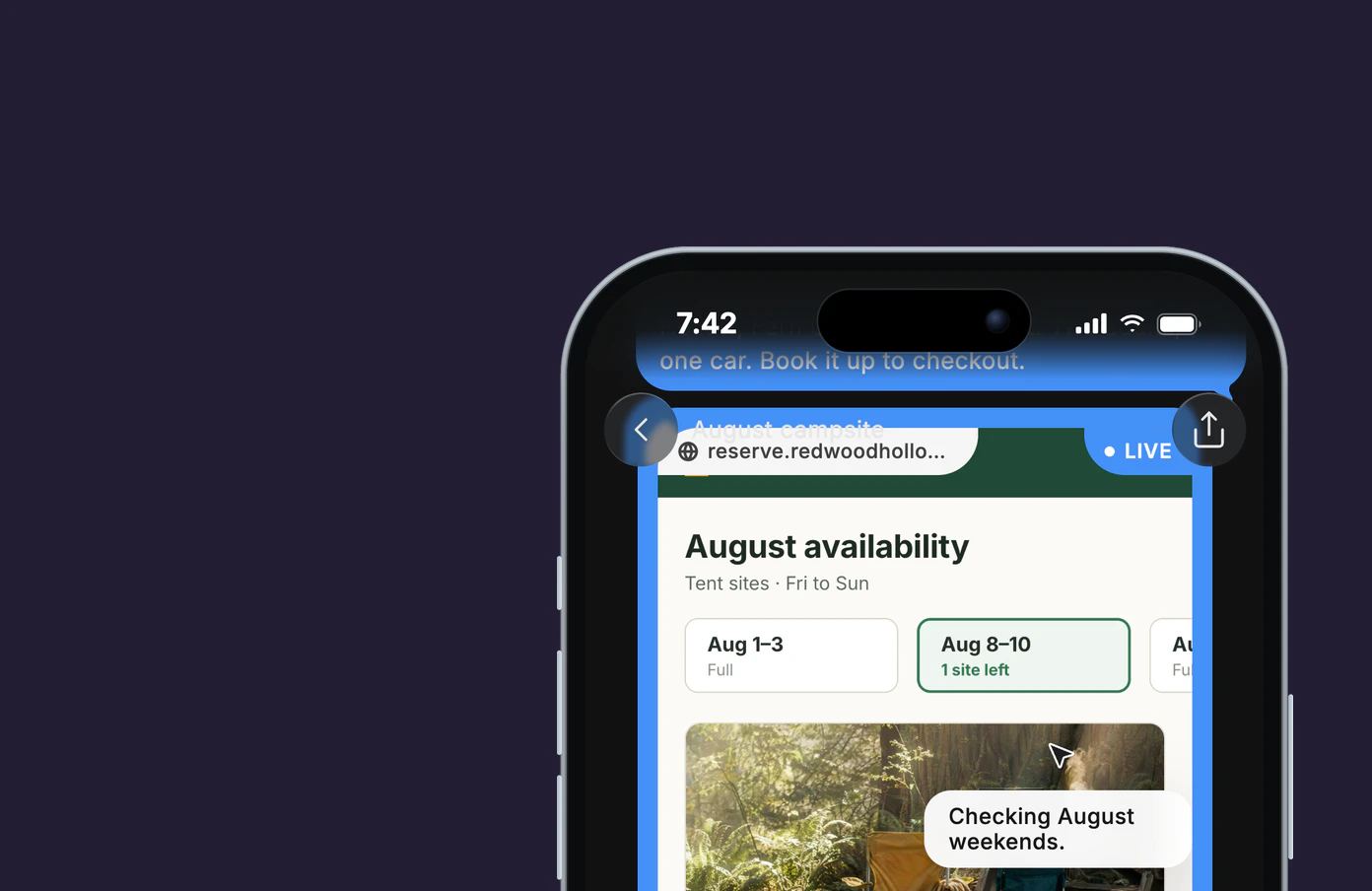
From any screen. Nothing to install.
Dvina’s computer
It made the file.
Two hundred holiday preorders, who has picked up and who hasn’t. Dvina built the sheet in a spreadsheet app on a computer of its own, then handed you the file.

Take the wheel. Watch it work, and take over its computer anytime.
On your Mac
You edit. It fills in.
While you retouch Saturday’s wedding, Dvina copies six new inquiries into your bookings sheet. Its clicks go to the app, never your pointer.


Asks once per app. The first time it uses an app in a chat, it asks you.
⌥Esc to pause. Pause it from the keyboard, or stop it from its bar, anytime.
Notes, Reminders, Calendar. Written in a second, without touching the screen. Adding asks first.
Building an app? It can test it in an iPhone simulator or an Android emulator, tapping through it the way your users will. Code
Searching never asks.
Paying always does.
Ordinary clicks just happen. Your personal details, sending, paying and deleting wait for your OK, every time, and sites you block stay untouched.
Hand it the busywork.
Its browser works from any screen. On your Mac, it uses your apps too. Dvina for Mac, Windows and Linux.
Keep exploring.


Questions? Answers.
Does Dvina act on its own?
Only as far as you allow. Ordinary clicks just happen; your personal details, sending, paying and deleting wait for your OK, every time, and you can say yes from your Lock Screen.
Can I step in?
Anytime. Take over in Dvina’s browser or on its computer; it waits, and carries on when you hand it back. On your Mac, ⌥Esc pauses it and its bar stops it.
Can I see what it did?
Every step shows as it goes, with a picture of each kept for 30 days, and what it made lands in your Library.
Can it learn how I work?
Describe the job in plain language, no code or flowcharts, and turn it into a skill that runs on its own schedule and asks before it publishes. It works from your live context and comes back with the job done, sources attached.
Do I need to install anything?
Not for Dvina’s own browser or computer. To work on your own Mac, or in your PC’s browser on Windows, Dvina for desktop does it.