
People. Add anyone by name, to edit or just view. They hear about it in the app, by push and by email.
Sharing
Same page, any distance.
Your brother in Atlanta adds the grocery run while you sketch the bunks, on one page, at the same time.

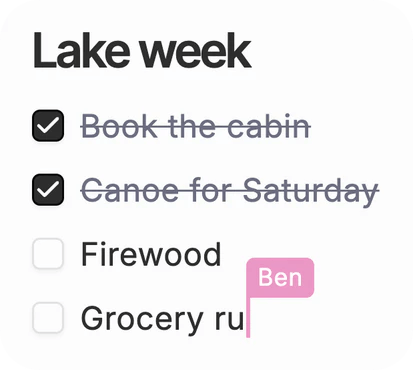
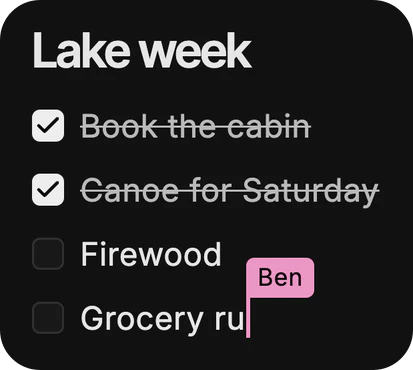
The best plans have
more than one author.

Teams
Share once. Everyone knows.
Send the dog notes to your weekend volunteers at once, so nobody walks Biscuit without reading his page first.
Ask about it
It knows what you’re sent.
Ask about anything shared with you, like the deck a colleague sent, even view-only. Each answer shows its source.


How it works.
Chats, threads, tasks, documents, insights, canvases, folders and databases: everything you make can be shared.
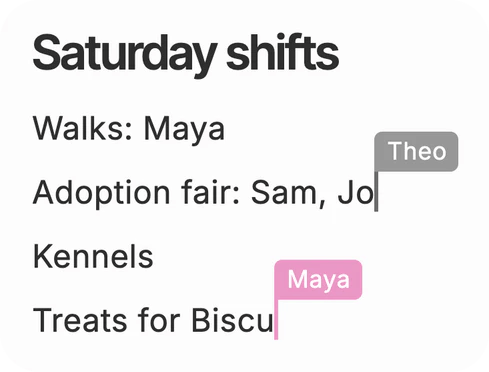
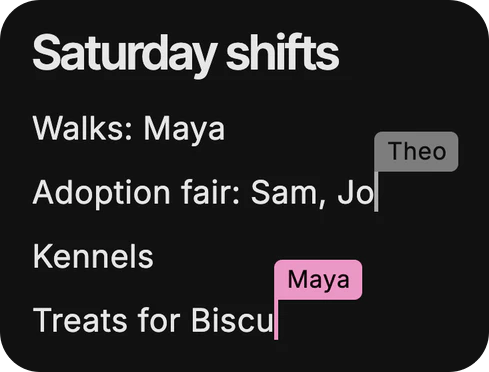
Edit together, live. On a shared canvas you see each other’s cursor and every change as it happens, Dvina’s too.
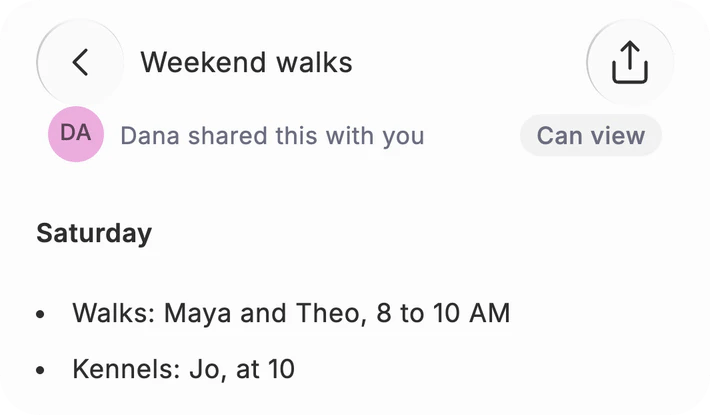
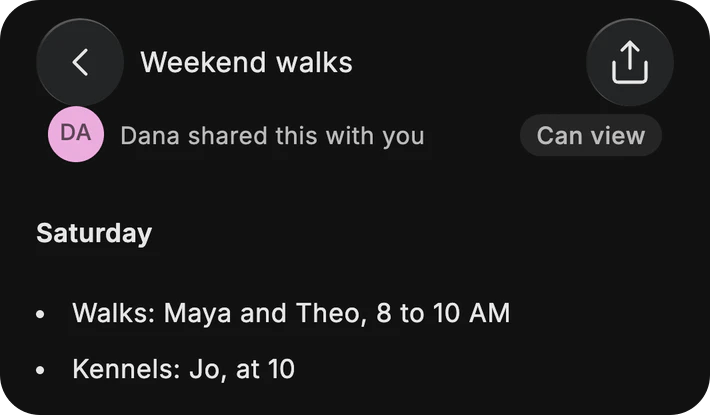
Or just look. Chats, threads and tasks open to view, exactly as shared, with a note saying who shared them.
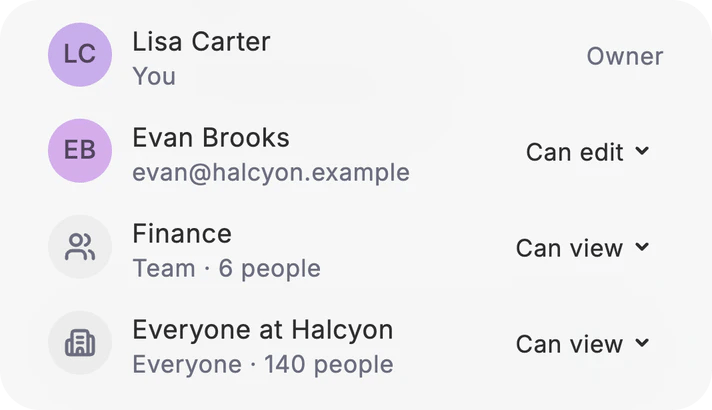
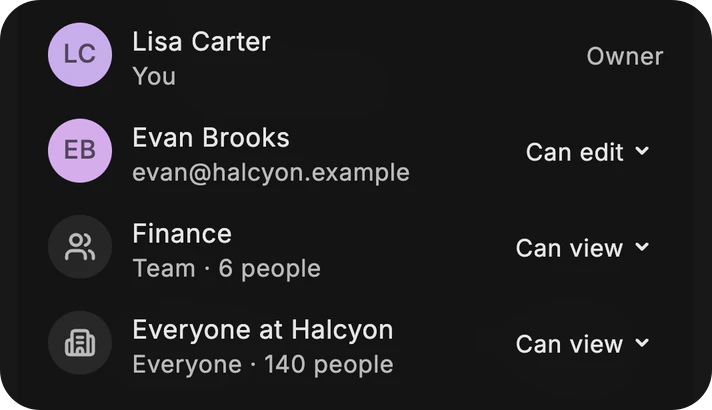
One person, a team, or everyone. Pick people by name, a whole team, or everyone at work, and choose who can edit.
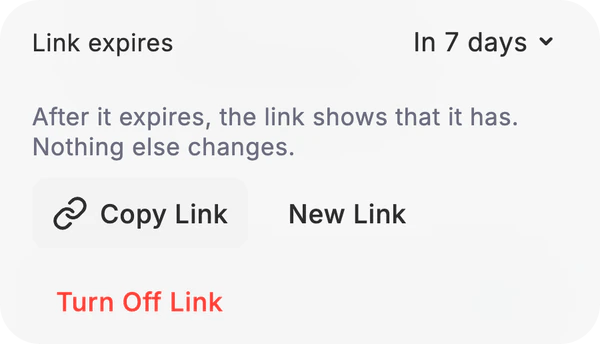
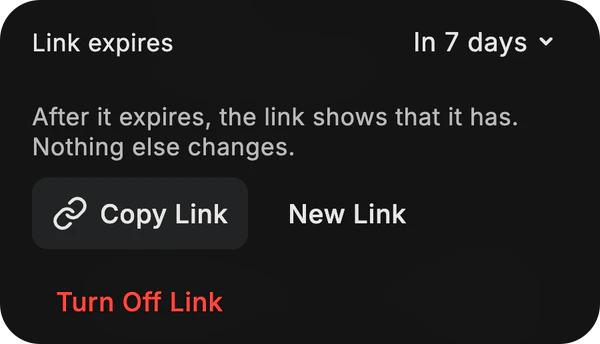
Links that close. A link opens to view only. Let it end in a day, a week or a month, or turn it off.
Who sees it
As many as you choose.
One sheet for people, teams and links.
A team. Share with a whole team at once. Admins make teams in Settings › People.
Everyone. Open it to your whole workspace, with nobody to add by hand. Only the owner changes who can open it.
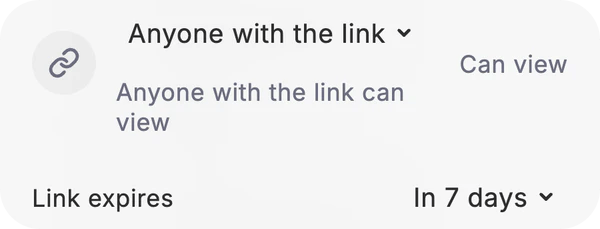
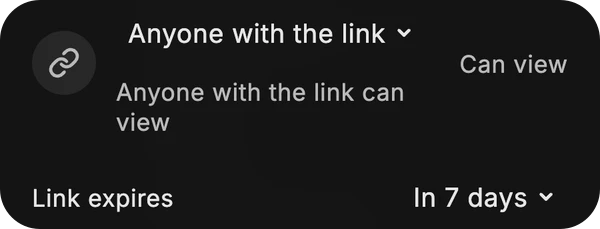
A link. Anyone with it can view, never edit. Let it expire, or turn it off.
Can edit. Work on the same document, insight or canvas. An editor can refresh a shared insight; it runs on the owner’s data.
Shared with you. Everything sent to you, in one place: your Feed, under Shared.
Links
Send it to anyone.
Send the planting plan to clients without Dvina. They can look, and the link closes on its own next week.

Apps
Made in a sentence. Live at a link.
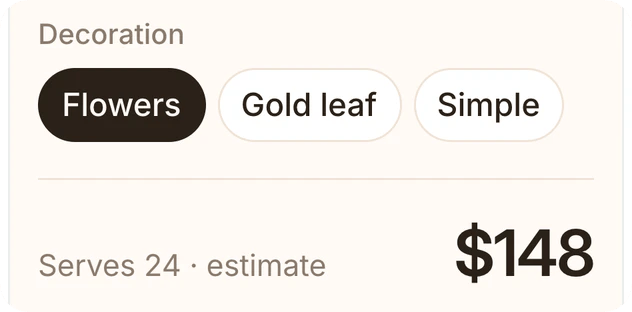
Ask Dvina for a cake price picker and put its link in your bio. Customers price their cake right on their phones.

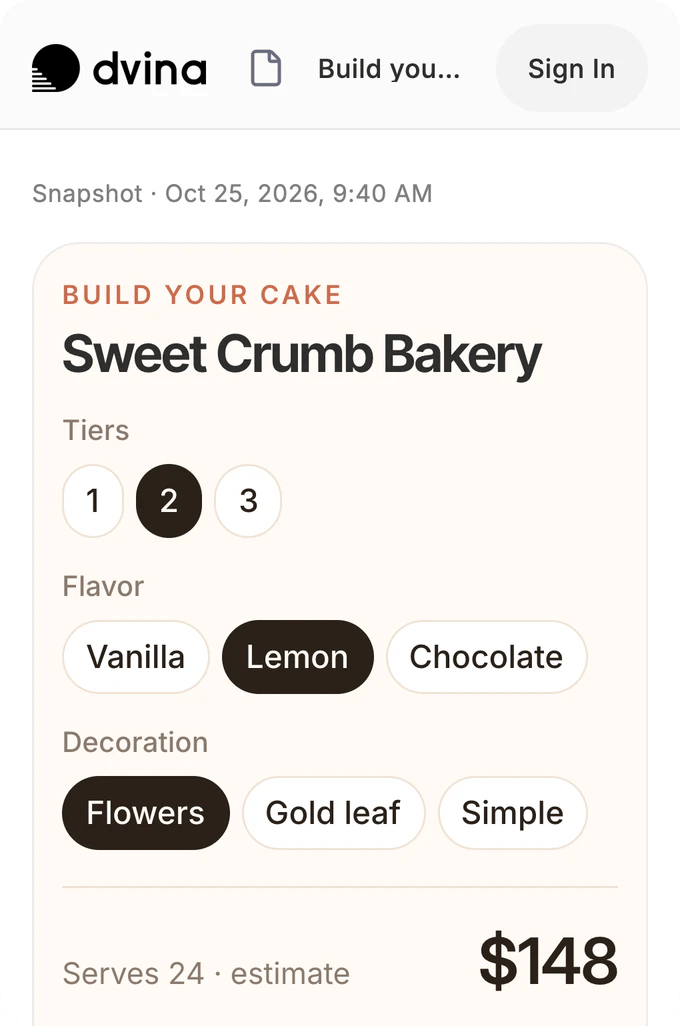
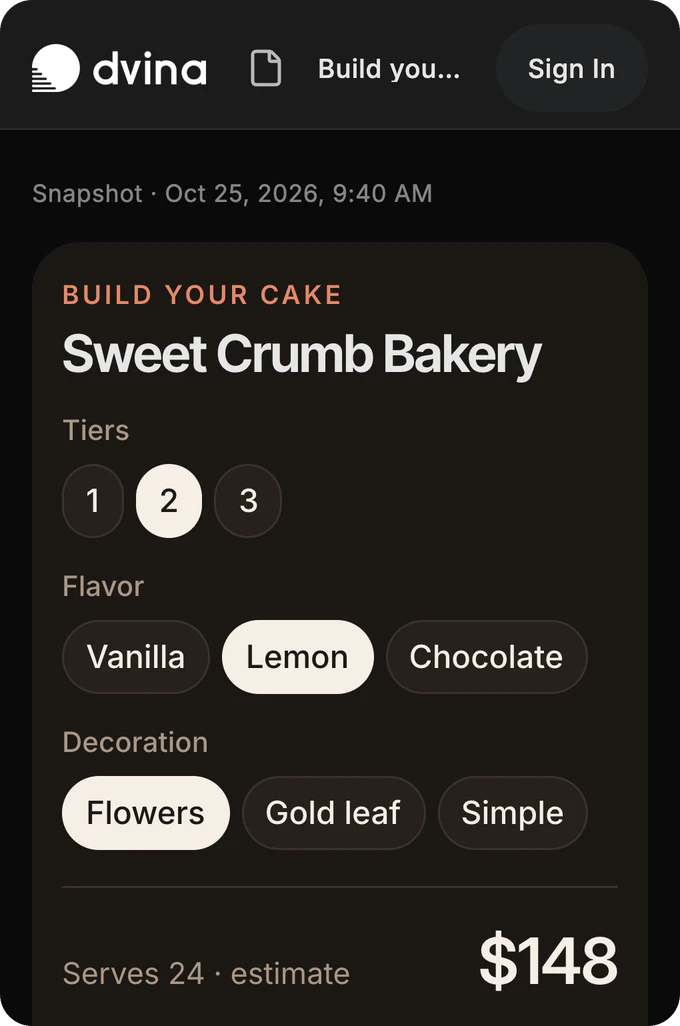
Share it. They make it theirs.
Anyone with the link can open it, no account needed. Make a Copy puts it in their own Dvina to change, and yours stays as it is.
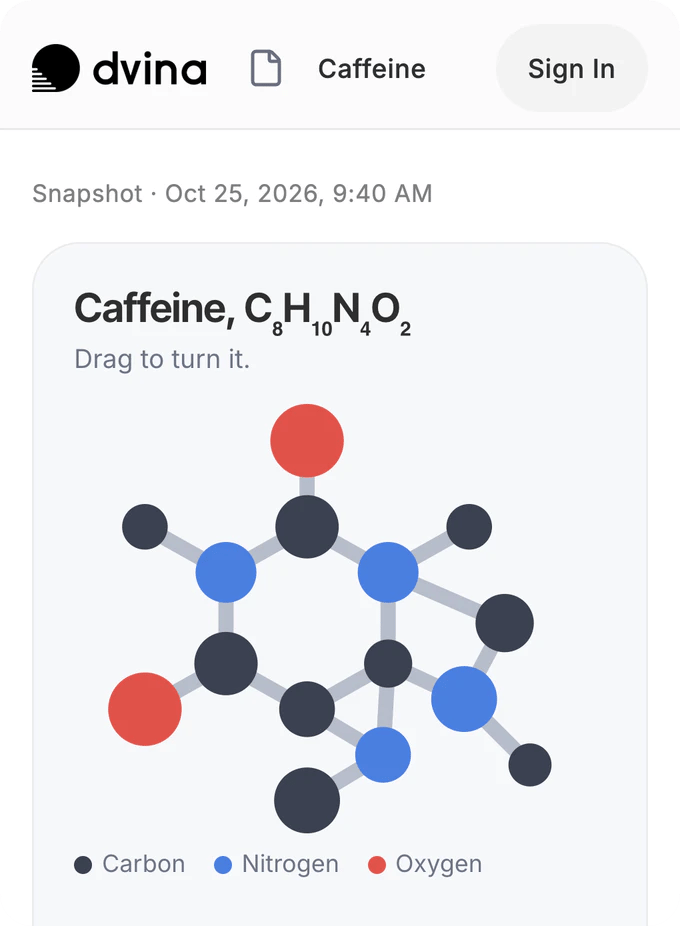
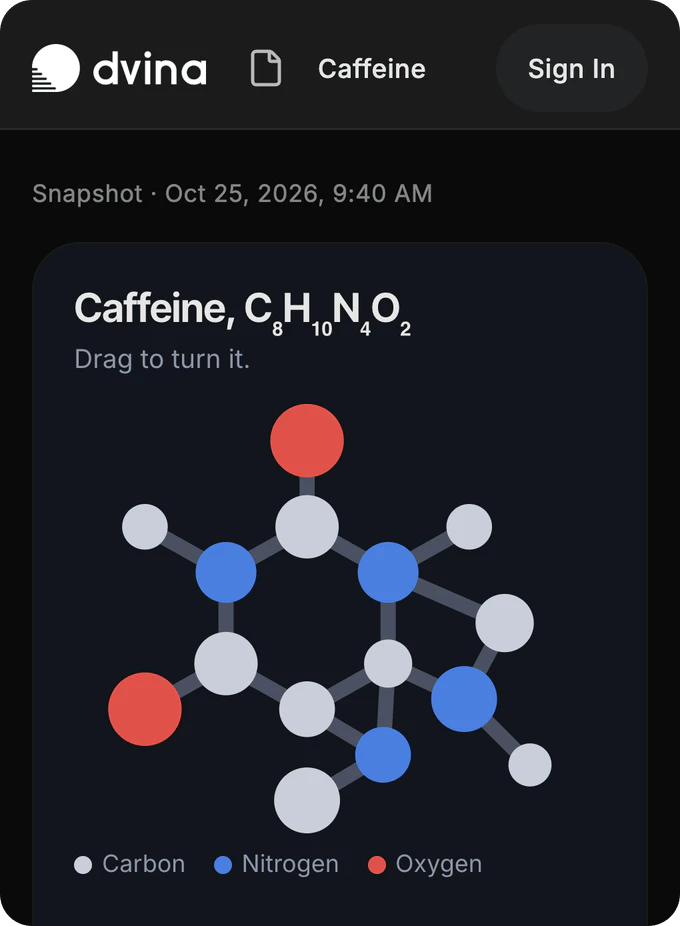
A molecule to turn. Ms. Alvarez shares caffeine with her class, and every student turns it on their own screen.
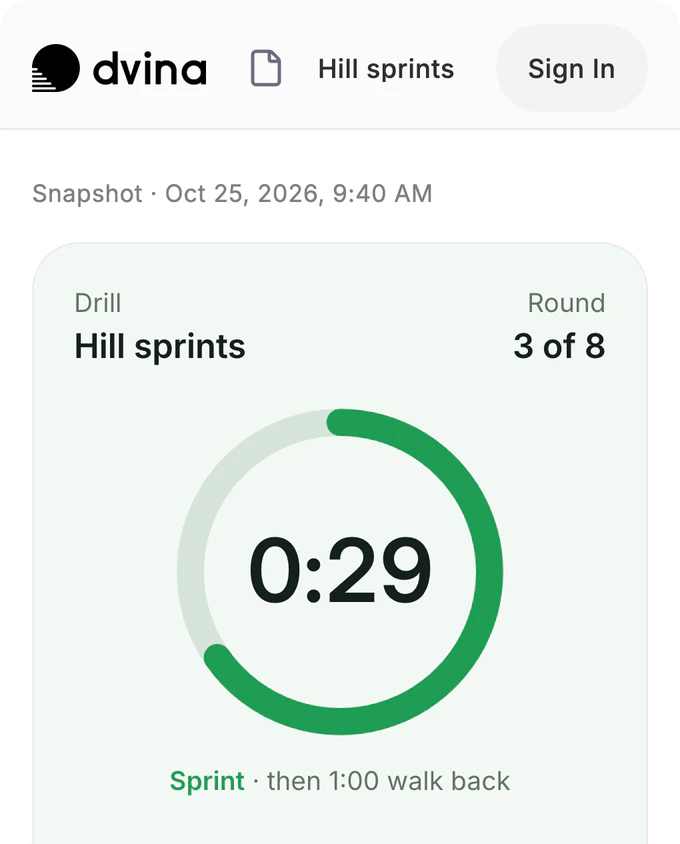
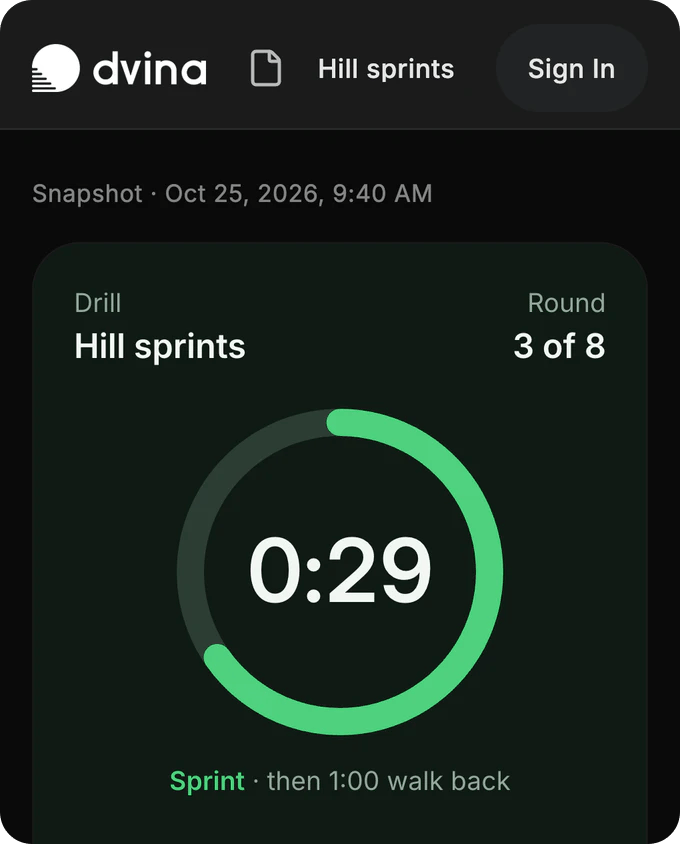
A timer for the drill. Coach Bennett’s hill sprints, round by round, open on every phone at practice.
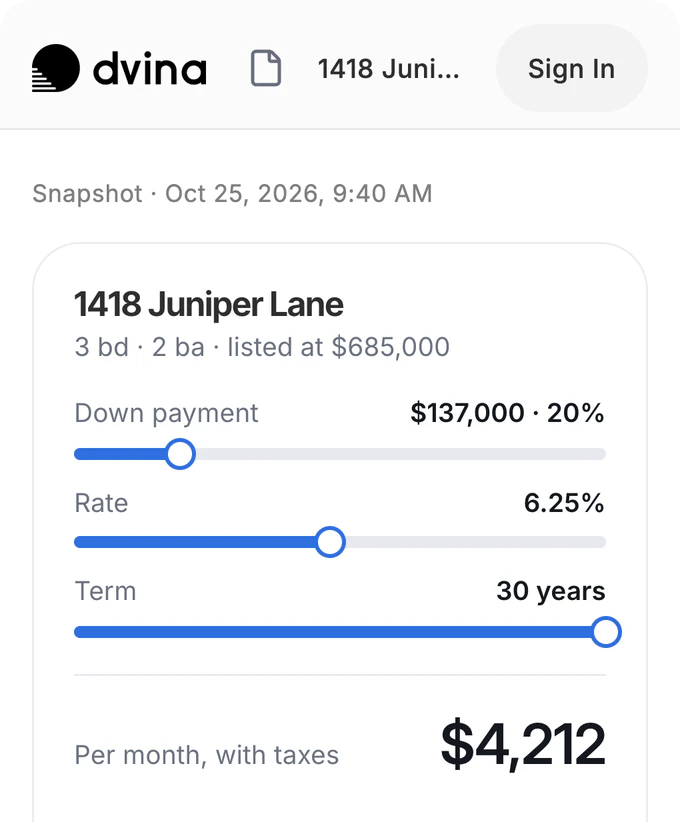
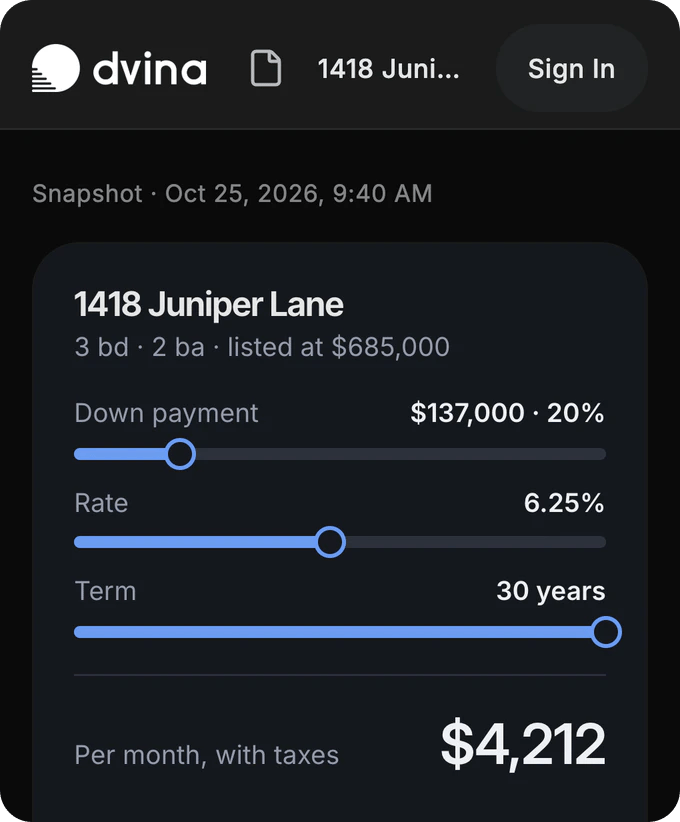
A payment for every listing. Rachel adds a calculator to each listing, so buyers see the monthly cost before they call.
Artboards
Your project’s space.
Photos, notes, plans and screens on one board, shared with everyone working on it. Dvina knows what’s on it and answers from it.


Kitchen photos, the floor plan and three quotes on one board. Ask which quote wins, and Dvina sets the comparison beside them.
Yours to share.
Yours to take back.
You decide what leaves. Remove someone or turn a link off, and their access ends right away.
Public links only if you allow them. On Enterprise, admins can turn them off for everyone.
Sharing that stays inside. On Enterprise, admins can keep sharing inside your workspace and revoke everything shared outside at once.
Links that expire on their own. In a day, a week or a month.
Better with everyone in it.
Share your first chat, document or insight in a tap.
Start freeKeep exploring.

Questions? Answers.
Can I share with someone who doesn’t use Dvina?
Send them a link: anyone with it can view. To share by name, with a person or a team, they need a Dvina account.
What can other people change?
People who can edit change documents, insights and canvases. Chats, threads, tasks and databases are shared to view.
Can Dvina answer from what’s shared with me?
Yes, from anything shared with you, even when you can only view it: the deck a colleague sent, last week’s thread, the table your team keeps. The answer shows its source.
How do I stop sharing?
Remove someone from the Share sheet, or turn the link off. Their access ends right away.
Can my company limit sharing?
Yes. On Enterprise, admins can turn public links off, keep sharing inside the workspace, and review everything shared outside.
Where do things shared with me show up?
In your Feed, under Shared, with who sent each one. When someone shares with you by name, you hear about it in the app, by push and by email.