Continuity

Think it the
moment it comes.

On a break, in a cab, halfway up a ladder. Say it to whatever's in reach, and Dvina carries it to every screen you own, your own computer included.

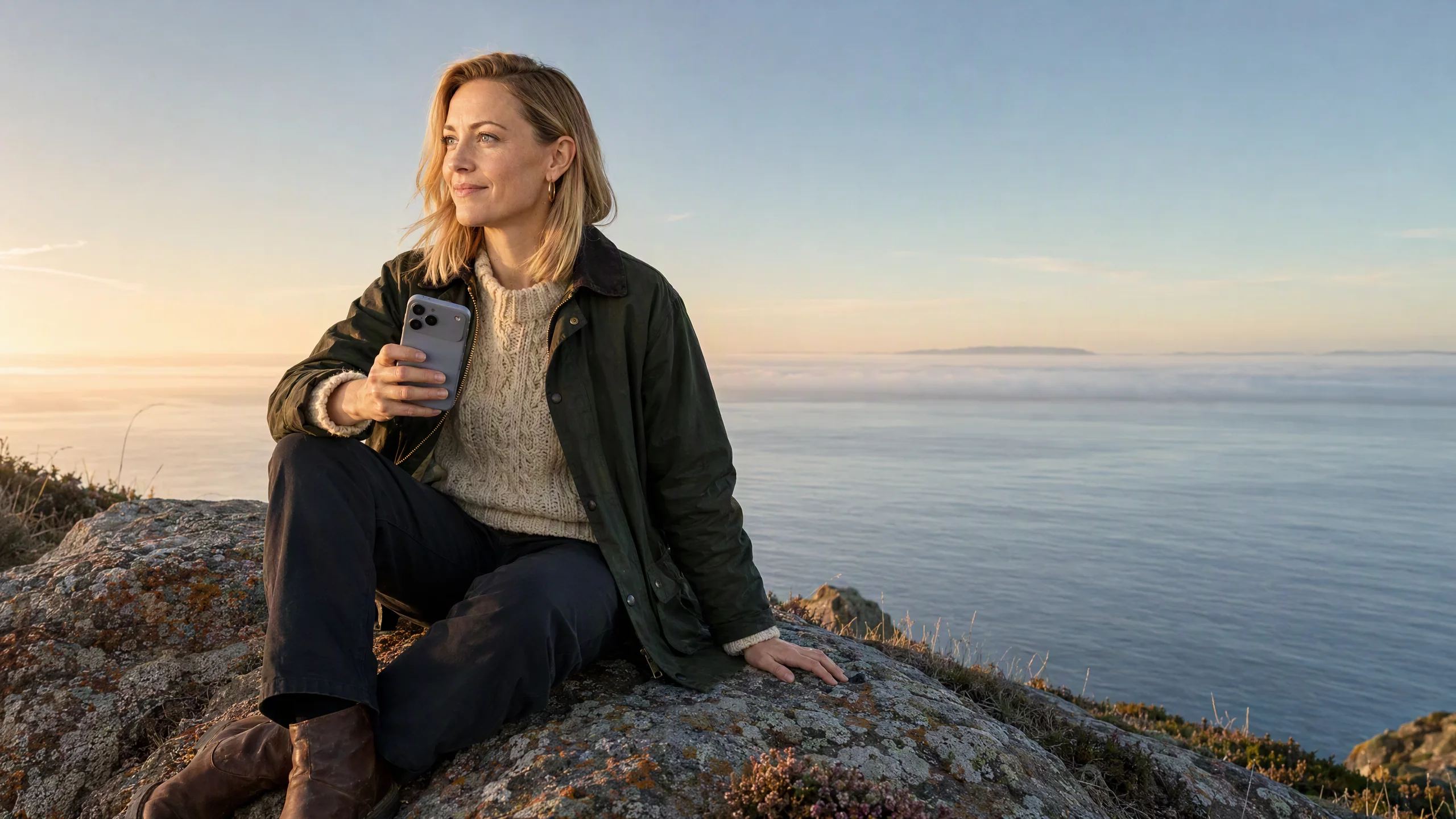
A developer on a coffee break outside a brick office building, a paper cup in one hand, typing on his phone with a half smile.

Thinking doesn't
clock out.

Your Mac, from your phone

Your Mac keeps
working for you.

Away from your desk, tell your phone or your watch to run the tests on your Mac and fix what fails. It works on your own computer, in your own files, and it's done by the time you're back.

A MacBook Pro running the tests in Terminal, Dvina's bar saying Dvina is using your Mac, and an iPhone with the ask Run the tests on my Mac and fix what fails. under it Your Mac: Fixing checkout, 1 test left.A MacBook Pro running the tests in Terminal, Dvina's bar saying Dvina is using your Mac, and an iPhone with the ask Run the tests on my Mac and fix what fails. under it Your Mac: Fixing checkout, 1 test left.

Your Mac needs to be on, with Dvina open.
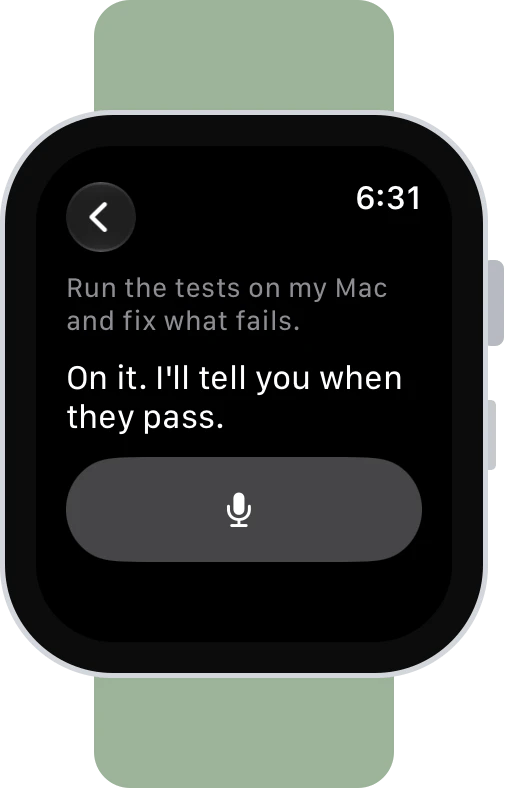
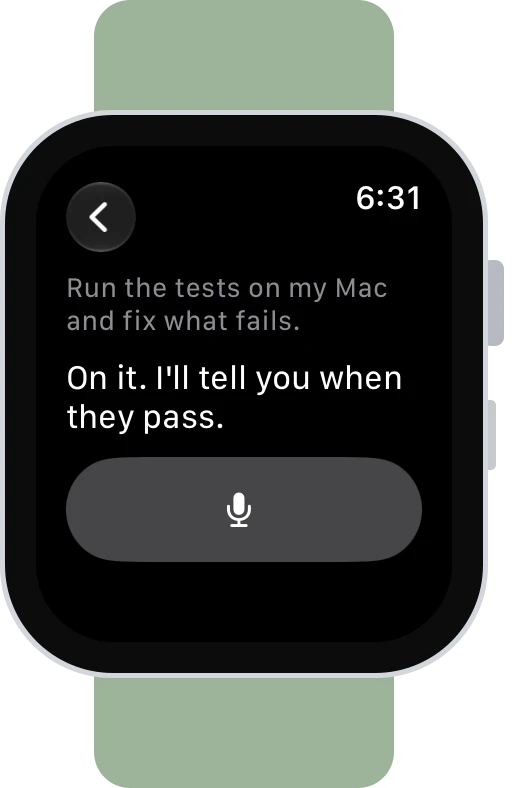
  • Ask on an Apple Watch: Run the tests on my Mac and fix what fails. On it. I'll tell you when they pass.Ask on an Apple Watch: Run the tests on my Mac and fix what fails. On it. I'll tell you when they pass.

    Say it to your watch. Tap Ask and say it. The tests run on your Mac while you finish your coffee.
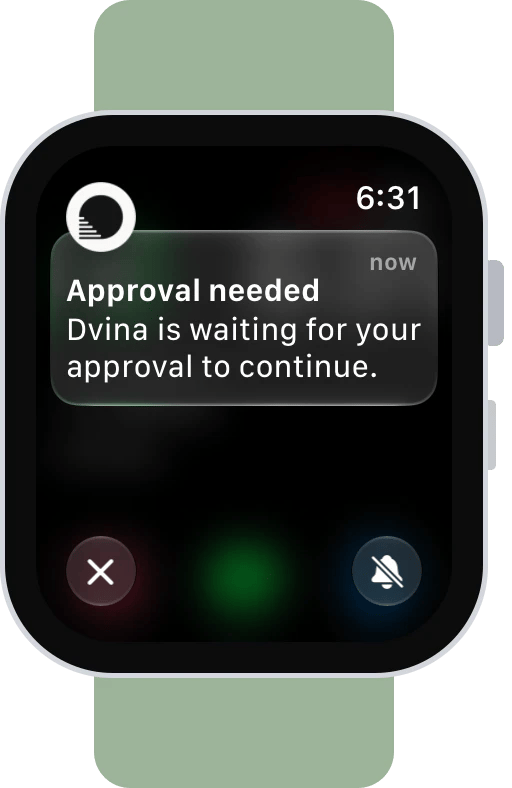
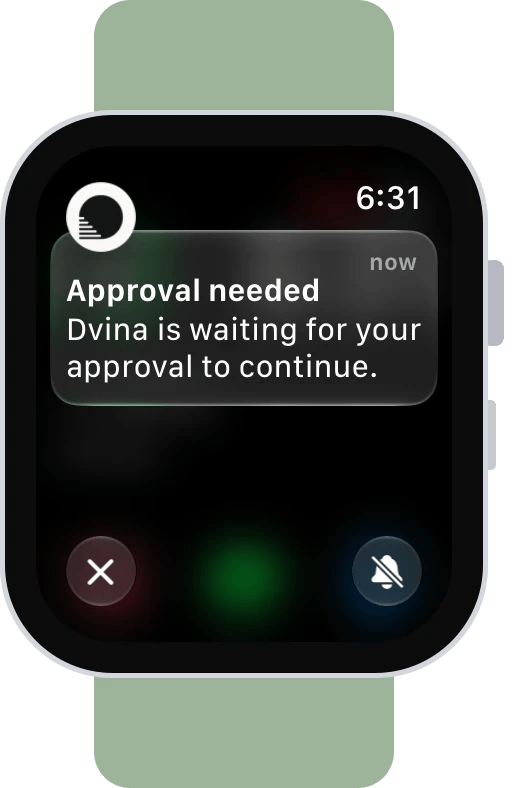
  • A Dvina notification on an Apple Watch: Approval needed. Dvina is waiting for your approval to continue.A Dvina notification on an Apple Watch: Approval needed. Dvina is waiting for your approval to continue.

    Approve it on your wrist. When the fix needs your yes, it reaches your watch. One tap, and your Mac carries on.

Your files, from anywhere

Ask about the file you left behind.

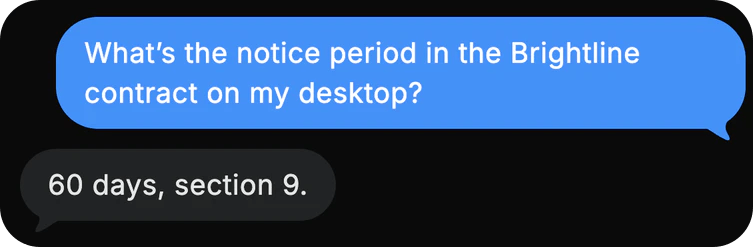
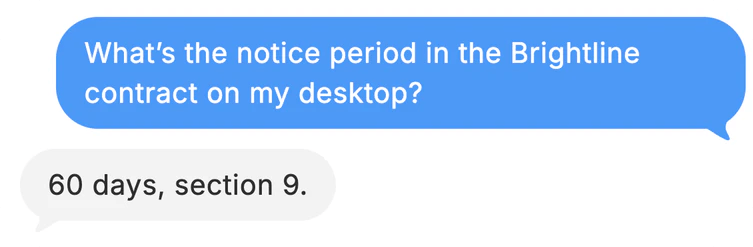
The signed contract is on your desktop and you're in a cab to the meeting. Ask your phone what the notice period is. Dvina reads it on your computer and answers.

A marketing lead in a red coat in the back seat of a cab in the rain, reading her phone with a small, relieved smile, a folio on her lap.
Dvina on a phone: What's the notice period in the Brightline contract on my desktop? 60 days, section 9.Dvina on a phone: What's the notice period in the Brightline contract on my desktop? 60 days, section 9.

Handoff

It's already there.

Ask on your Mac before you leave the studio. Close the lid mid-answer and step onto the job site: your iPhone opens on the same reply, still writing.

A MacBook Pro and an iPhone with the same Dvina reply to What did the zoning board change for 418 Oak? The Mac shows The board changed three things and the height; the iPhone shows the creek setback too.A MacBook Pro and an iPhone with the same Dvina reply to What did the zoning board change for 418 Oak? The Mac shows The board changed three things and the height; the iPhone shows the creek setback too.
A luthier clamping a spruce cello top at her bench in a sunlit workshop, violins on the wall, her watch lit on her wrist.

On your wrist

Hands full.
Wrist free.

Both hands on a cello top while the glue sets? What Dvina noticed lands on your wrist, and one tap tells it to prepare the rest.

Apple Watch and Wear OS

The same card. Any watch.

Glance, tap, done. Apple Watch or Galaxy Watch, the card Dvina prepared looks the same and works the same. Answer it on one, and it's answered everywhere.

An Apple Watch and a Galaxy Watch on Wear OS, both showing Dvina noticed: 3 cracks. Same practice room., with Prepare it? and Later.An Apple Watch and a Galaxy Watch on Wear OS, both showing Dvina noticed: 3 cracks. Same practice room., with Prepare it? and Later.

How it works.

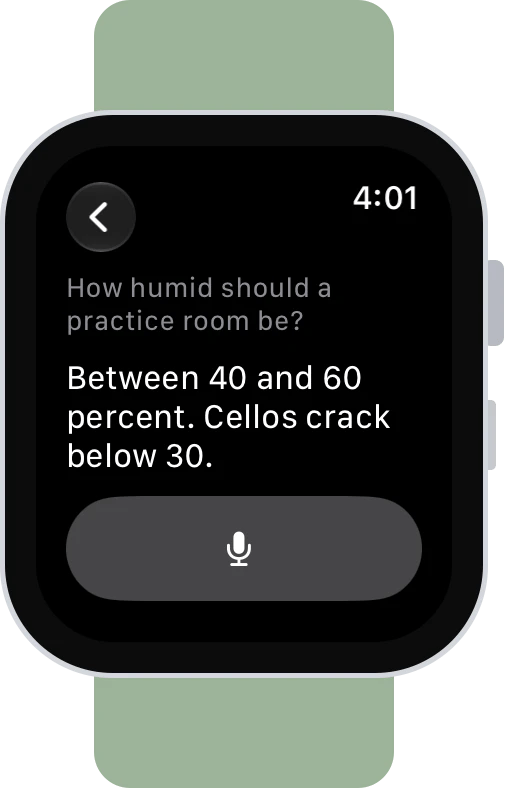
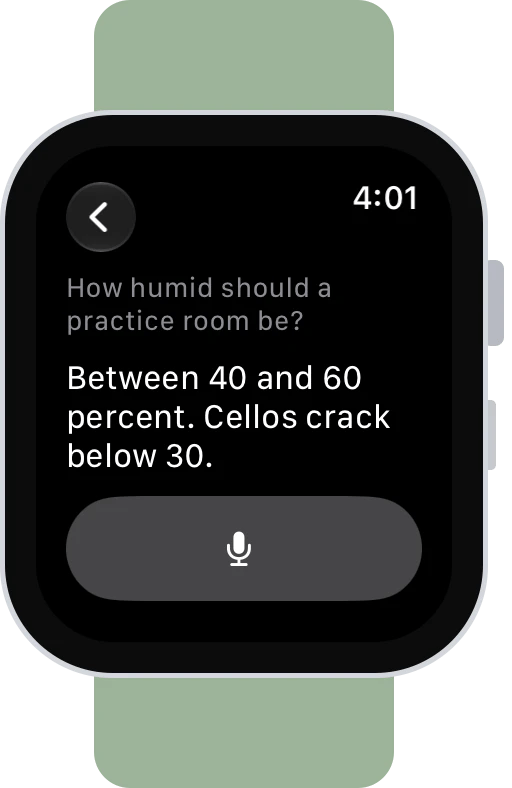
  • Ask on an Apple Watch: How humid should a practice room be? Between 40 and 60 percent. Cellos crack below 30.Ask on an Apple Watch: How humid should a practice room be? Between 40 and 60 percent. Cellos crack below 30.

    Ask out loud. Tap Ask on your watch, then just speak. The answer appears right on your wrist.
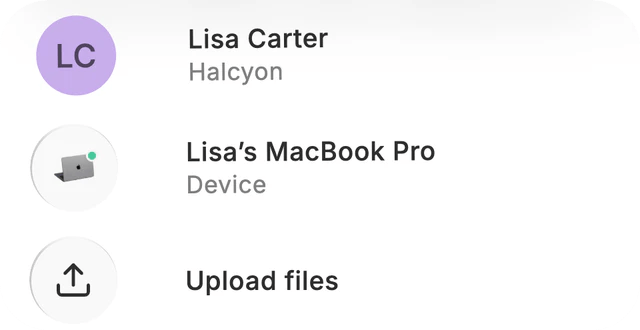
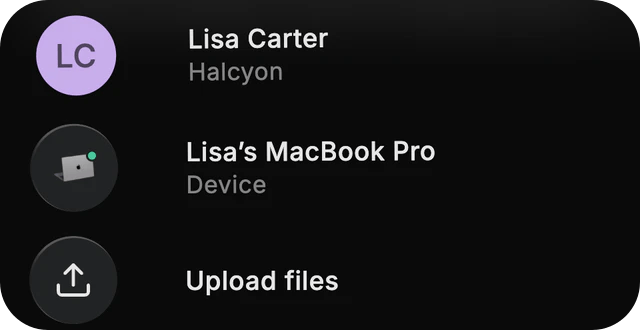
  • The chat's menu on a phone: Lisa Carter, Lisa's MacBook Pro as the chat's device, and Upload files.The chat's menu on a phone: Lisa Carter, Lisa's MacBook Pro as the chat's device, and Upload files.

    Your computer, any screen. Point a chat at your Mac or PC once. From then on, ask from your phone or the web, and the work happens there.
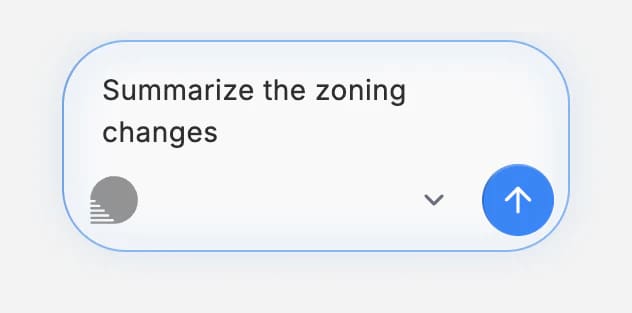
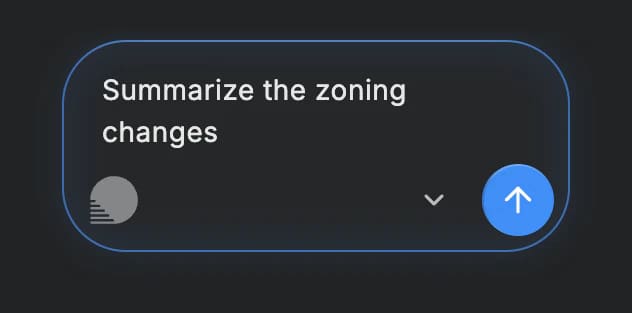
  • Dvina's bar on a Mac with Summarize the zoning changes typed.Dvina's bar on a Mac with Summarize the zoning changes typed.

    Over any app. Press Option-Space on a Mac or Alt-Space on Windows. Ask, or hand off a task, without leaving your work.
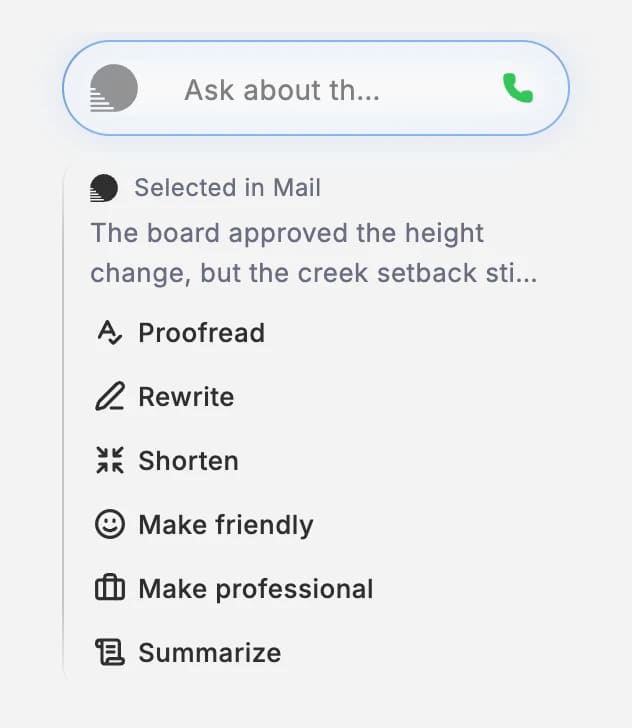
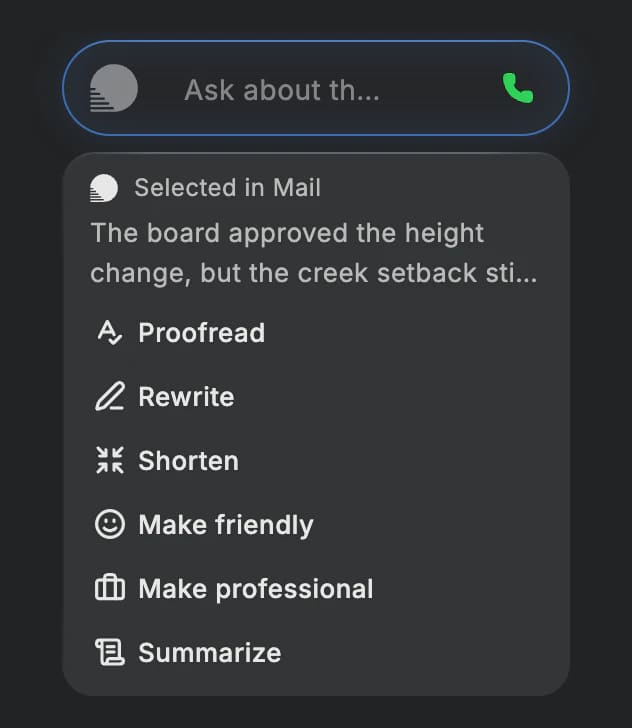
  • Dvina's bar over a paragraph selected in Mail, with Proofread, Rewrite, Shorten, Make friendly, Make professional and Summarize.Dvina's bar over a paragraph selected in Mail, with Proofread, Rewrite, Shorten, Make friendly, Make professional and Summarize.

    From any page. Select text on iPhone, iPad, Android or a Mac and choose Ask Dvina. On a Mac, it can rewrite what you've selected, too.

Morning on a whitewashed table: a laptop, a tablet, two phones and two watches on their chargers, screens dark, a cup of coffee.

Everywhere

Whichever
you carry.

iPhone and iPad, Android, Mac, Windows and Linux, any browser, Apple Watch and Wear OS. Dvina is the same on every one, and picks up where you left off.

Same Dvina. Same privacy.
Every screen.

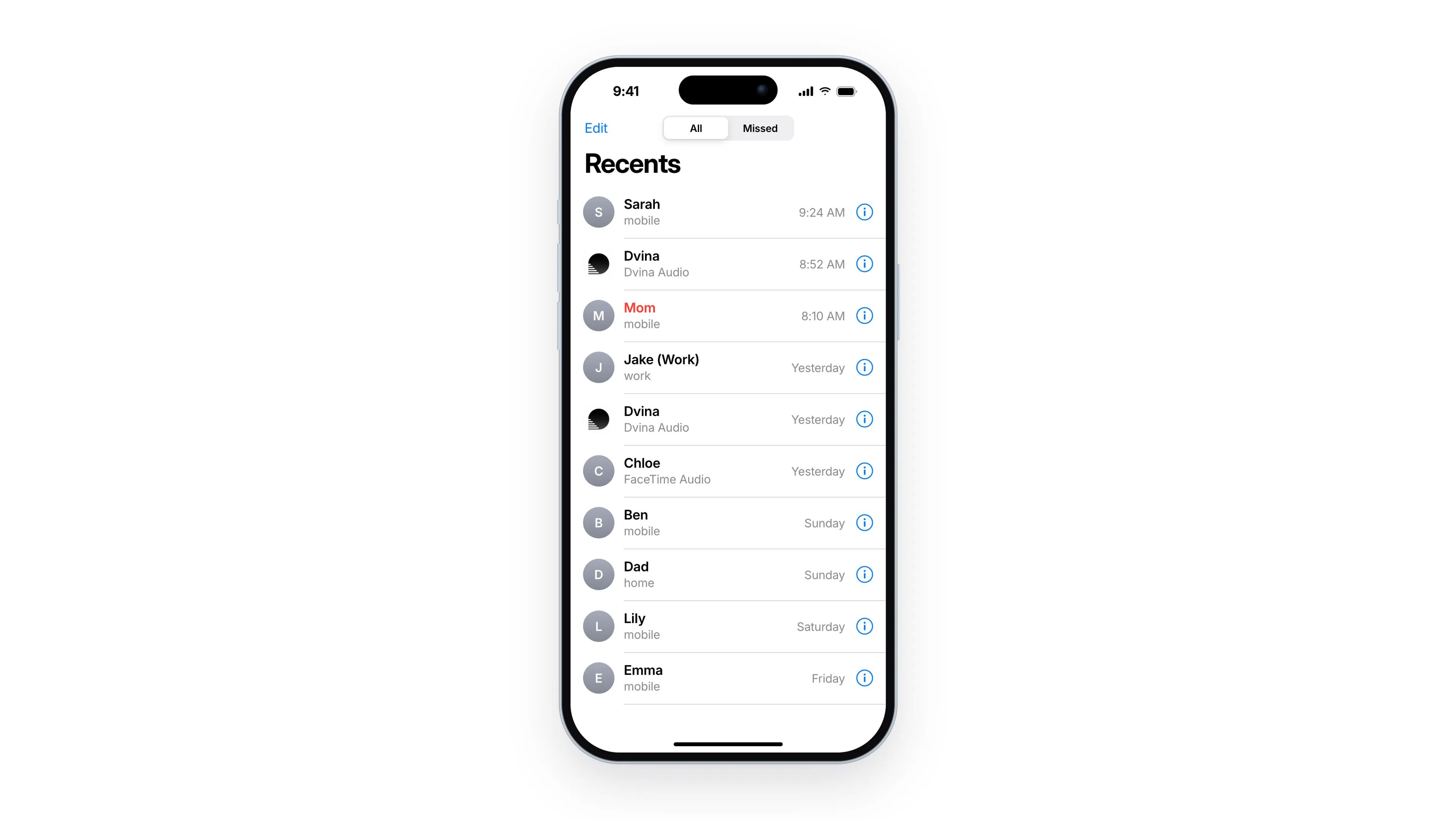
Masking happens before the AI sees anything, whichever device you ask from. Reading a file on your computer asks first.
Privacy

One Dvina.
Wherever you are.

Download Dvina

Keep exploring.

Questions? Answers.

Does my computer need to be on?
Yes: awake, online, with Dvina open. If it isn't, Dvina tells you, and its own browser and computer still work.
Can I use Dvina from my watch?
Yes. Ask by voice from your Apple Watch or Wear OS watch, and approve what arrives on your wrist. With your computer connected, the work runs there.
Do the watch apps need my phone?
Yes. Apple Watch works with the iPhone app and Wear OS with the Android app; your phone signs the watch in.
Will what I typed on my laptop show up on my phone?
Everything you send does: your chats, tasks, files and memory. A message you haven't sent yet stays on the device you typed it on.
Can it work with what's on my screen?
On a Mac it works with what you've selected in any app, and it can use your own apps for you.