


Many at once. No limit, no waiting line.
Tasks
Hand it off.
It's handled.
Give Dvina real work: compare the bids, write the proposal, clean up last quarter's numbers. It keeps working in the background while you get on with your day.
Give it the big stuff.
Get the highlights.
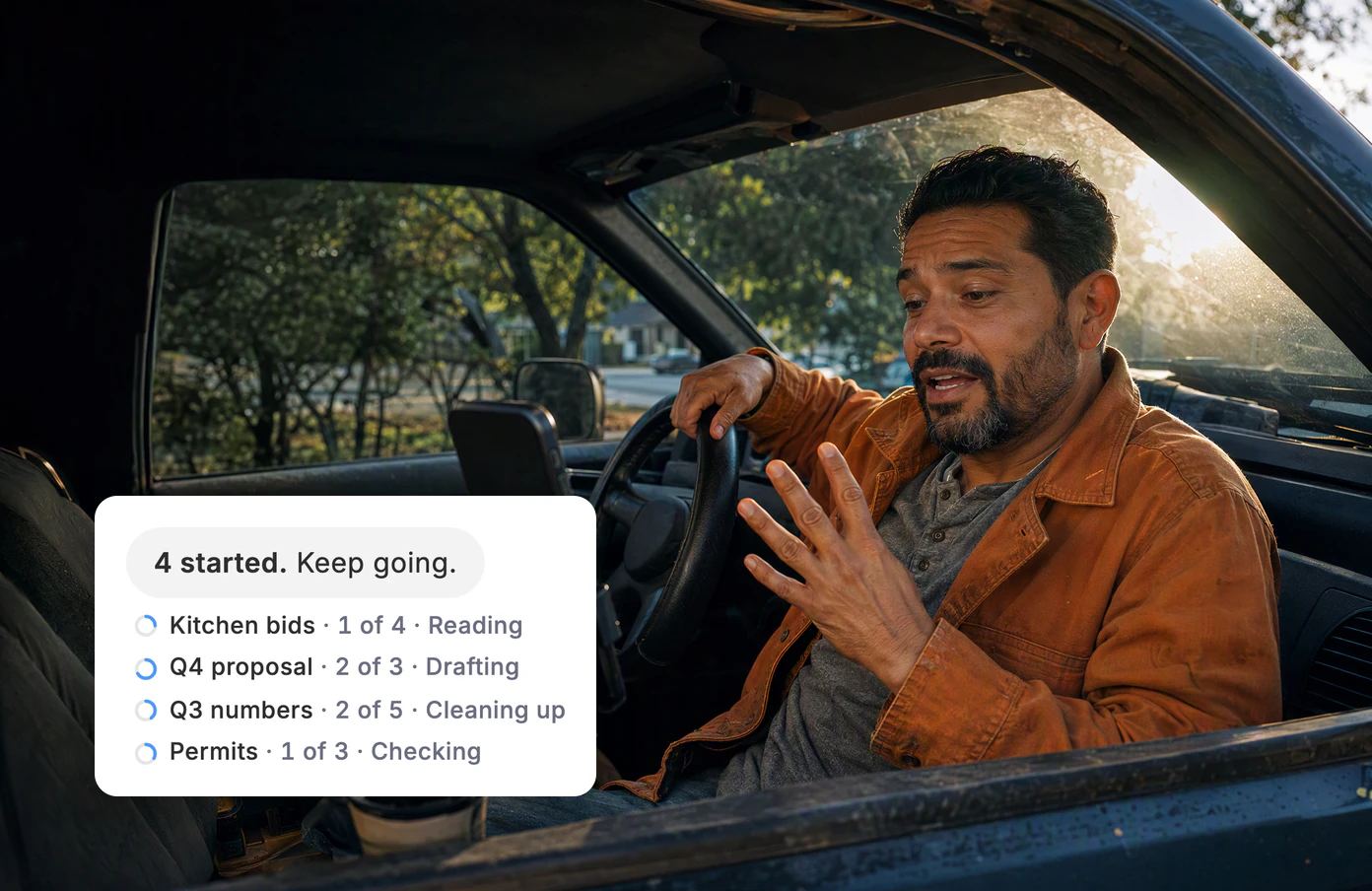
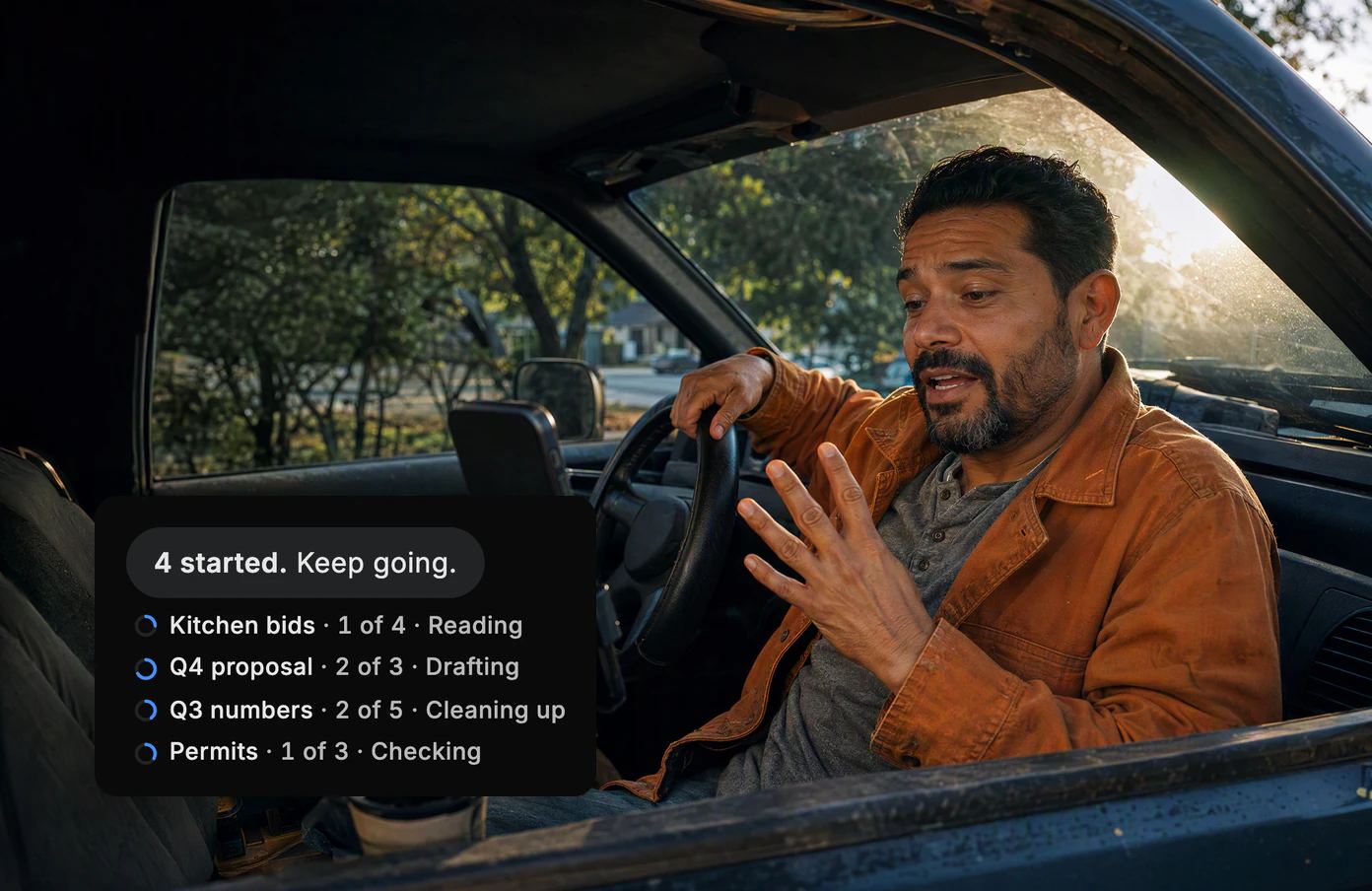
Start four at once.
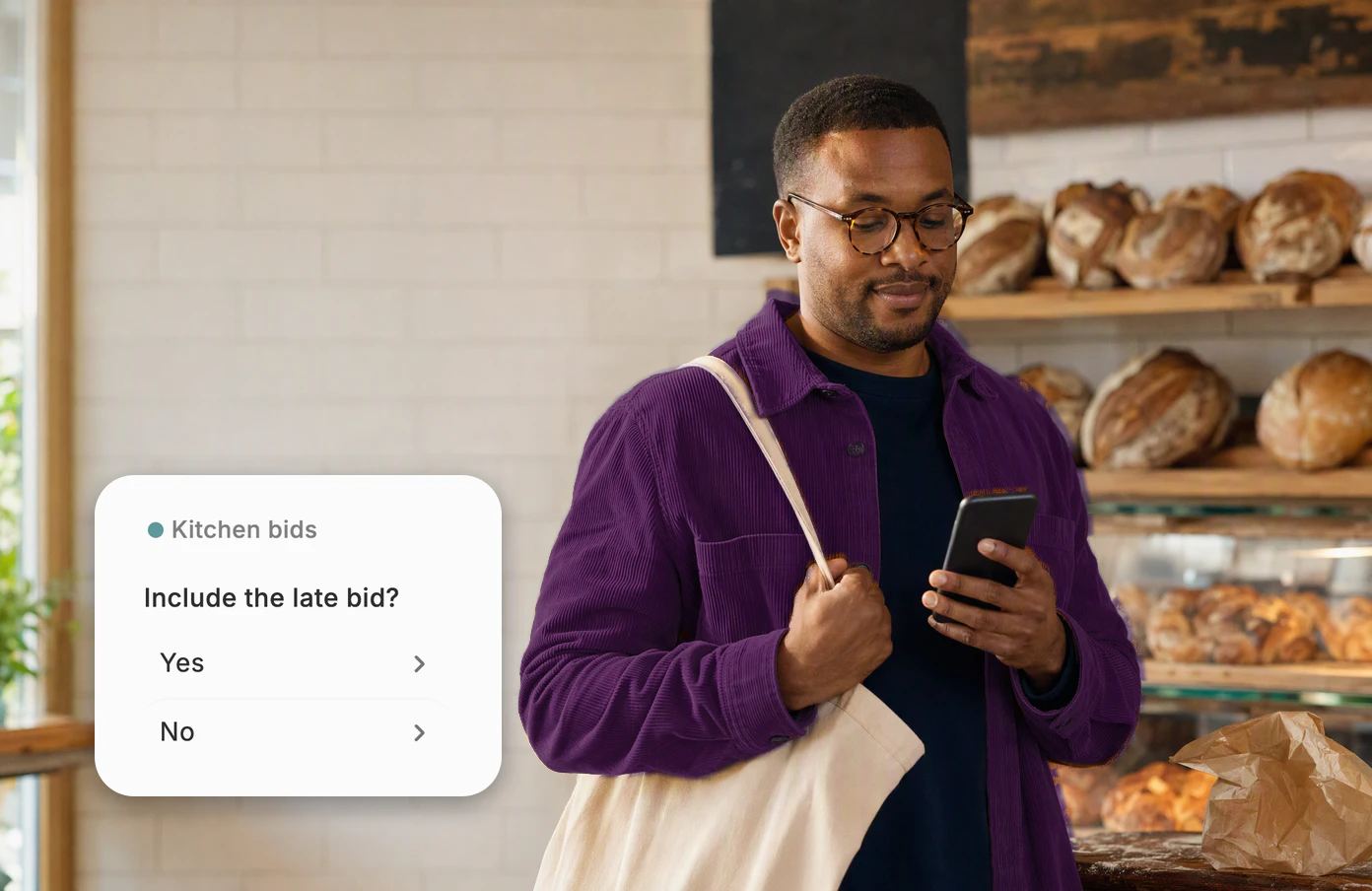
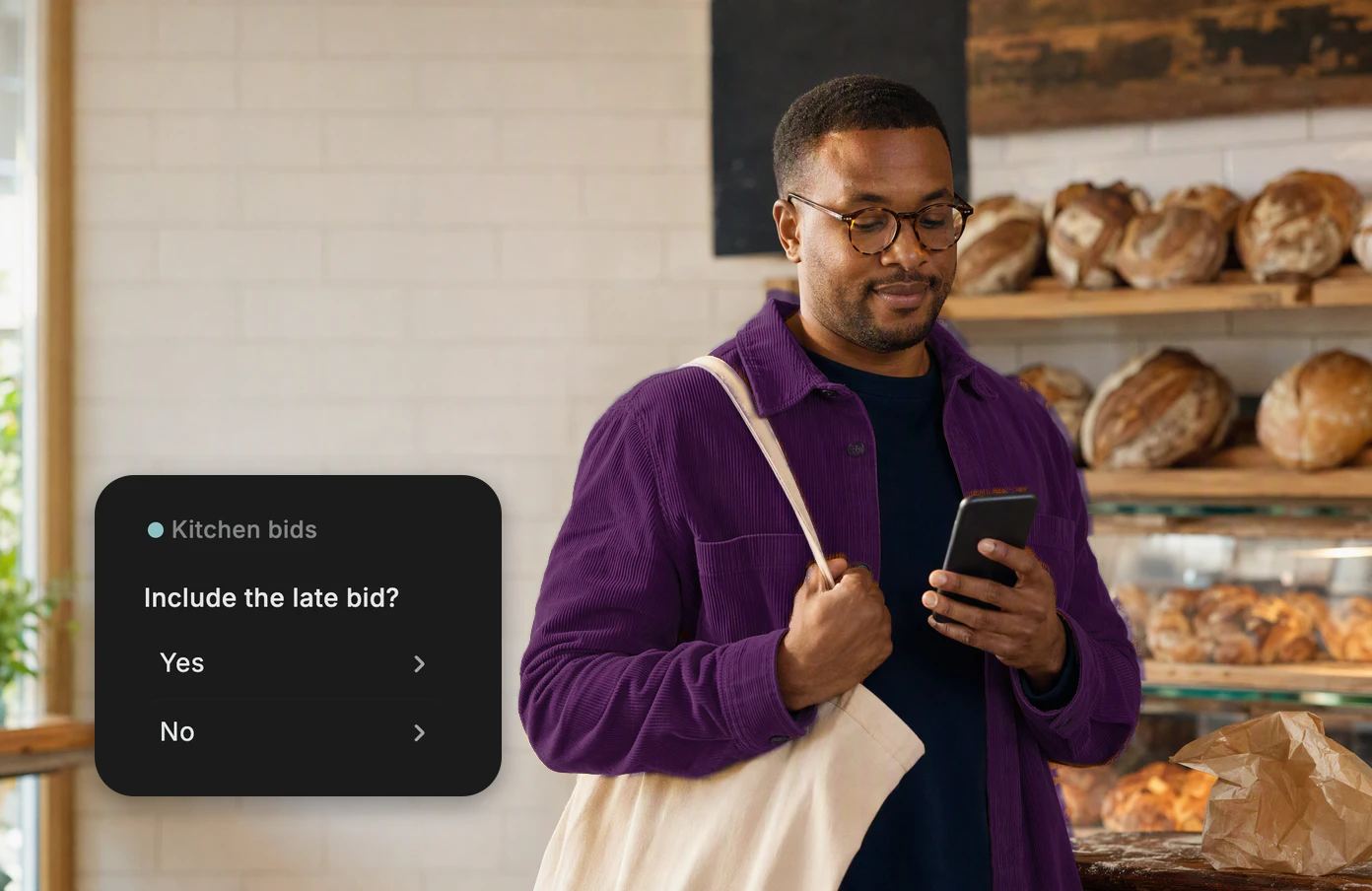
It asks only when it must.
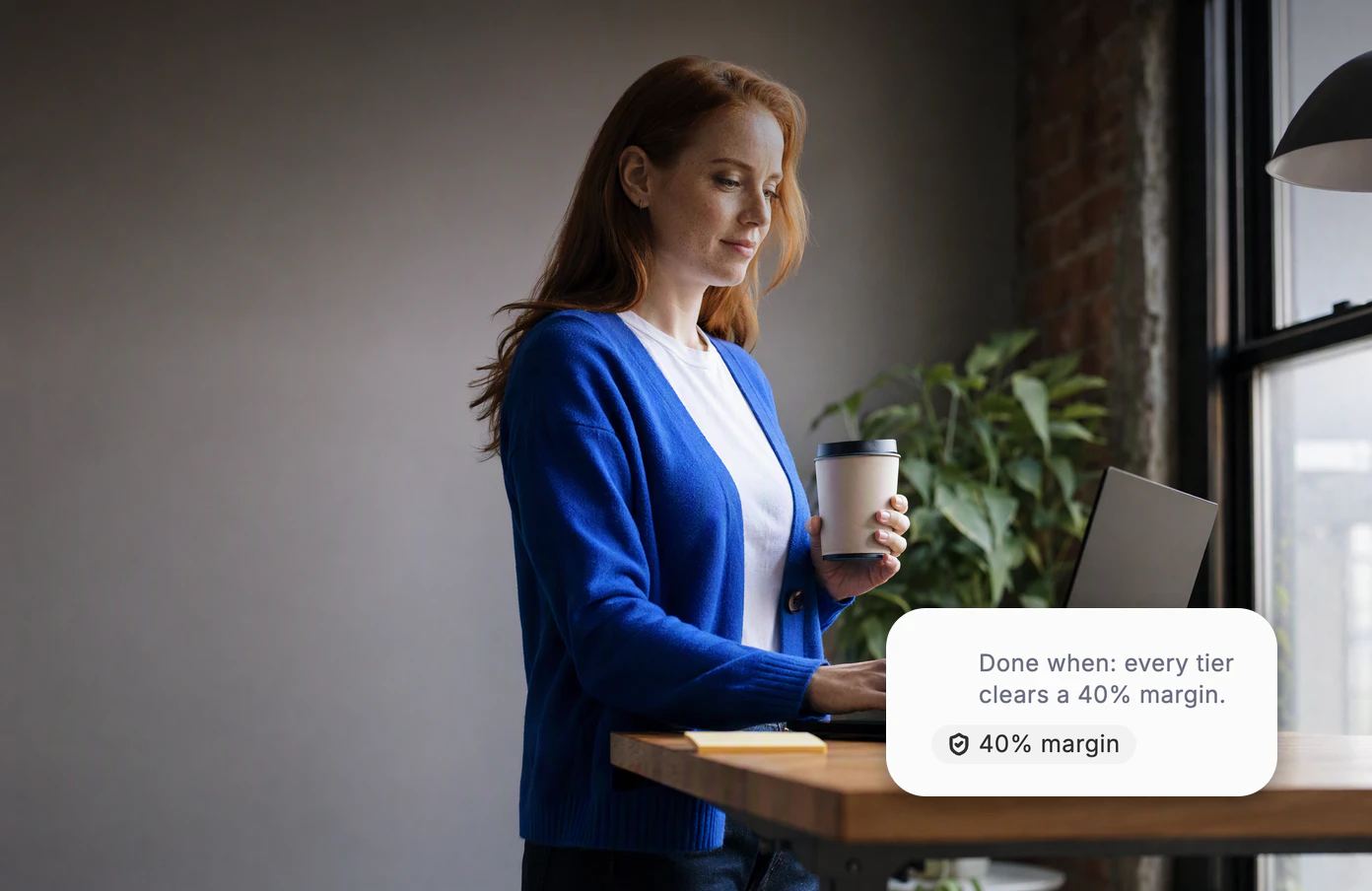
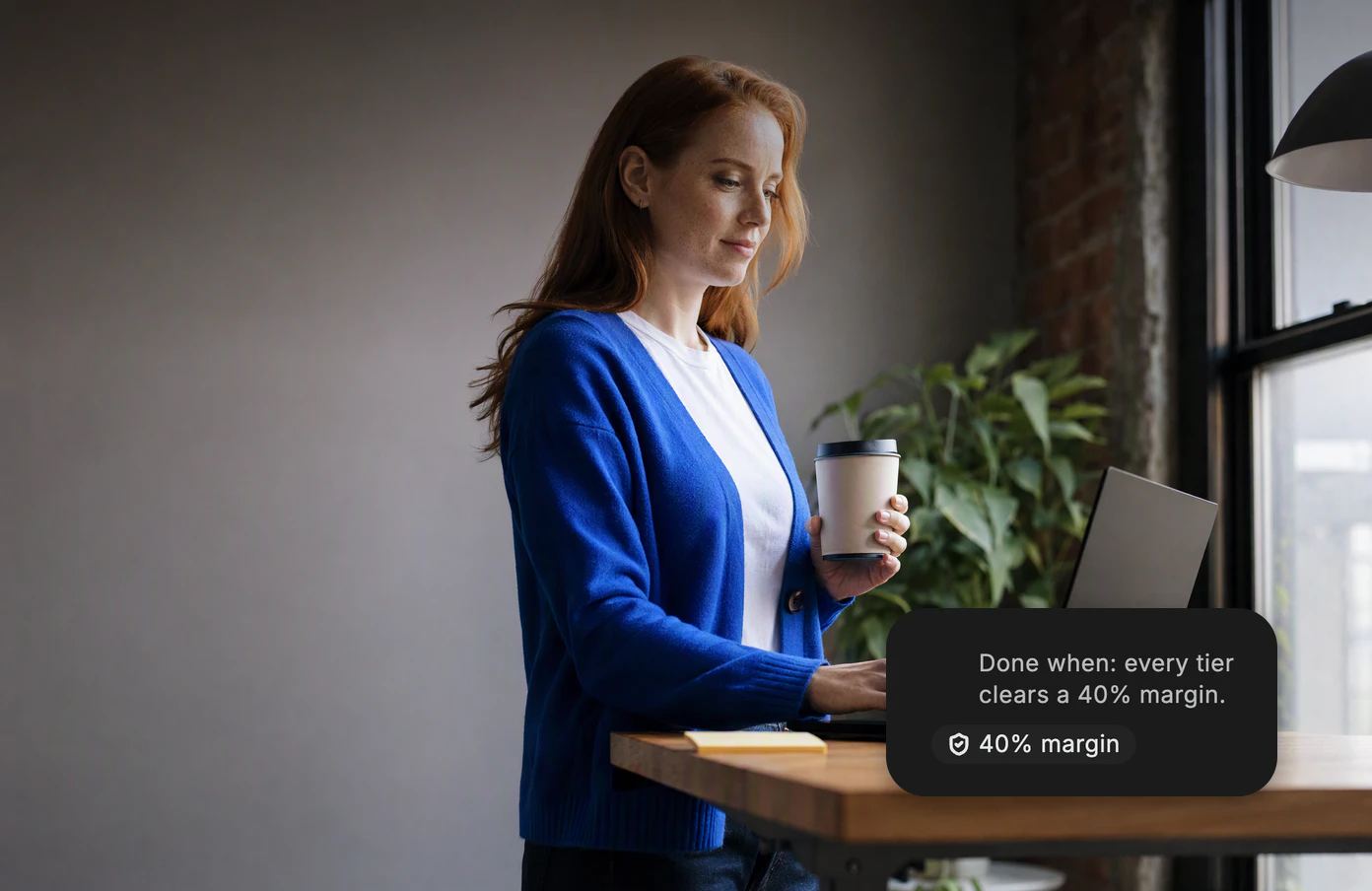
Set the bar.
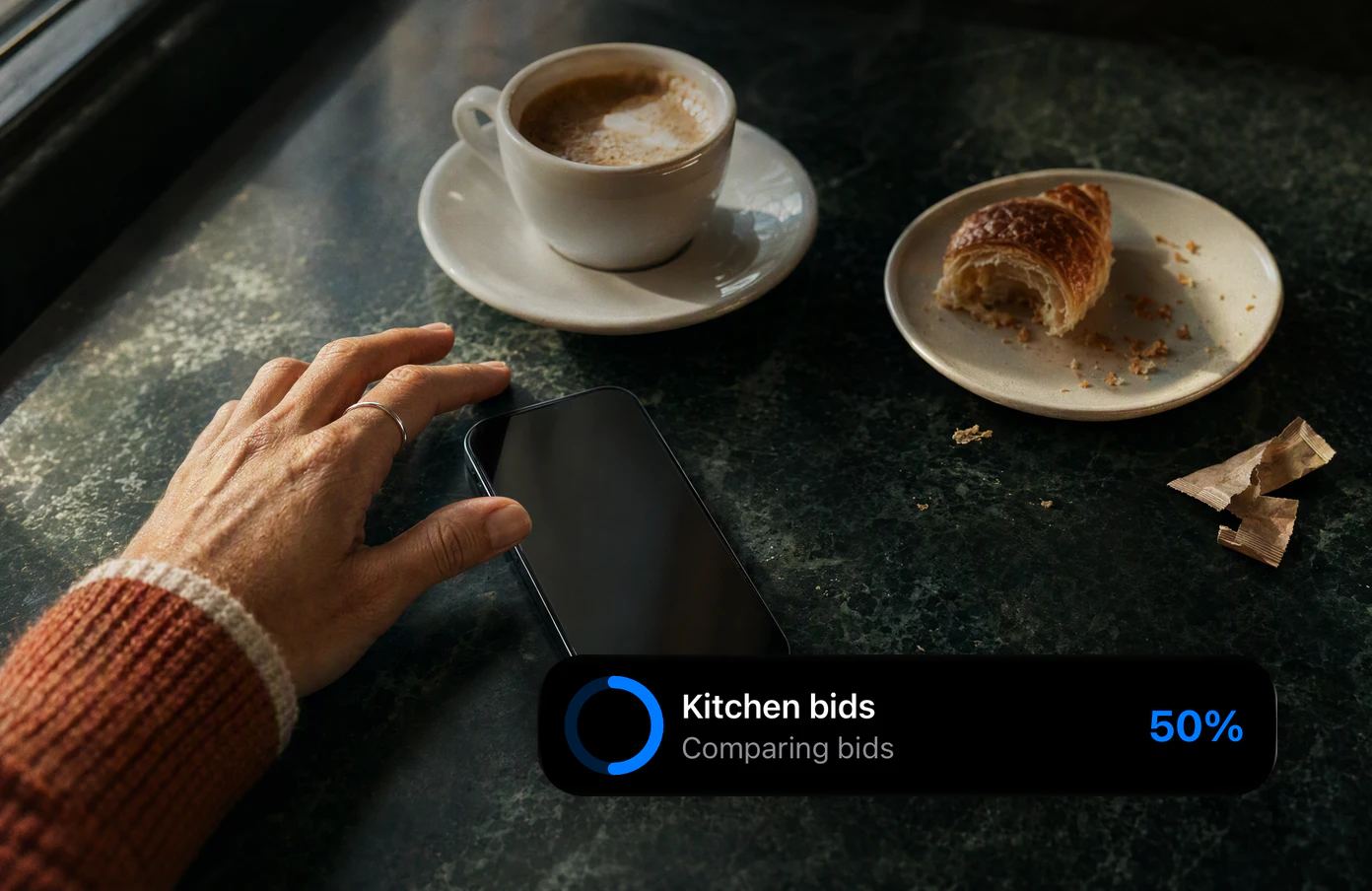
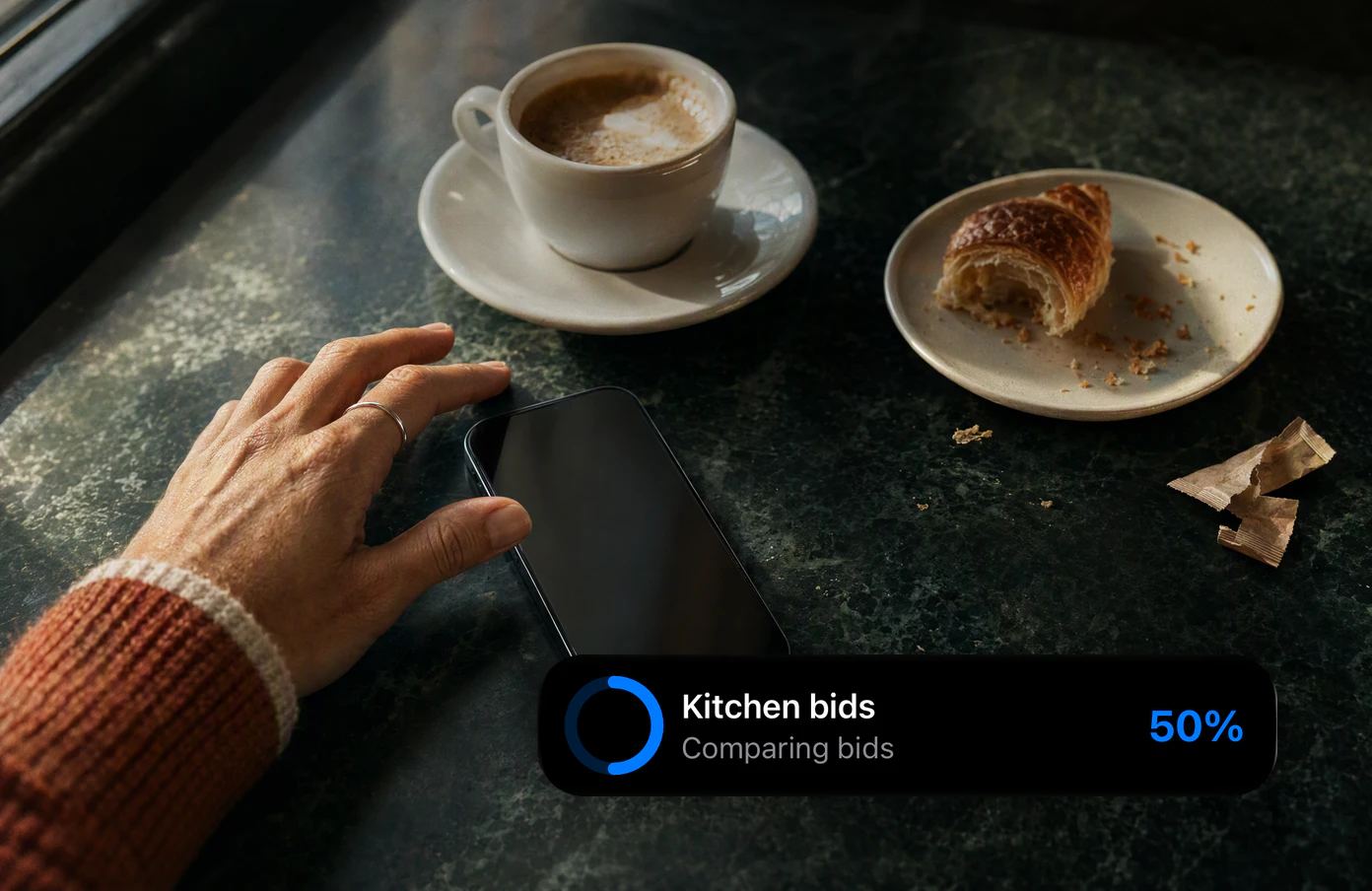
On your Lock Screen.
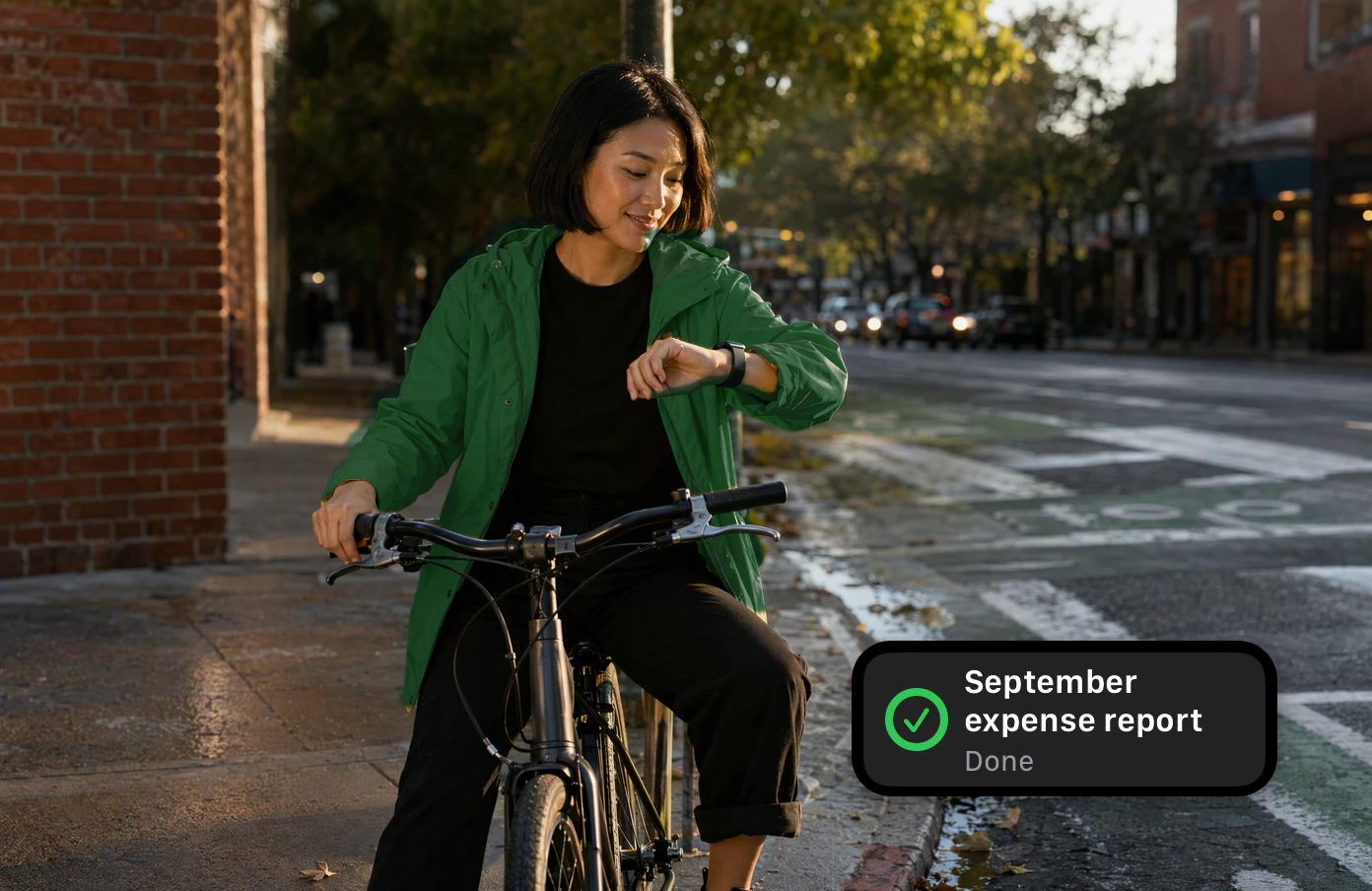
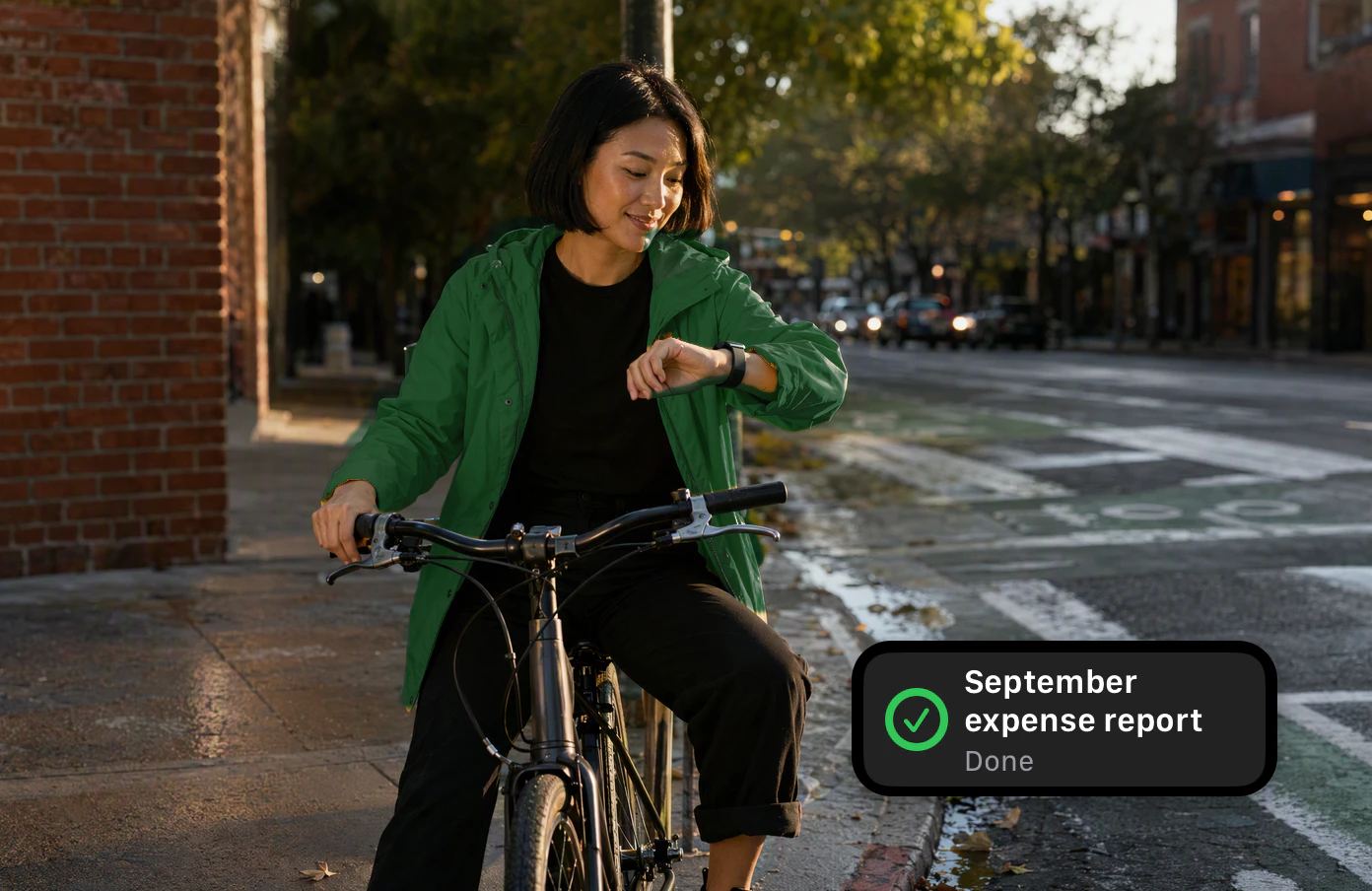
On your wrist.
Parallel
No queue.
Start as many as you like. They run side by side while you keep talking.


You keep talking. The chat never locks while they work.
It reports back. Results land in the same chat.
Questions
It asks only when it must.
Most tasks finish on their own. When one needs you, it asks once, right on your Lock Screen.


One tap to approve. No app to open.
It stops at your limit. Out of rounds, it hands you its best version.

Done by morning.
Your agents
Teach it once.
Turn the way you work into your own agent. Next time, hand it off by name.


Nothing goes out without you.
Sending, paying and deleting always wait for your OK.
Give it something big.
Start freeKeep exploring.
Questions? Answers.
How many tasks can run at once?
There's no limit and no waiting line. Start as many as you like, the way you open chats; only your plan's usage bounds them.
How long can a task run?
Long jobs run in rounds of up to about half an hour, each picking up where the last one stopped. With a goal, it keeps going until the goal is met or it reaches the rounds you set. If it can't finish, it tells you, and Continue sends it back to work.
When will it ask me?
Only when it needs a choice that's yours to make, and always before it sends, pays for or deletes anything. A question arrives as a notification; an approval waits on your Lock Screen with Allow.
Can I stop a task?
Anytime. Choose Stop task on its line in the chat, Stop all in your task list or Stop on its Live Activity, or just ask. A stopped task keeps the work it has done.
Where do results show up?
In the same chat you asked in, as a short report with any files it made. Your phone tells you when it's done, and your Apple Watch shows it too.