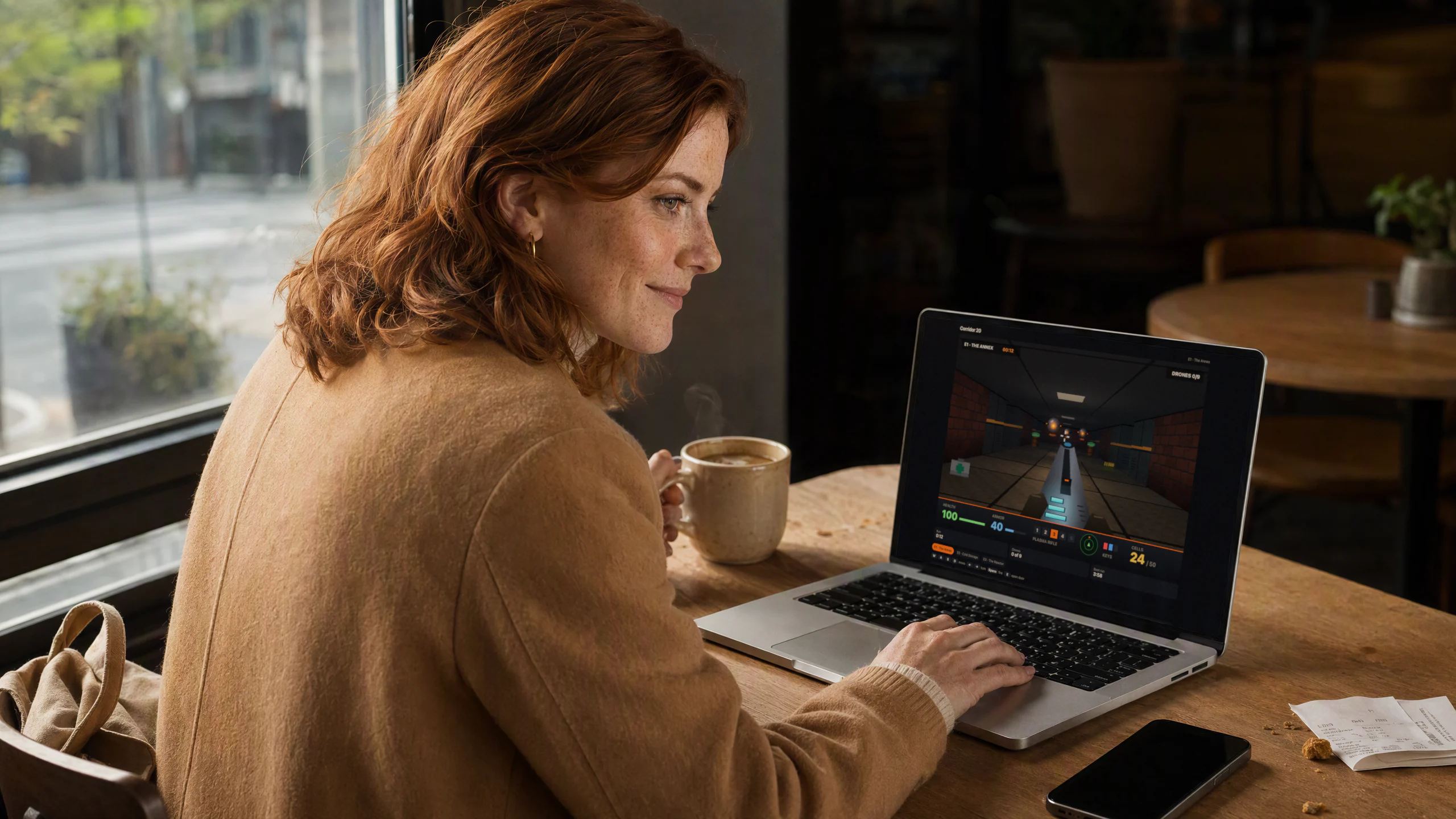
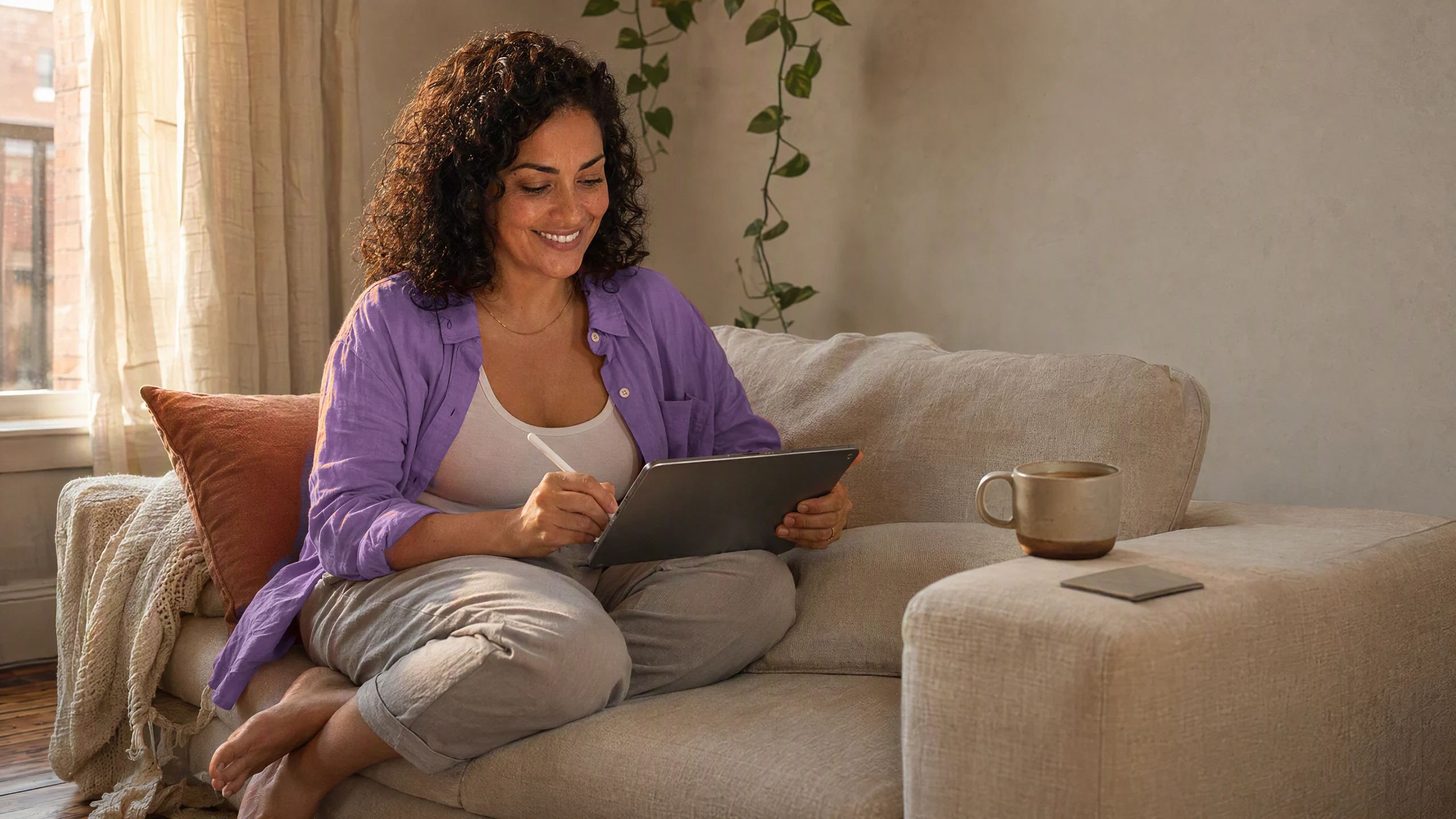
Two-hour transcript in. Decisions out.
만들기
요청하세요.
실제 결과물을 받으세요.
오늘의 메뉴, 논문 한 장, 서리 시뮬레이터, 가족 이야기를 담은 책. 빈 페이지가 아니라, Dvina가 이미 알고 있는 당신의 맥락에서 시작합니다.
Made for the work you actually do.
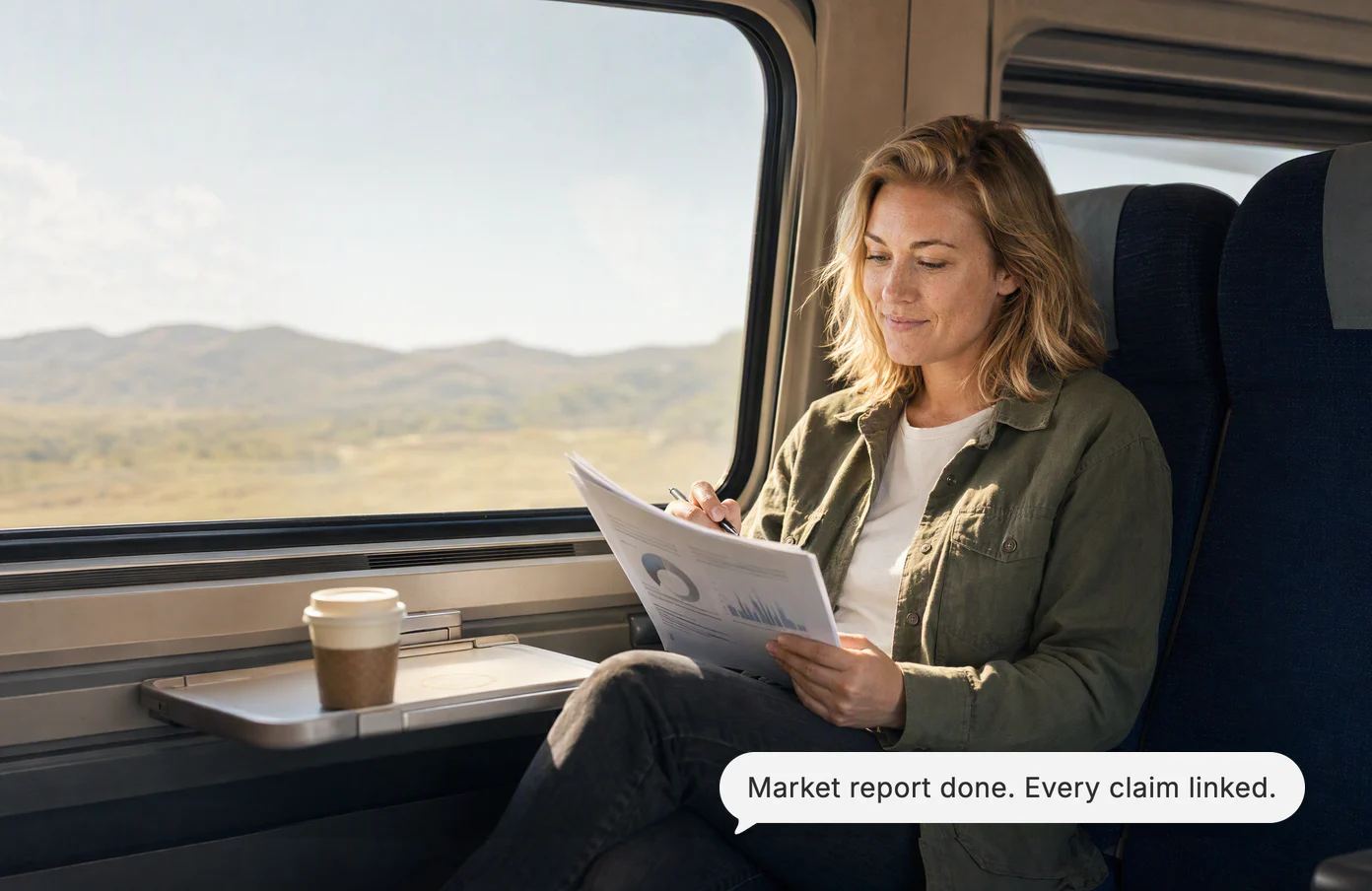

A ten-section report, every claim linked to where it came from.
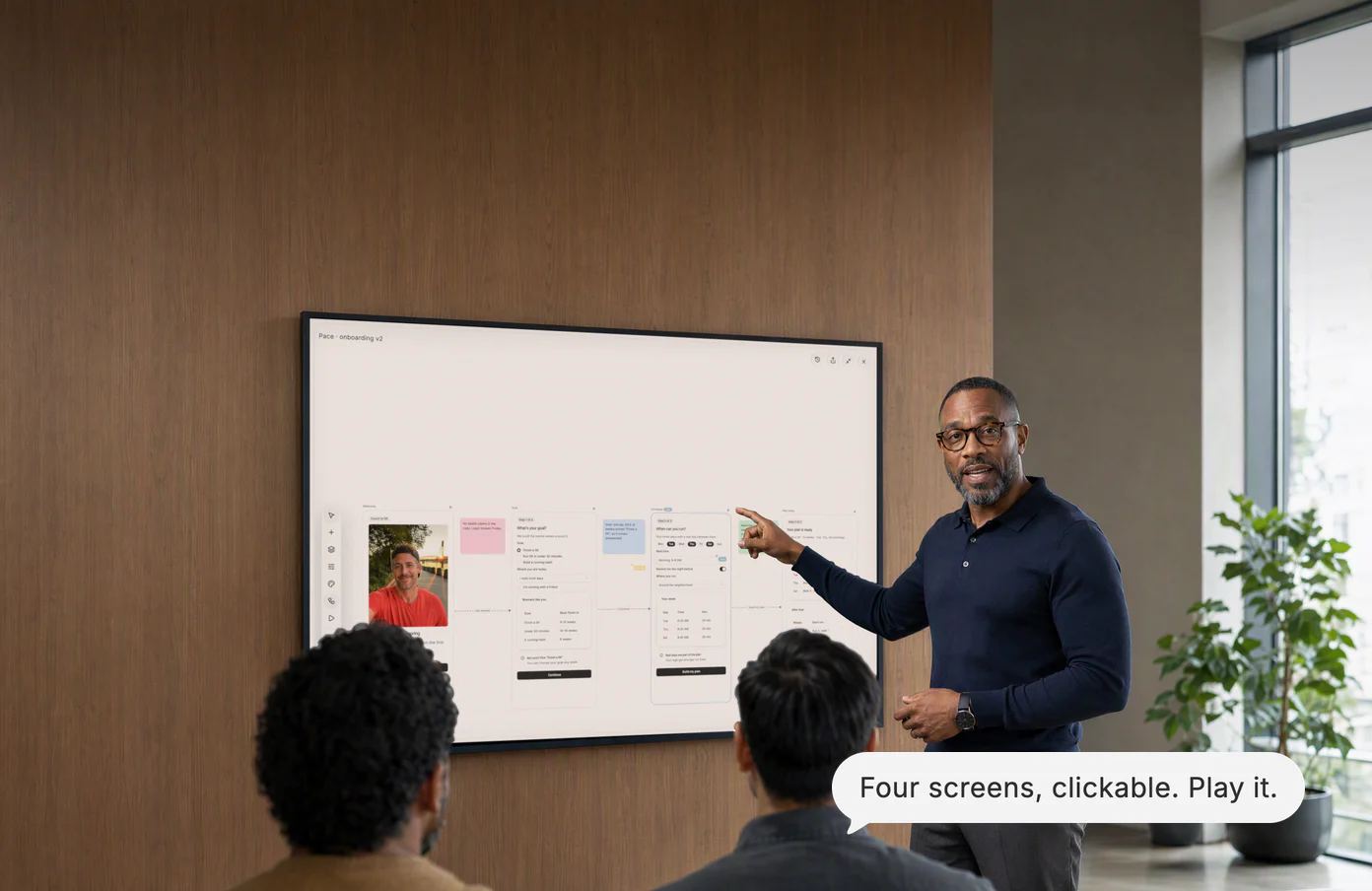
Four app screens, drawn and linked into a prototype by lunch.
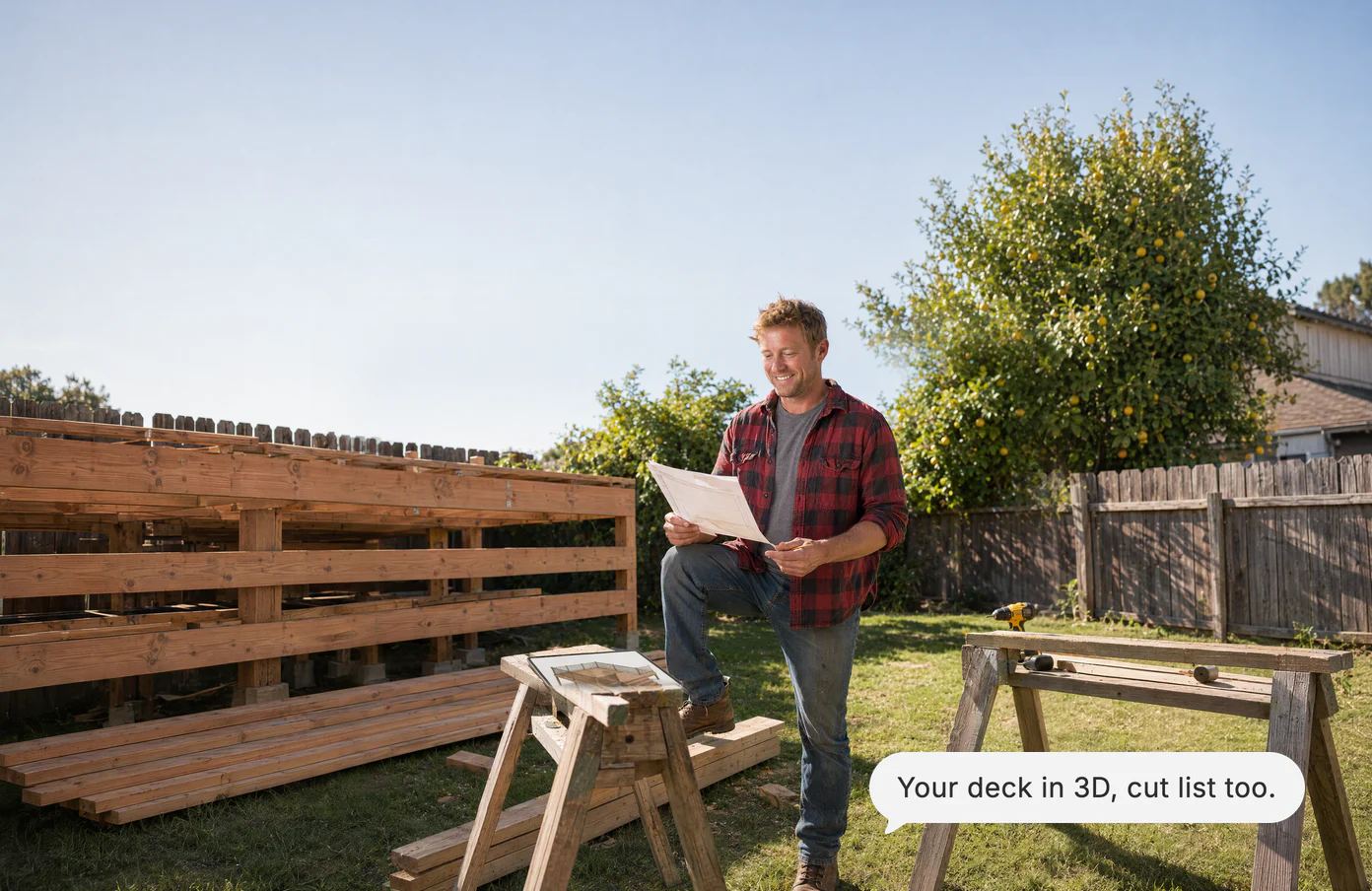
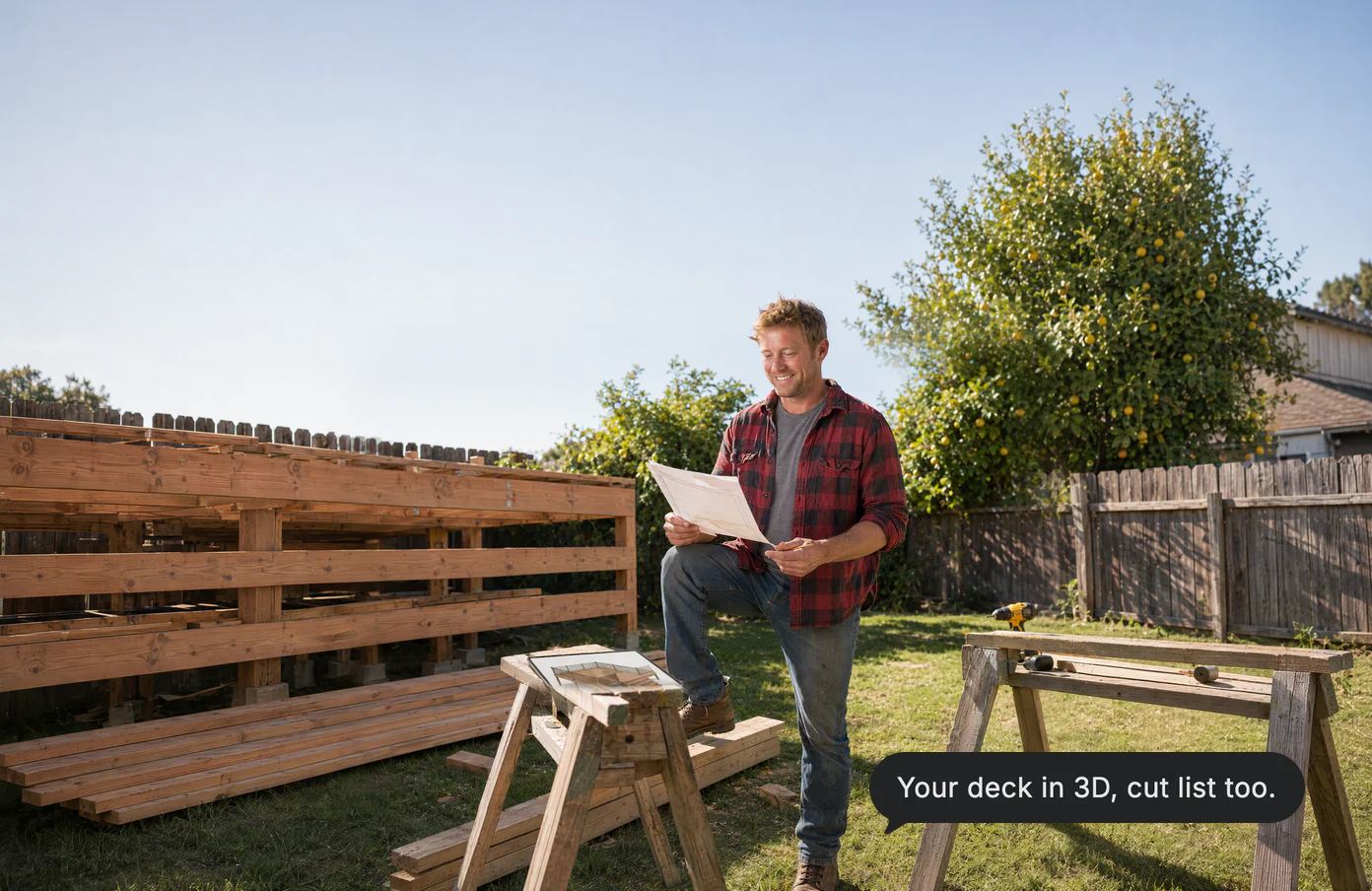
A backyard deck in 3D, with the lumber list and the permit rule.


A wedding budget that finally balances, nine vendors and all.
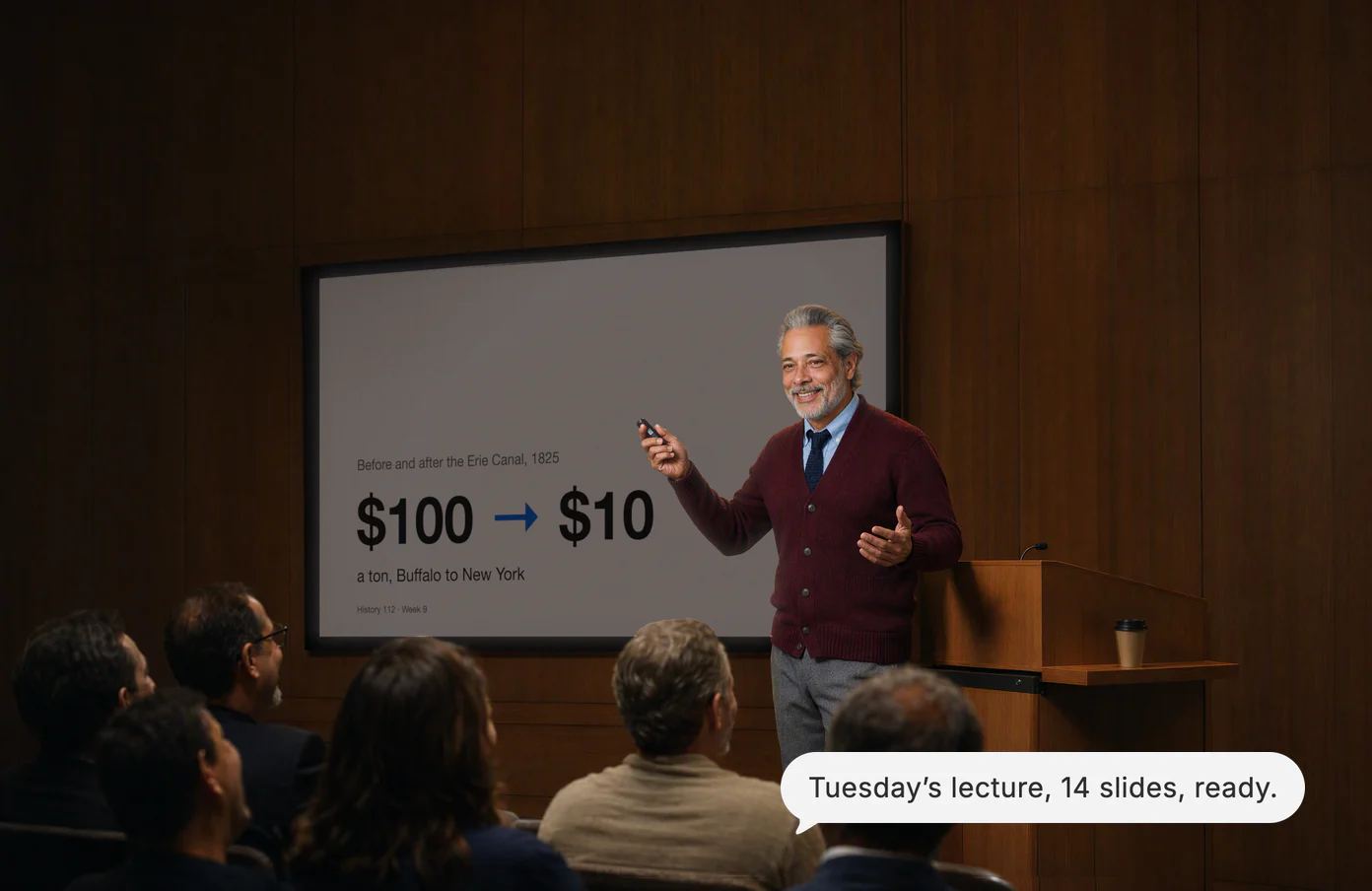
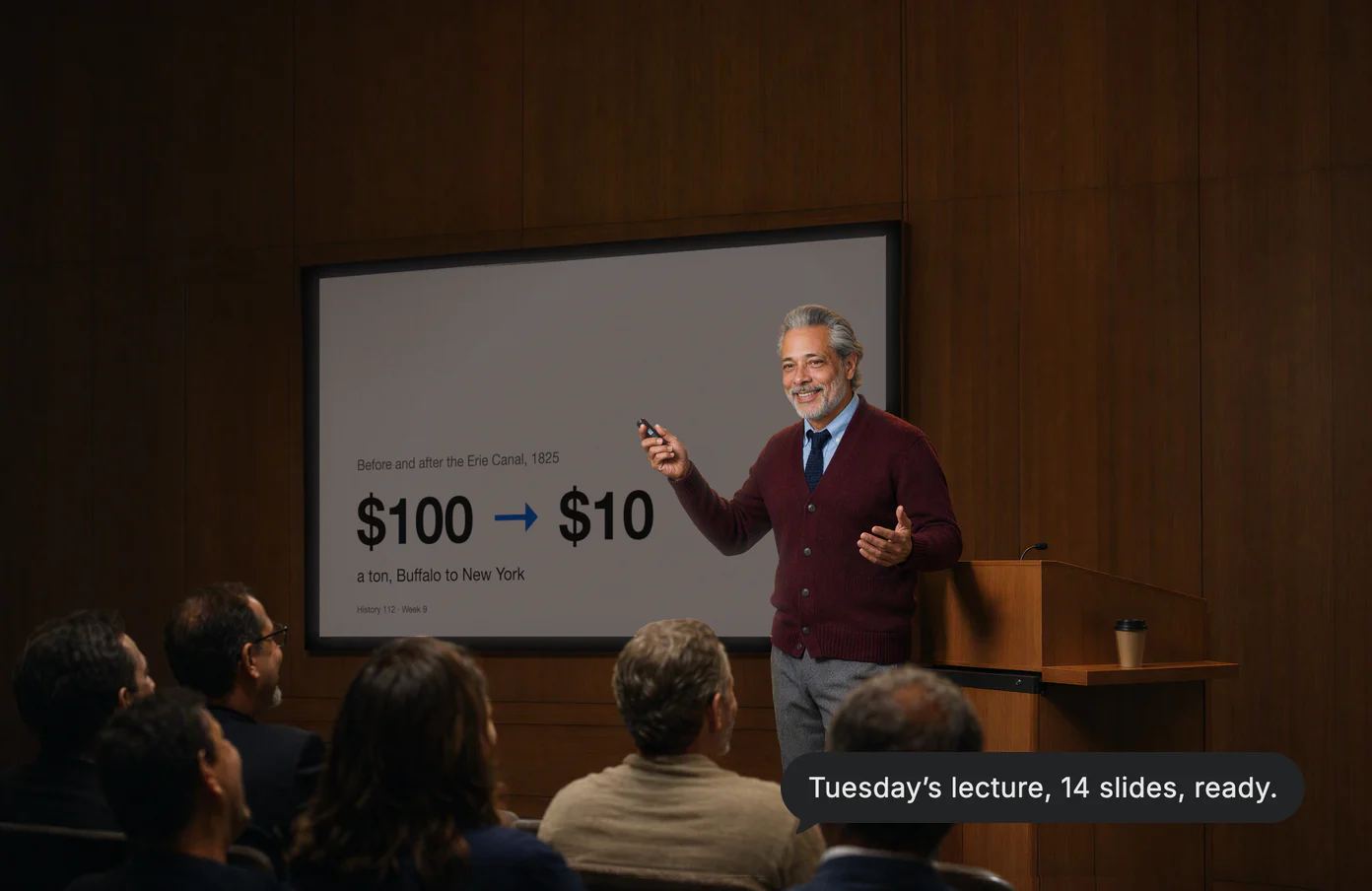
Tuesday’s lecture in fourteen slides, ready to give.
Canvas
Long reads,
written with you.
Ask for the market report, and it reads the web, your two PDFs and the team’s notes, then writes as you watch, every claim linked.


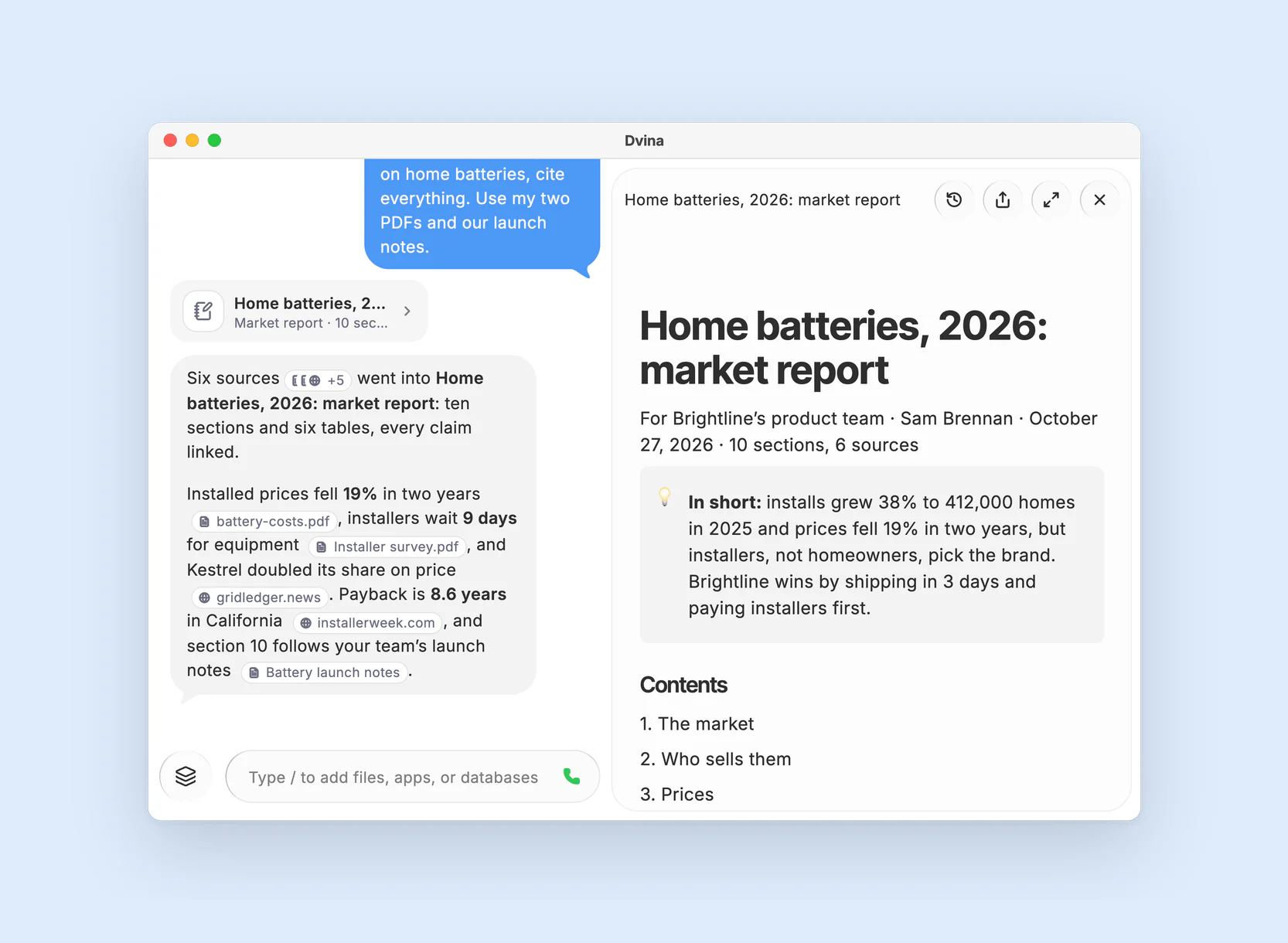
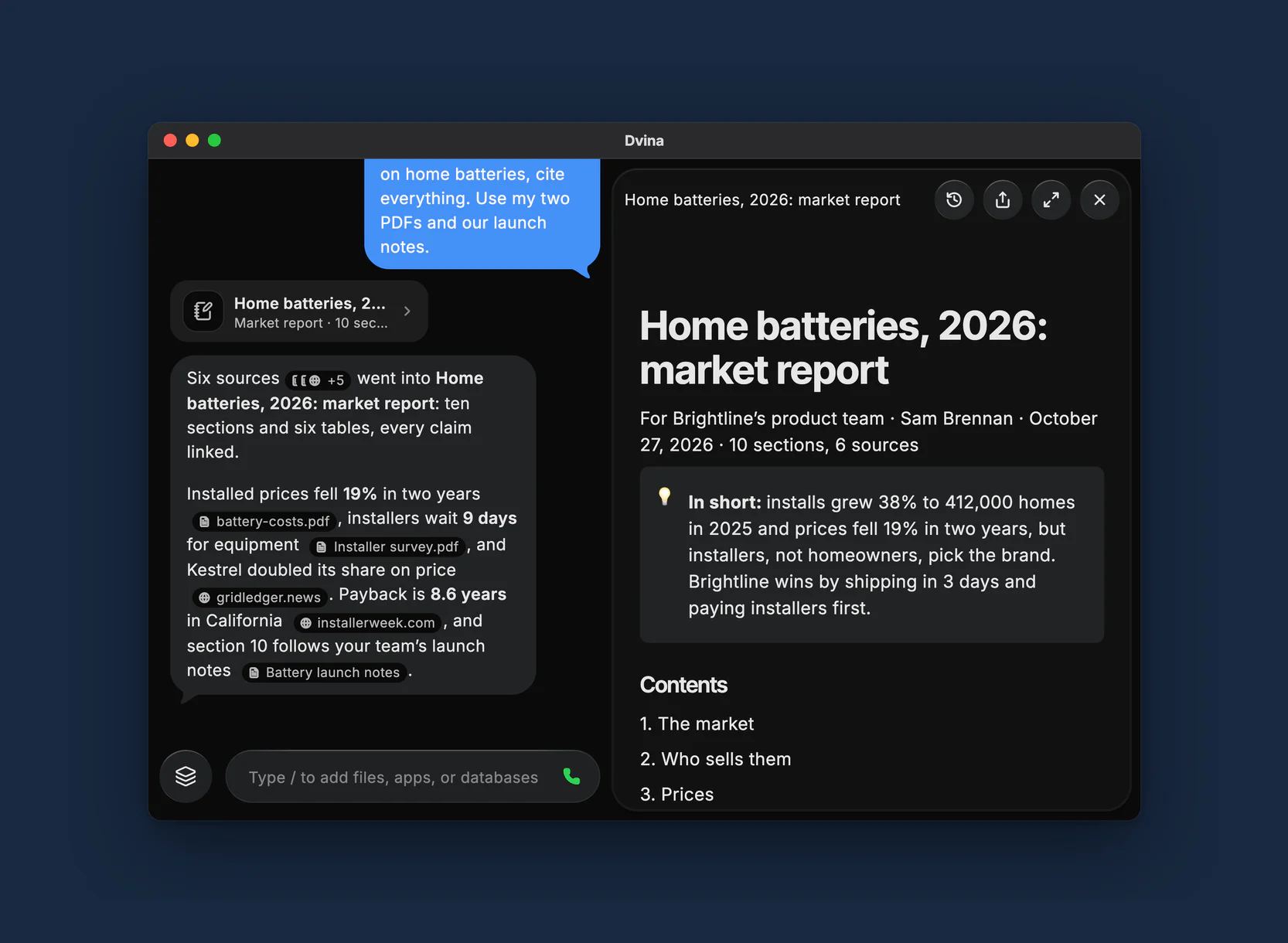
The answer. Ten sections and six tables, each figure linked: web pages, her PDFs with the page, the team’s notes.
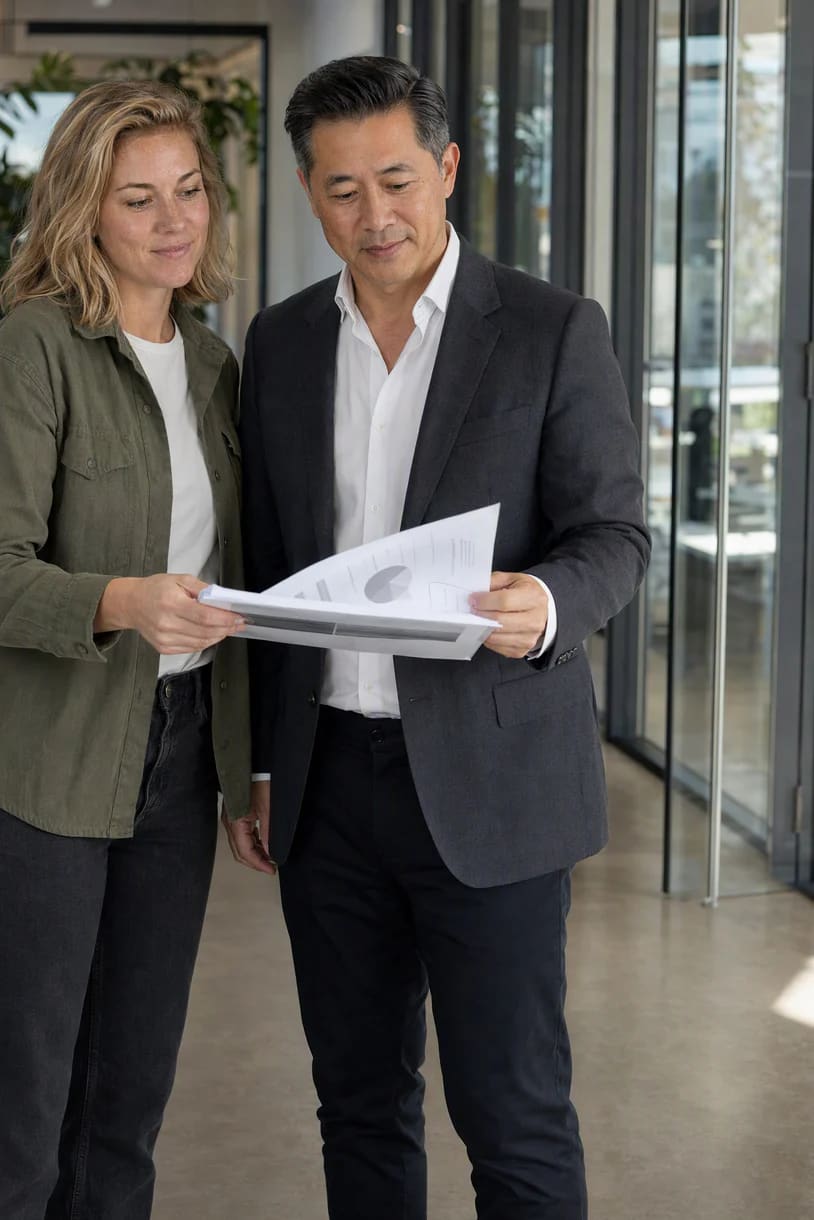
The moment. Monday, 10 AM: the report in her VP’s hands, already sourced.
A grant application, ready in Word.
The team handbook, all 40 pages.
Artboard
Think on
a bigger page.
Screens, photos, notes and arrows on one board. Dvina draws from your notes, last week’s call and the brief in your mail, and a flow becomes a prototype you can click.


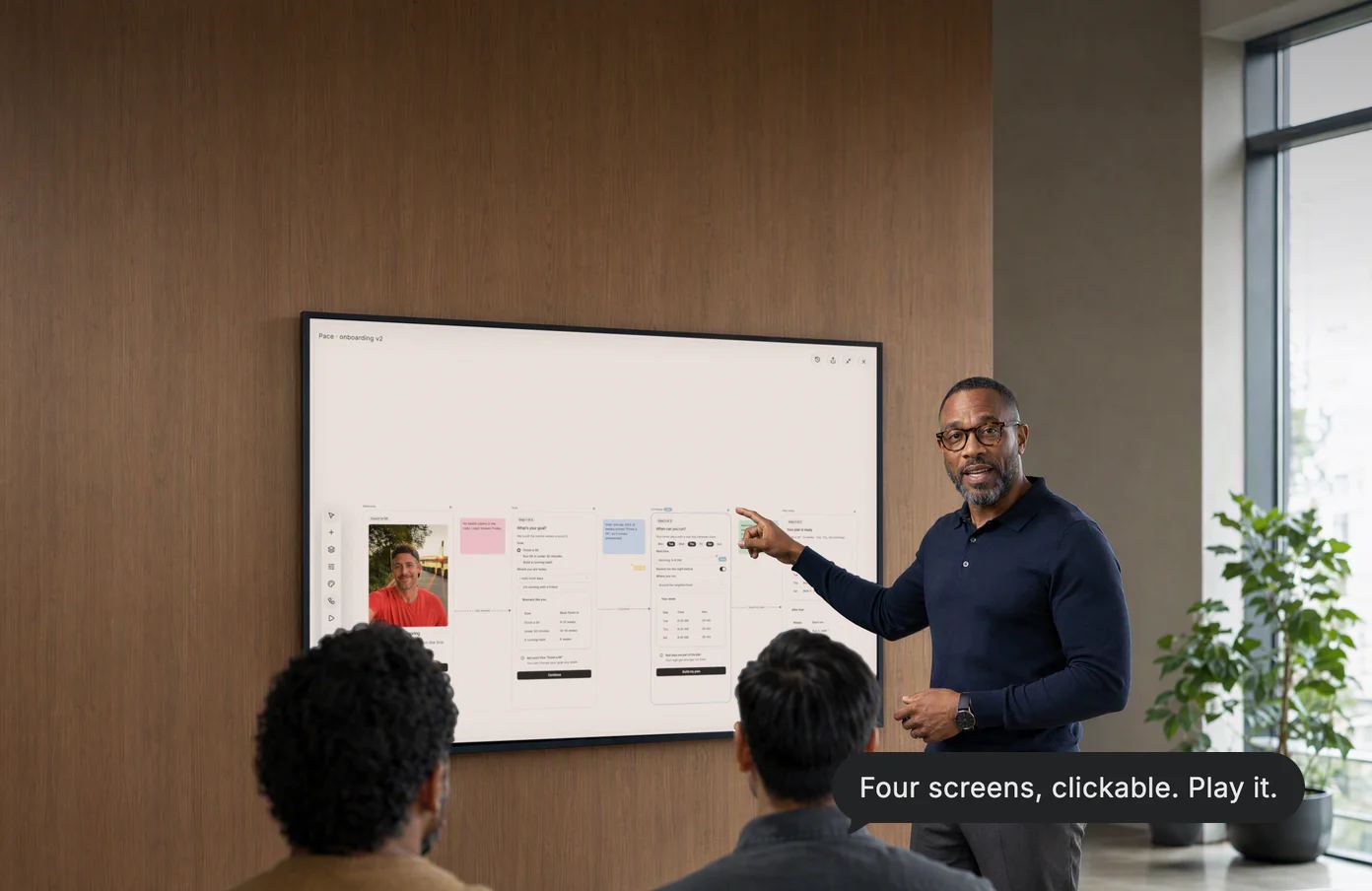
Four screens, clickable. Linked into a flow you can play full screen, from the brief and last week’s call.
Apps
From a sentence
to software.
Describe the tool in plain words. It arrives working, fed by your sheet, your calendar and a form, and keeps what you log.


Working from the first tap.
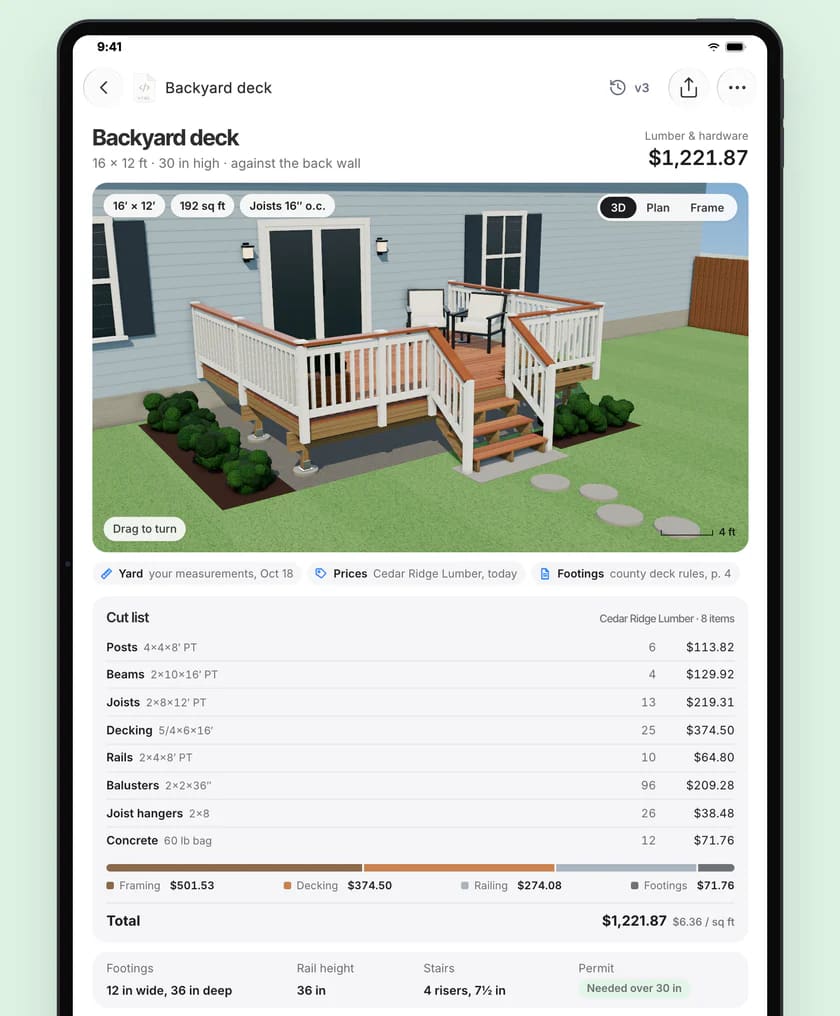
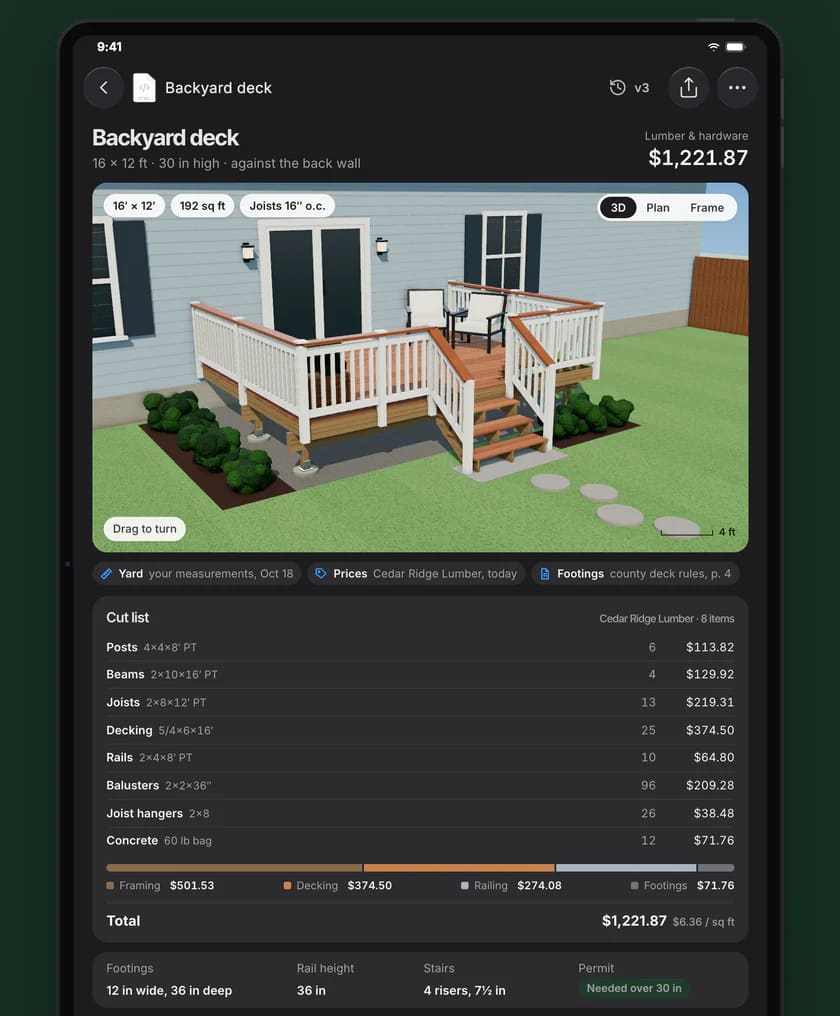
Your deck, in 3D. From his yard measurements, the lumberyard’s prices and the county’s permit rules. Turn it, then buy the lumber.
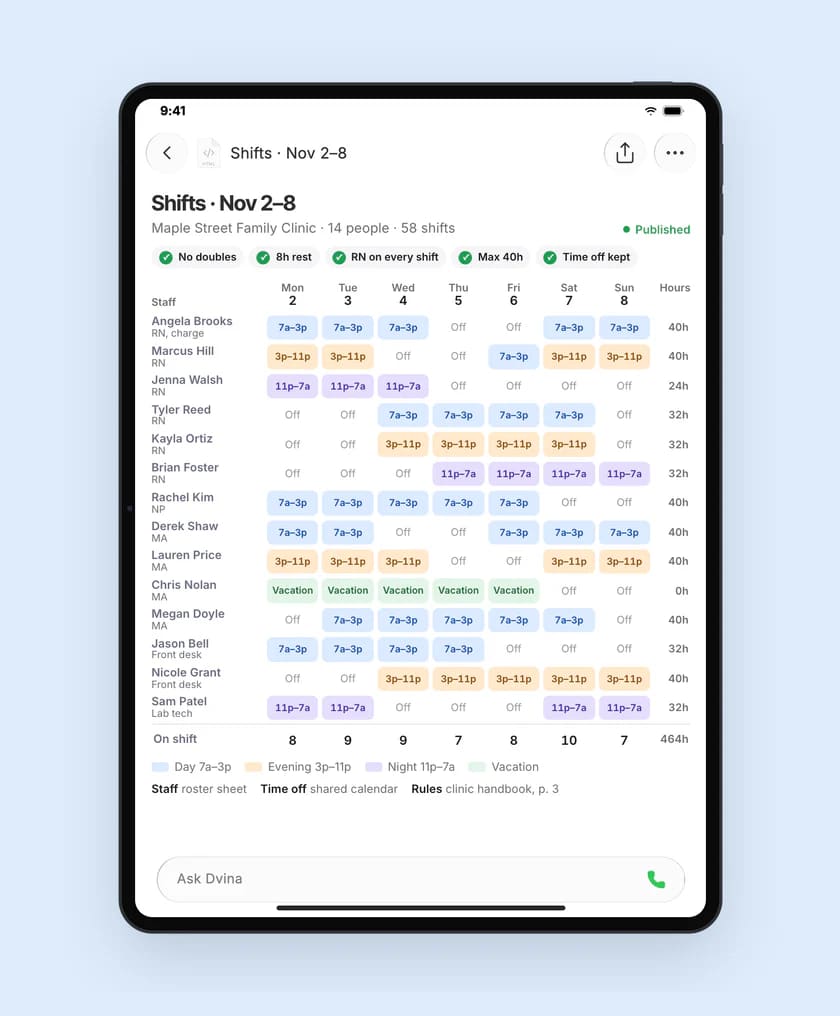
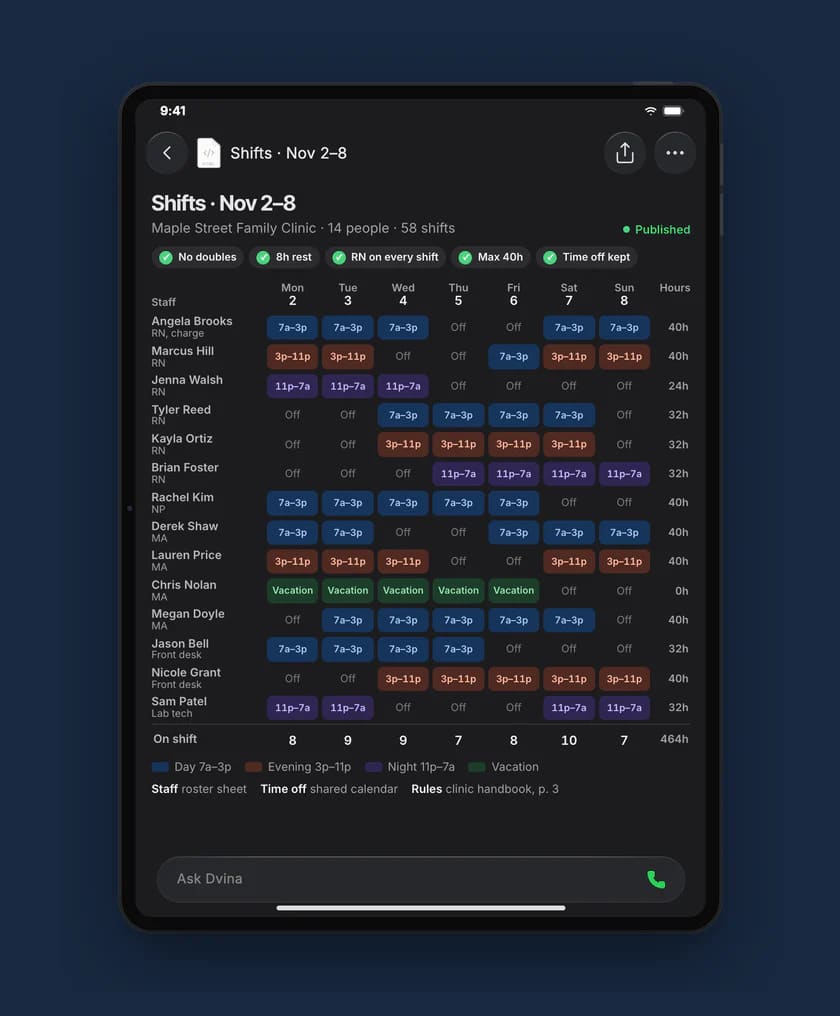
Every rule kept. Fourteen people’s shifts from the staff sheet, everyone’s time off and the clinic’s rules, no doubles anywhere.
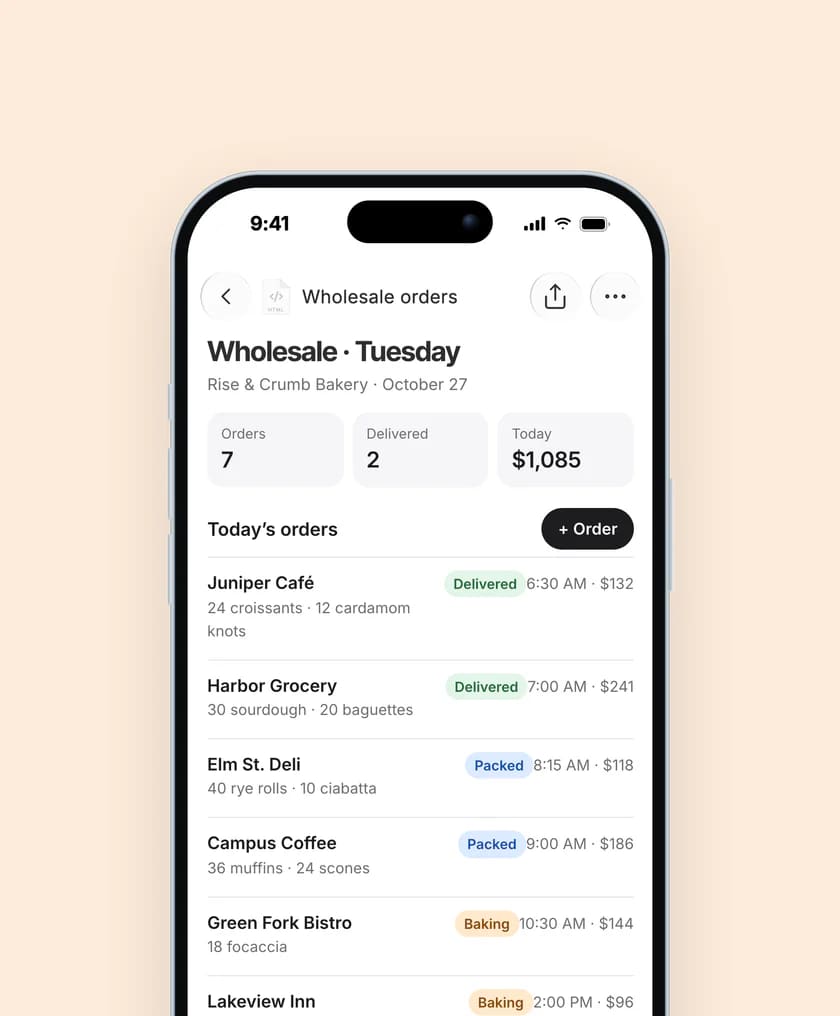
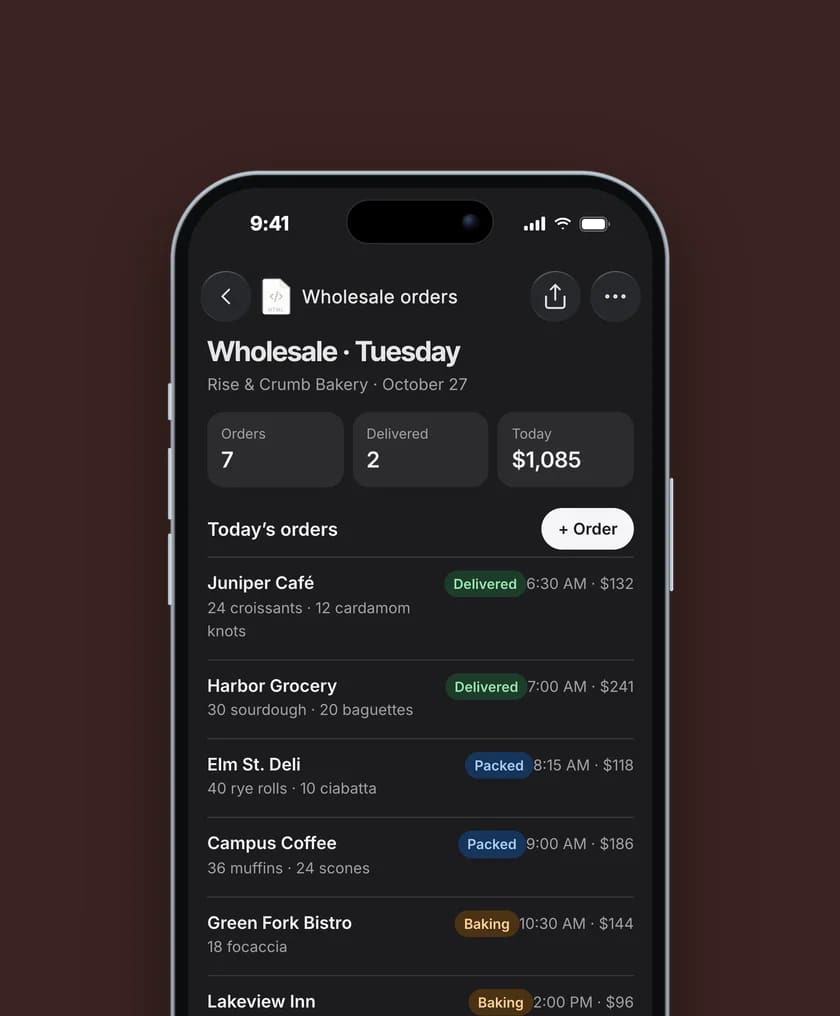
Orders, saved as they come. A bakery’s wholesale tracker started from the price sheet and last month’s order emails, keeping each new order.
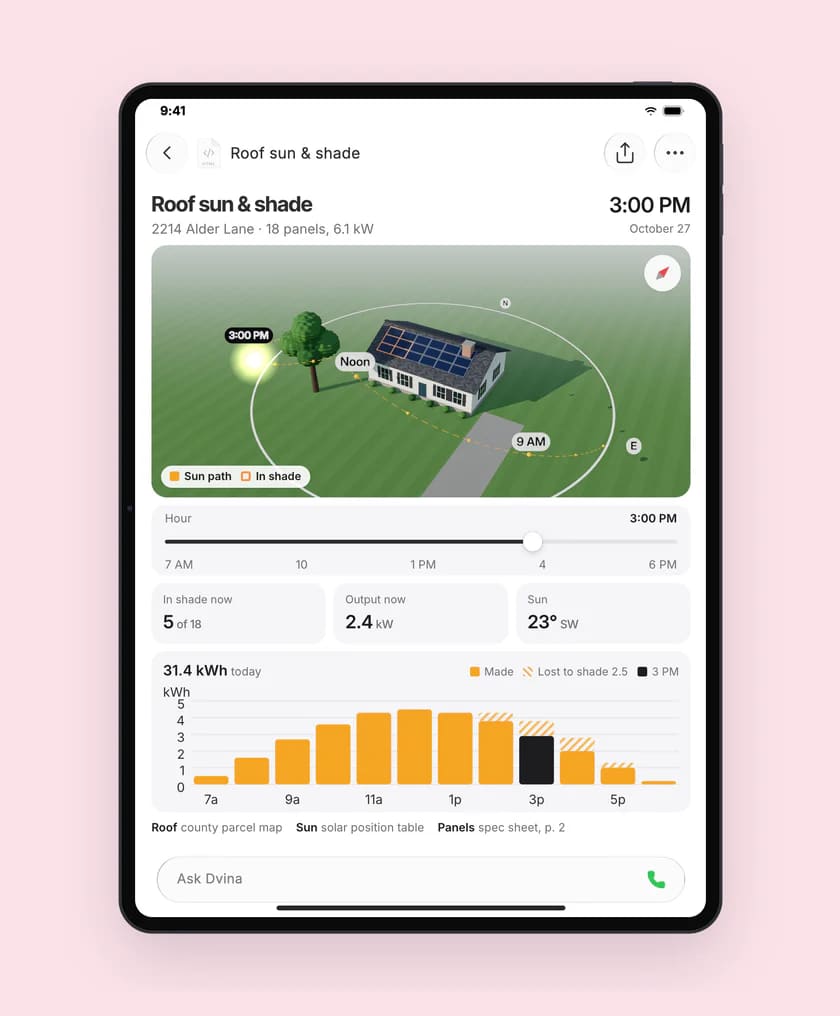
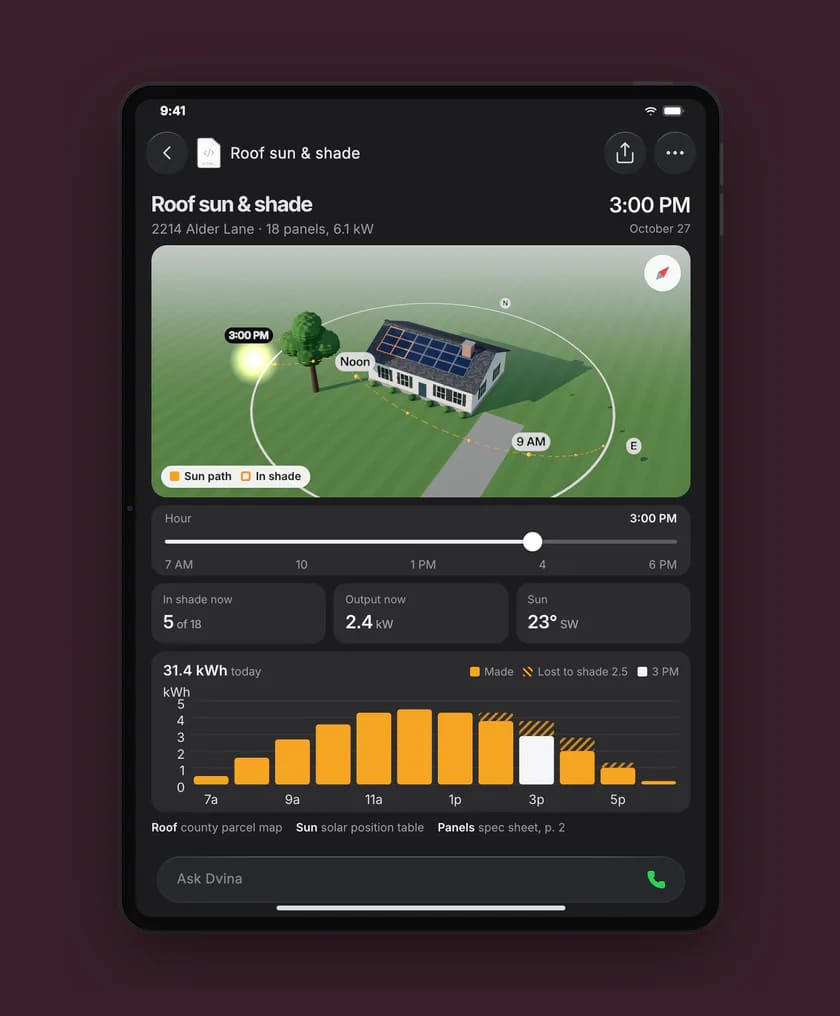
Sun on the roof, hour by hour. The roof from the county parcel map, the sun’s position table and the panels’ spec sheet. Slide the hour and watch the shade move.
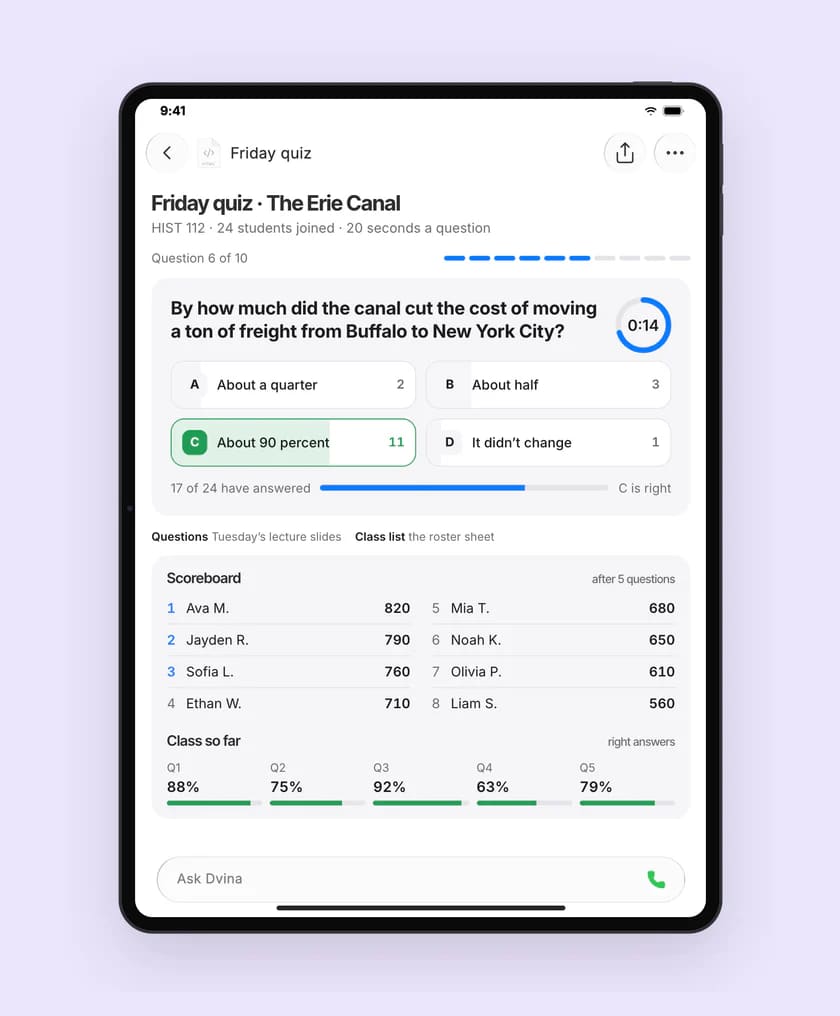
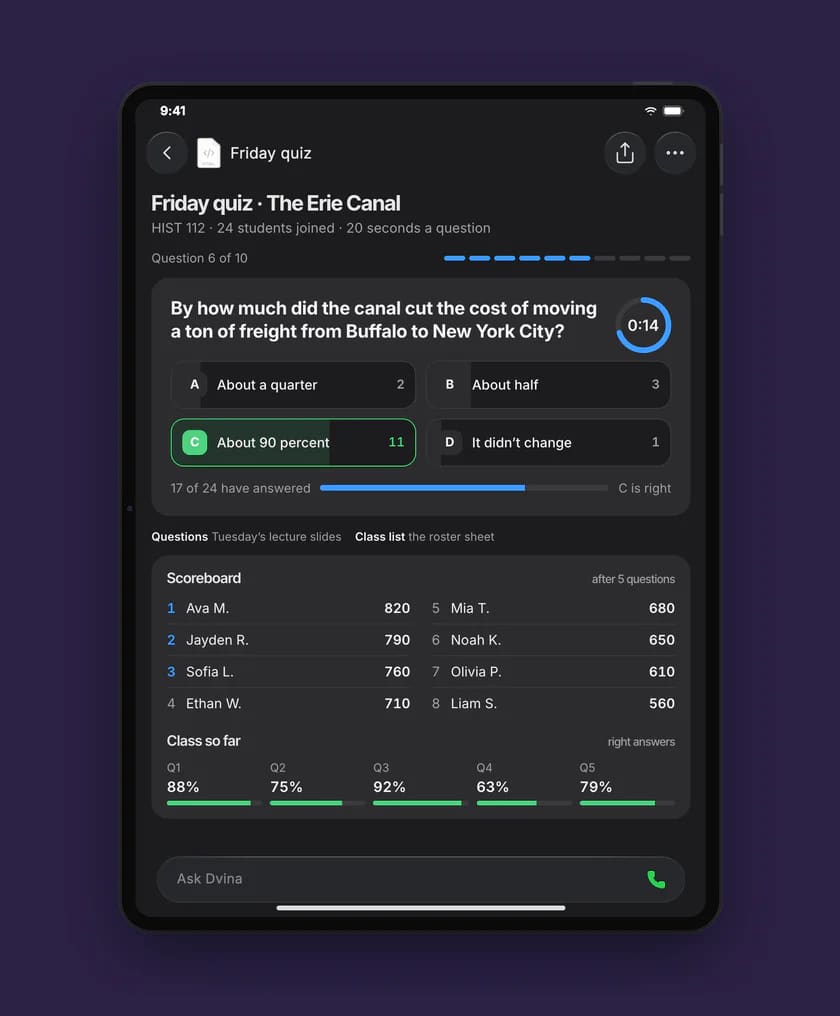
Friday’s quiz, timed. Built from Tuesday’s slides and the class roster. Twenty seconds a question, the scoreboard live.
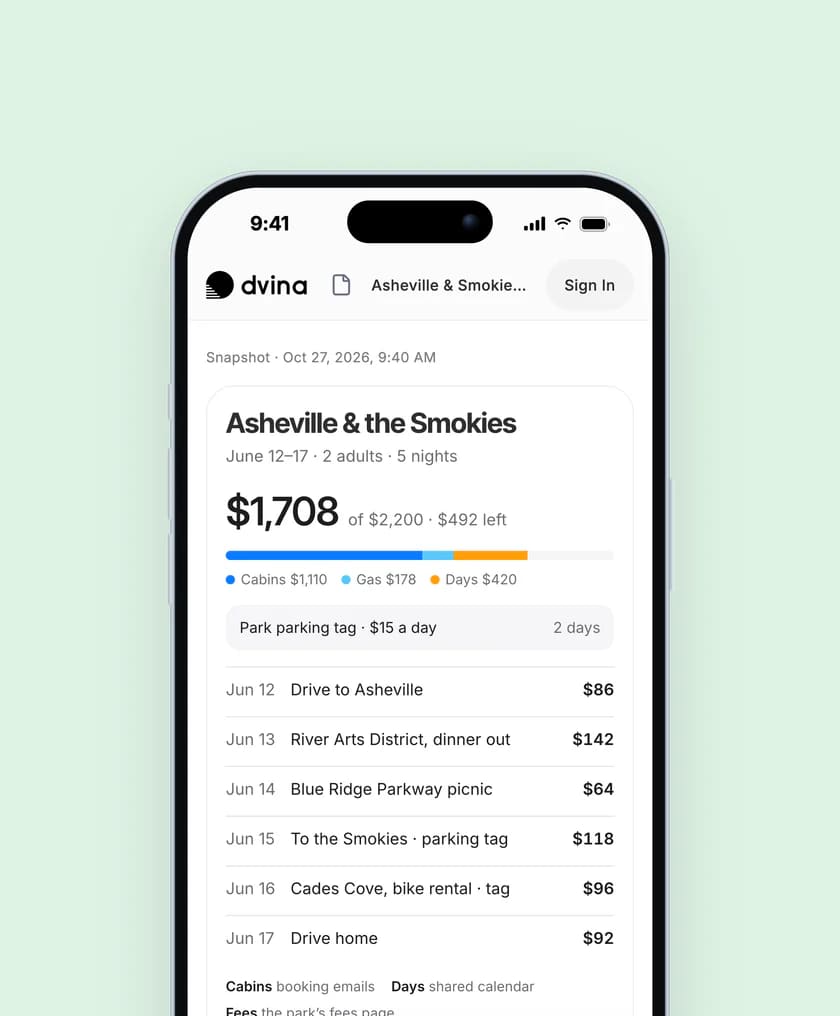
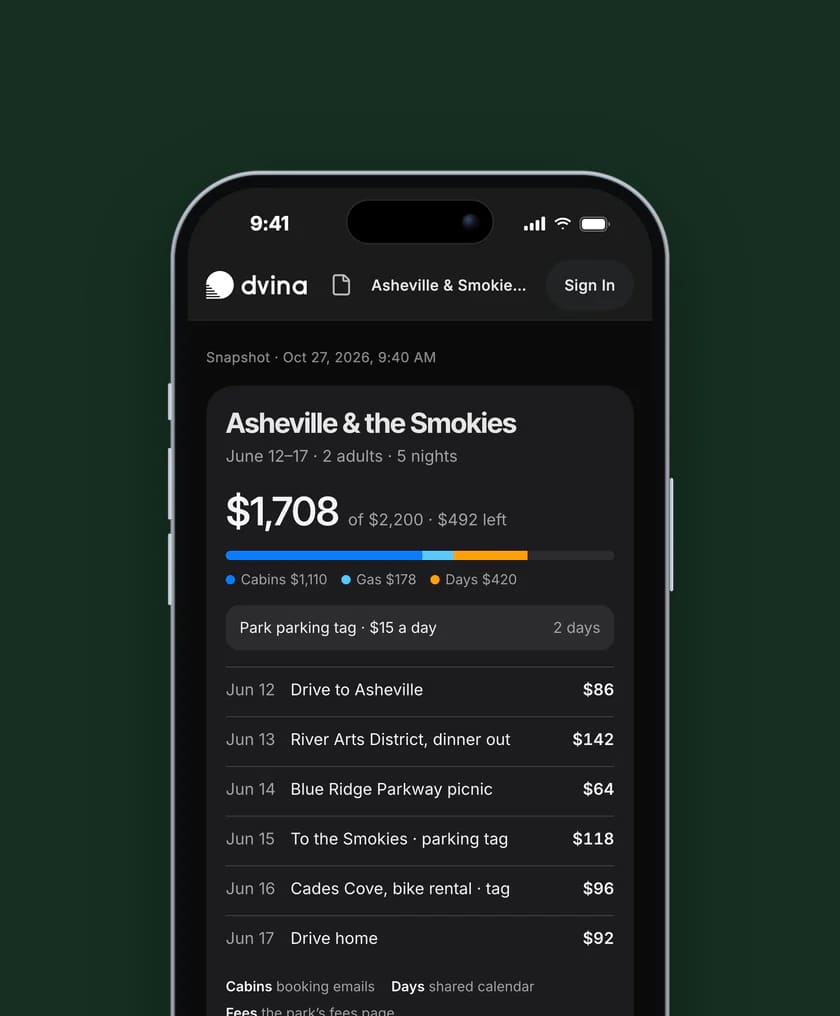
The trip, to the dollar. From the booking emails, the shared calendar and the park fees, opened from a link anyone can view.
Spreadsheets
The math,
already done.
Your bank export, the receipts in your mail and last year’s sheet become one workbook: a sheet for every month, every assumption written down.


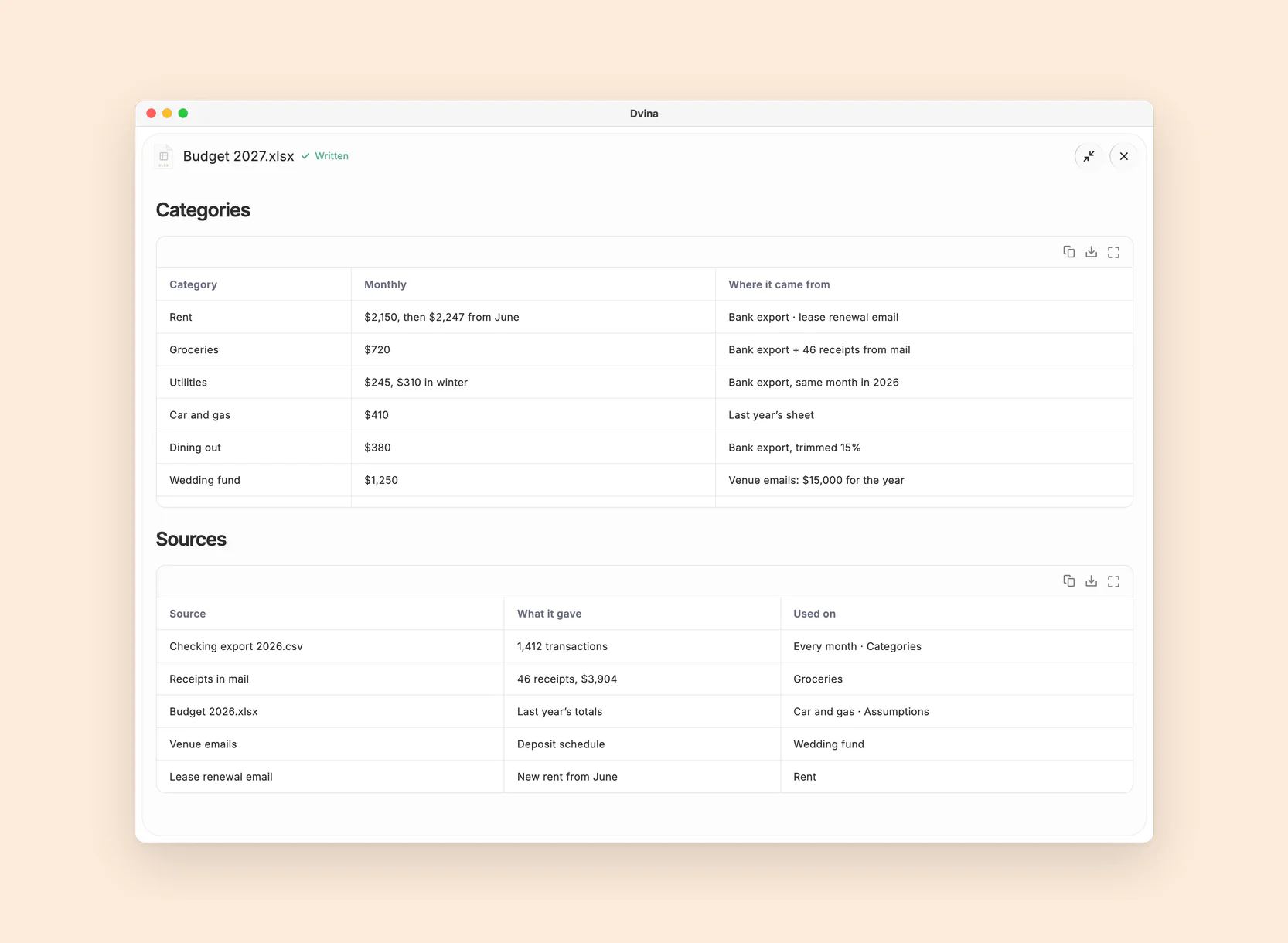
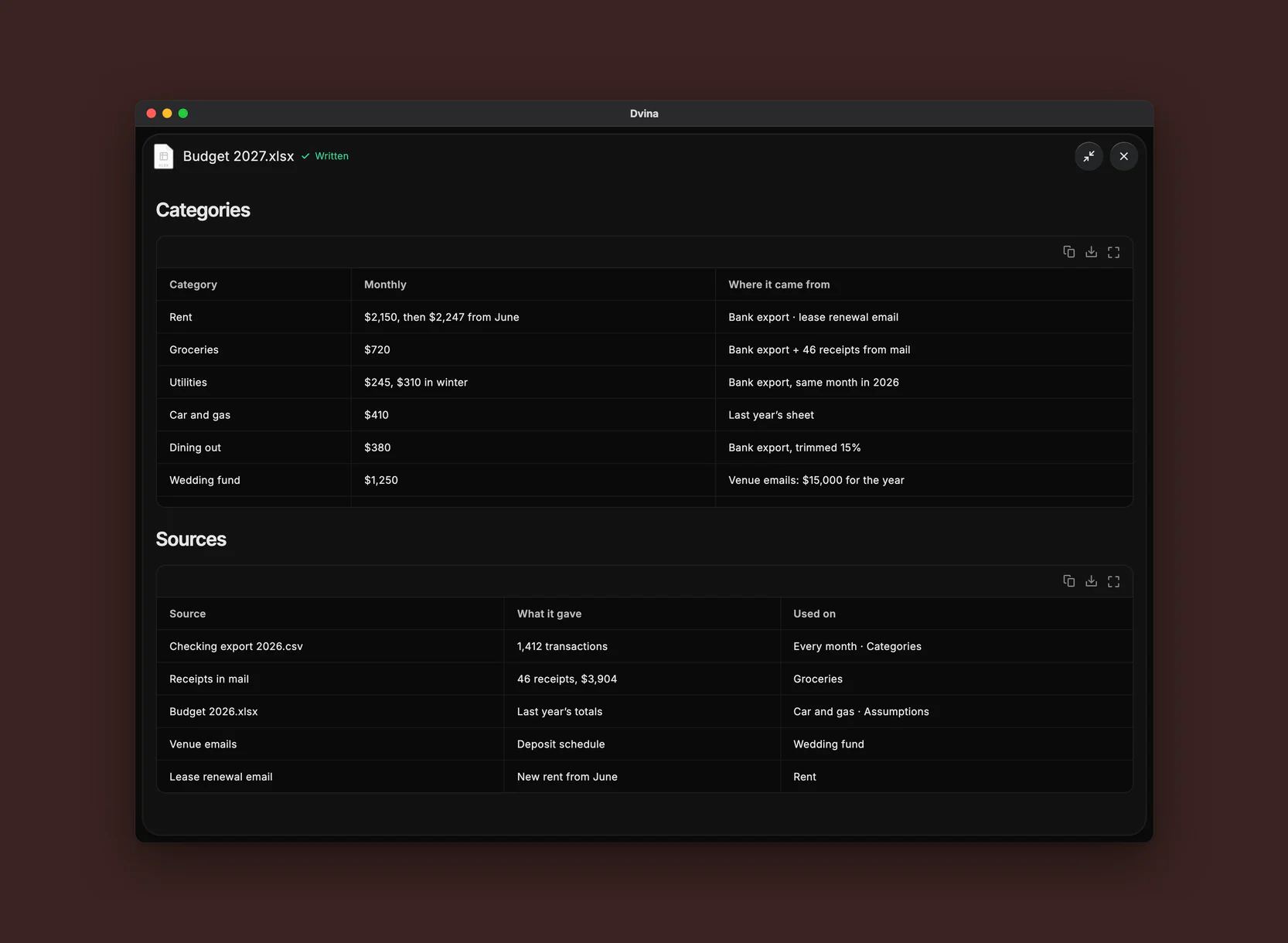
The answer. Assumptions, a sheet for every month, then Summary, Categories and Sources: every total a formula, every number traced.

The moment. That evening: the wedding fund, on track.


Reorder points for 212 products.
Commission plan, tiers and all.
Messy export in. Clean pivot out.
Decks
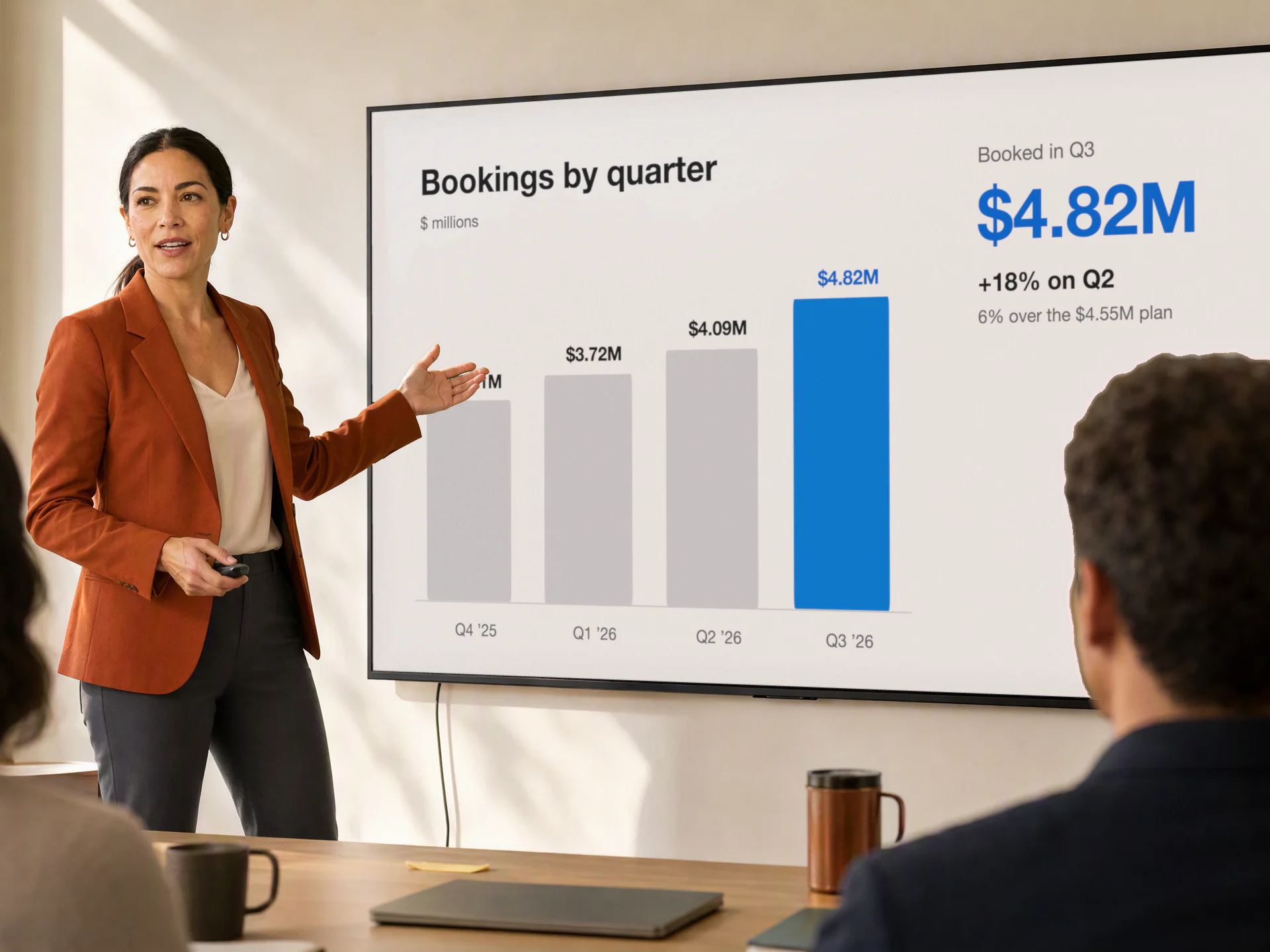
Walk in ready.
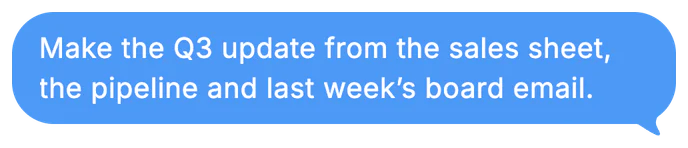
Ask for the update, and it pulls the sales sheet, the CRM pipeline and last week’s board email, then the slides appear as it writes them.


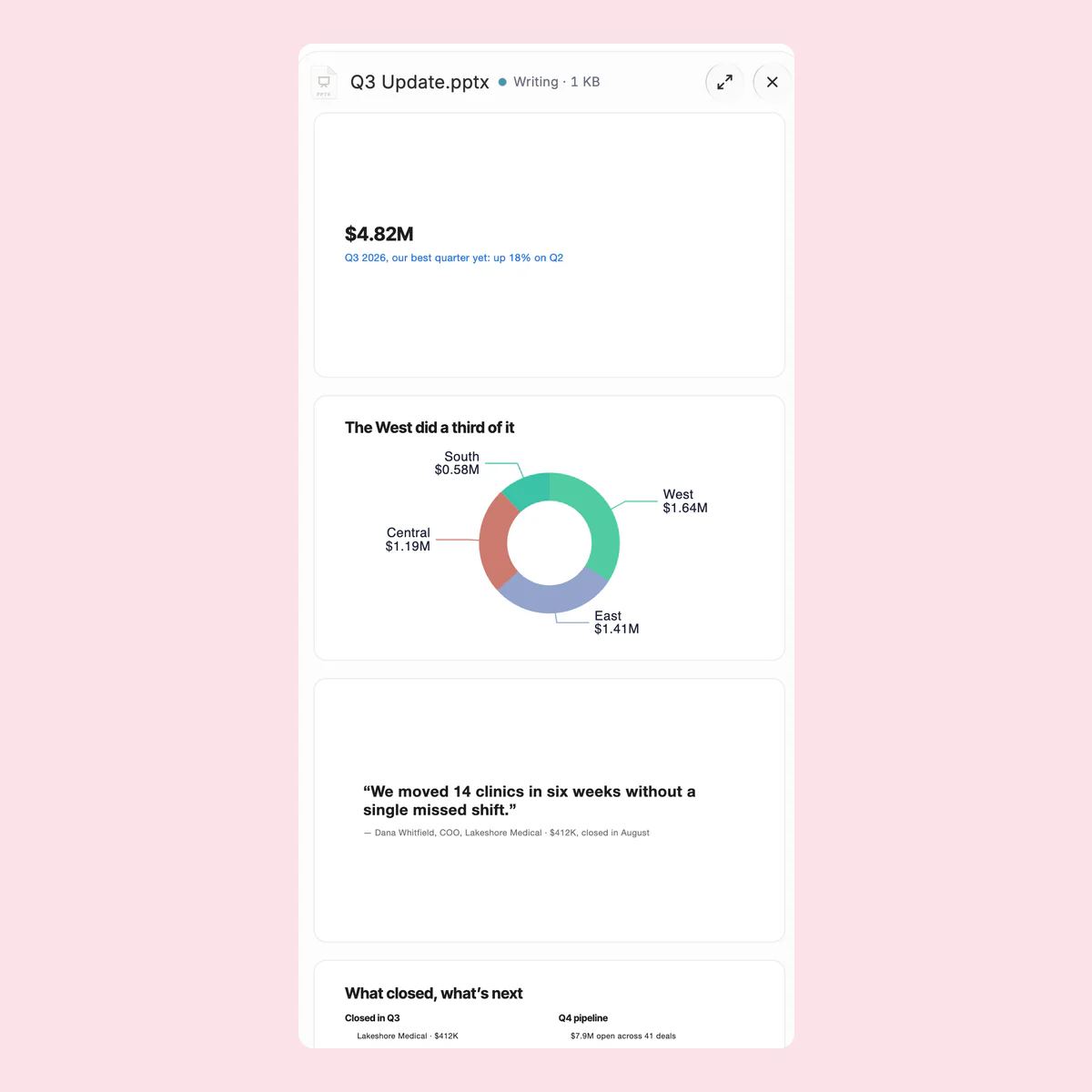
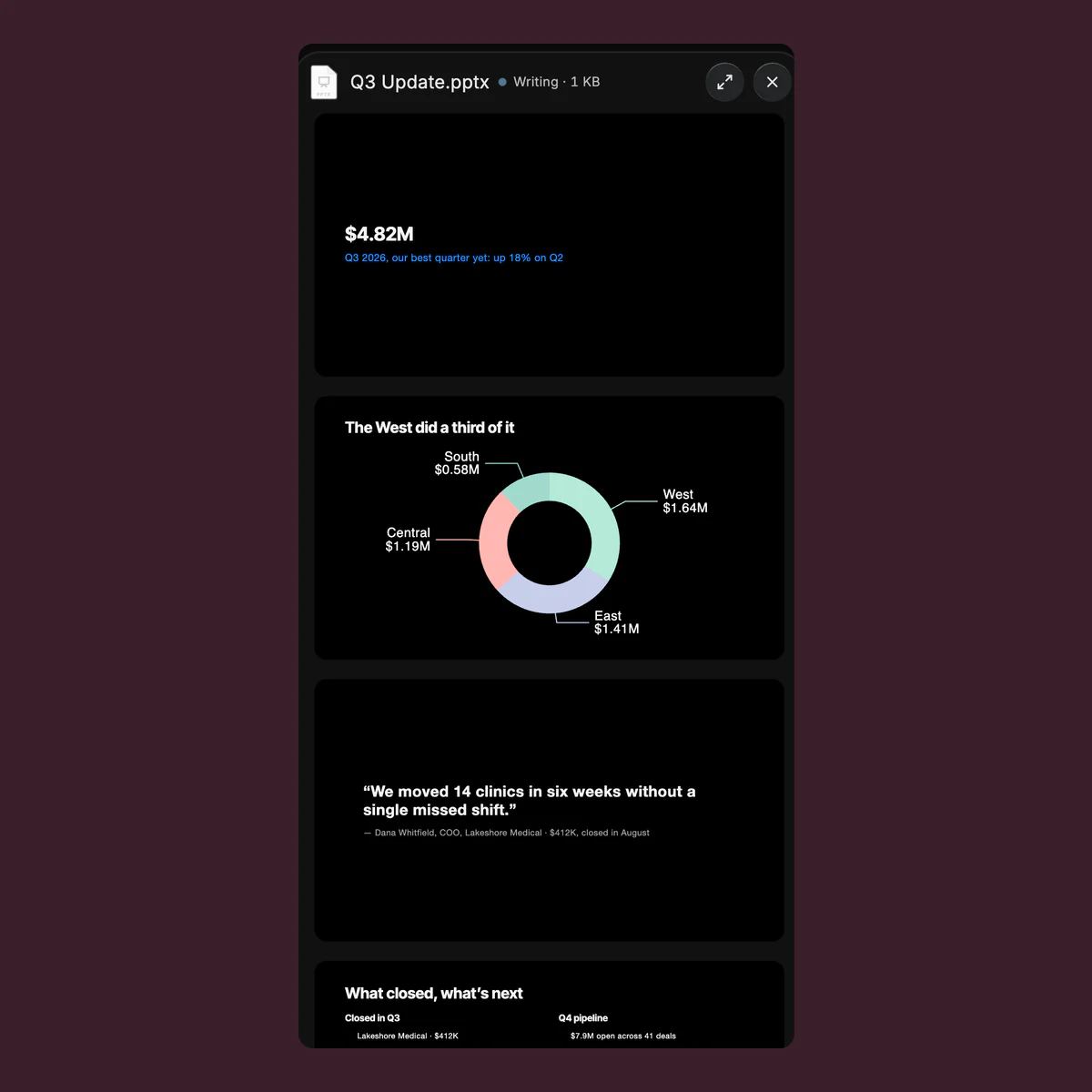
Watch it take shape. Slides appear as it writes them. Say “make slide 3 shorter,” and you get version two.
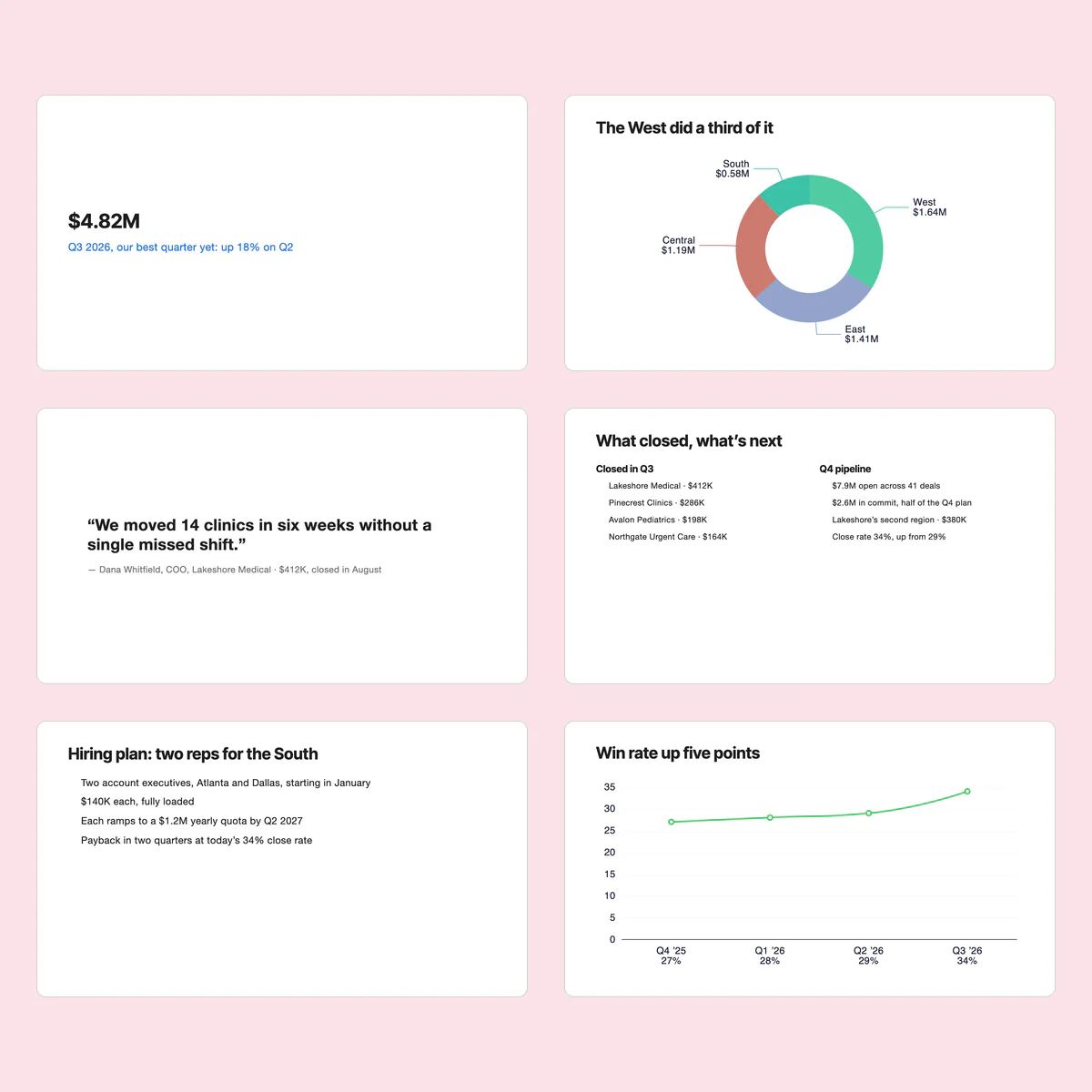
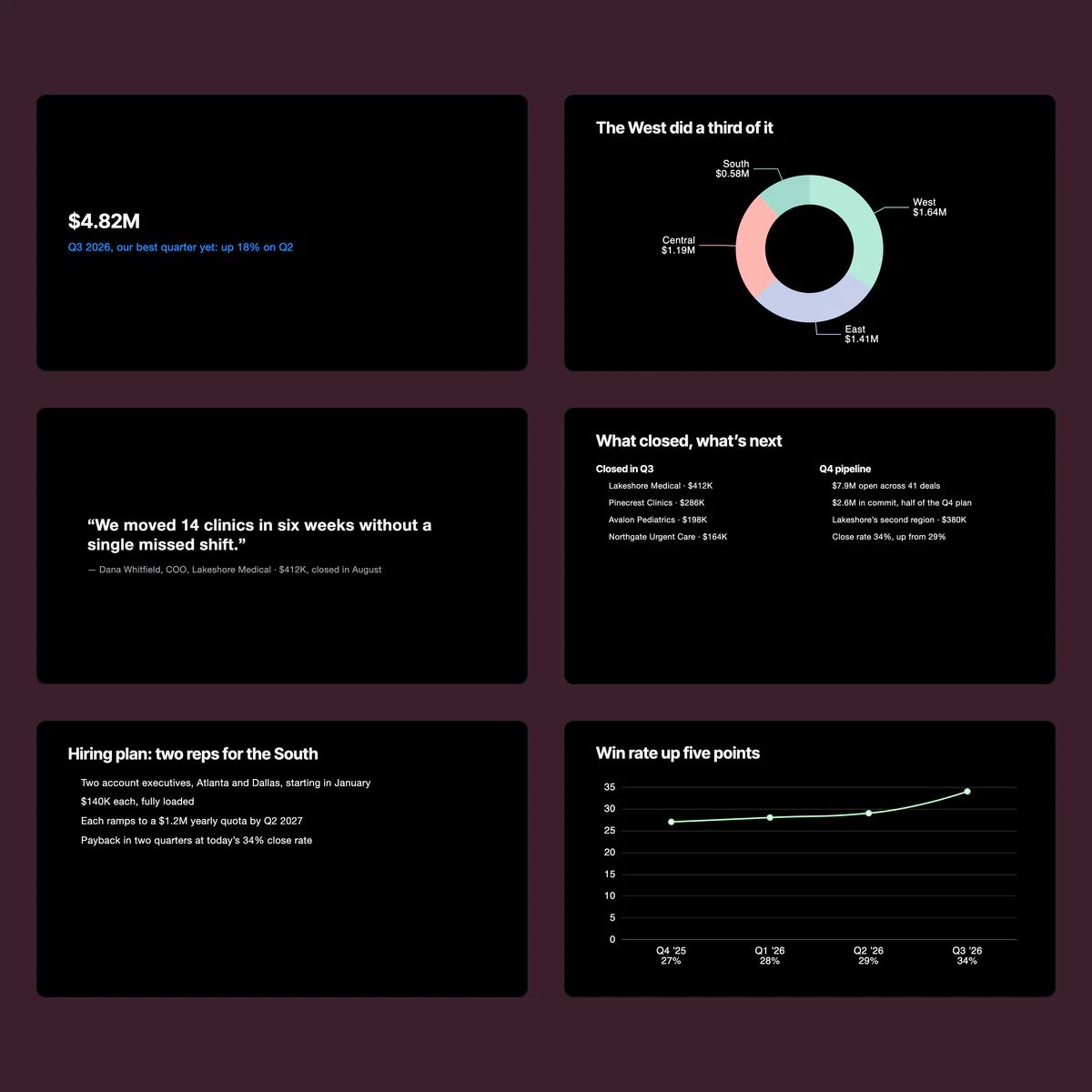
Ready to present. Slide by slide, every chart drawn from the numbers, saved as a real PowerPoint file.
The all-hands, in twelve slides.
A pitch deck from your notes.
Lecture slides from last year’s outline.
Built on what’s true
Every number
has a home.
Ask where a figure came from, and it shows you: a web page, a file and its page, a record in your CRM, a cell in your sheet.


How it works
Made once.
Useful forever.
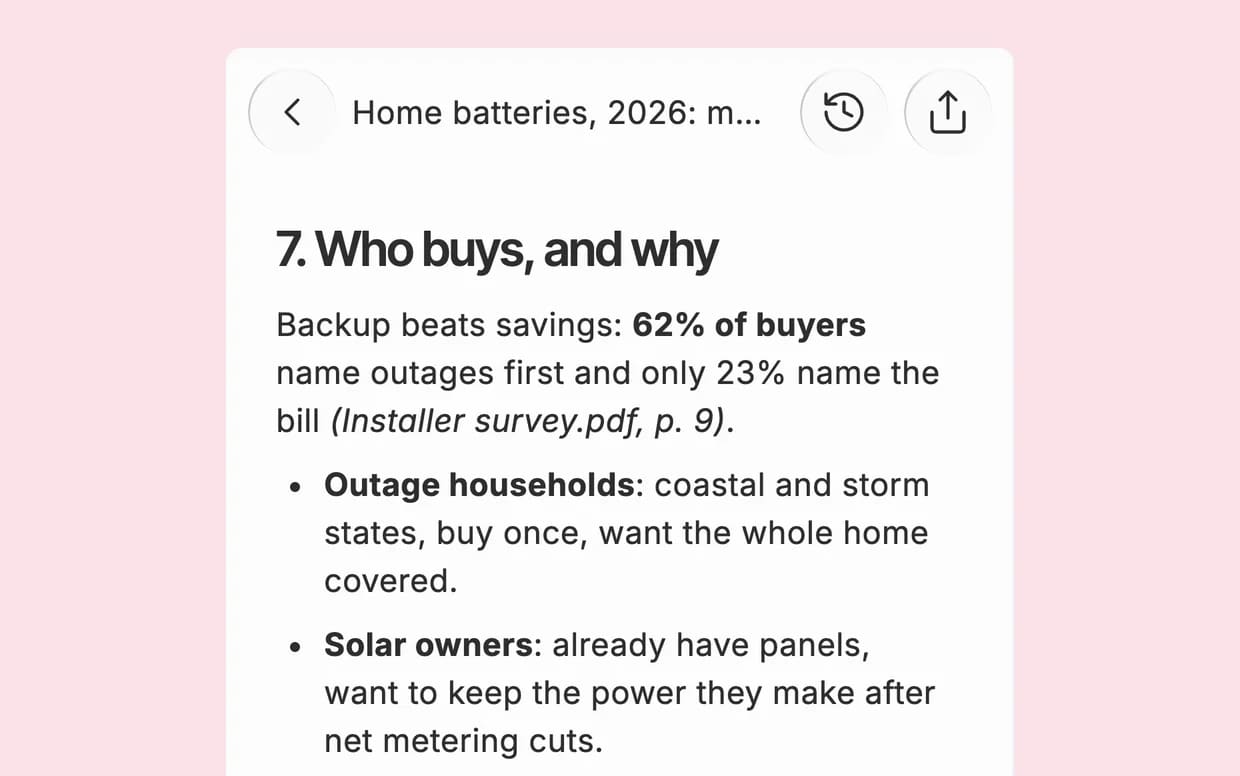
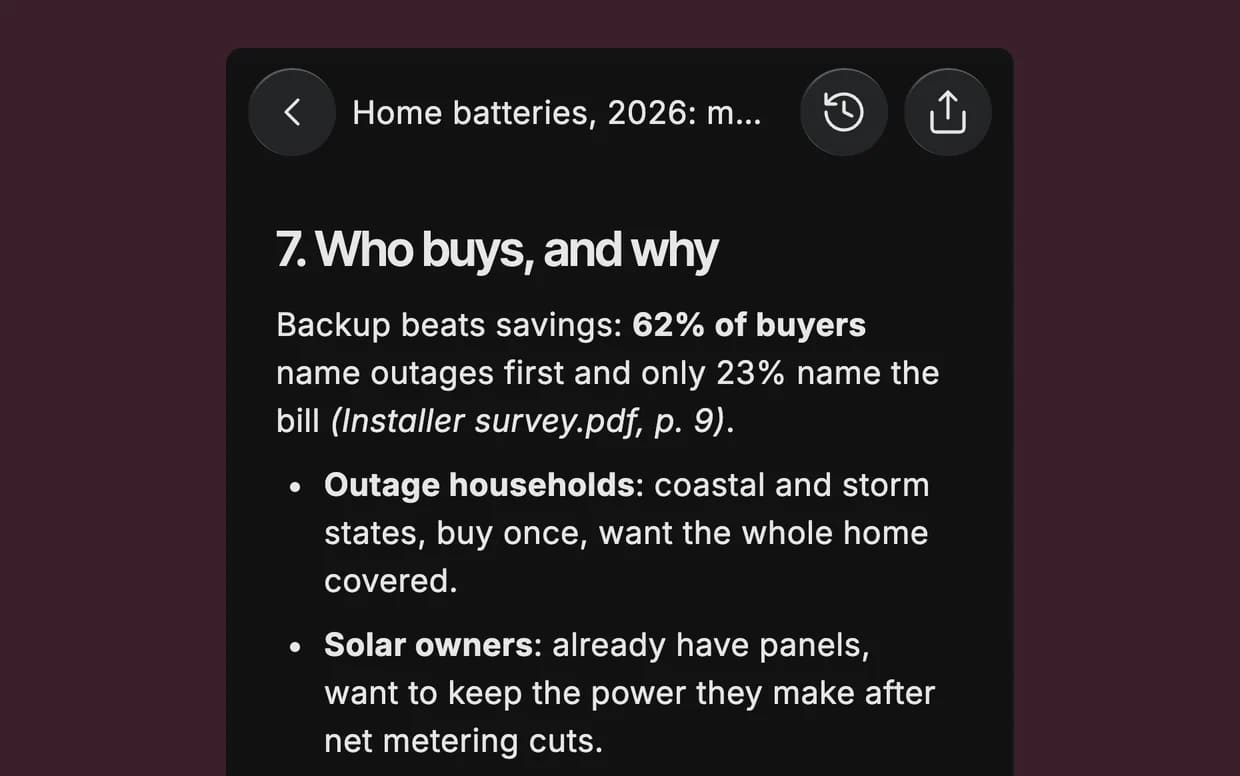
Appears as it’s written. Pages, slides and rows appear as Dvina writes them.
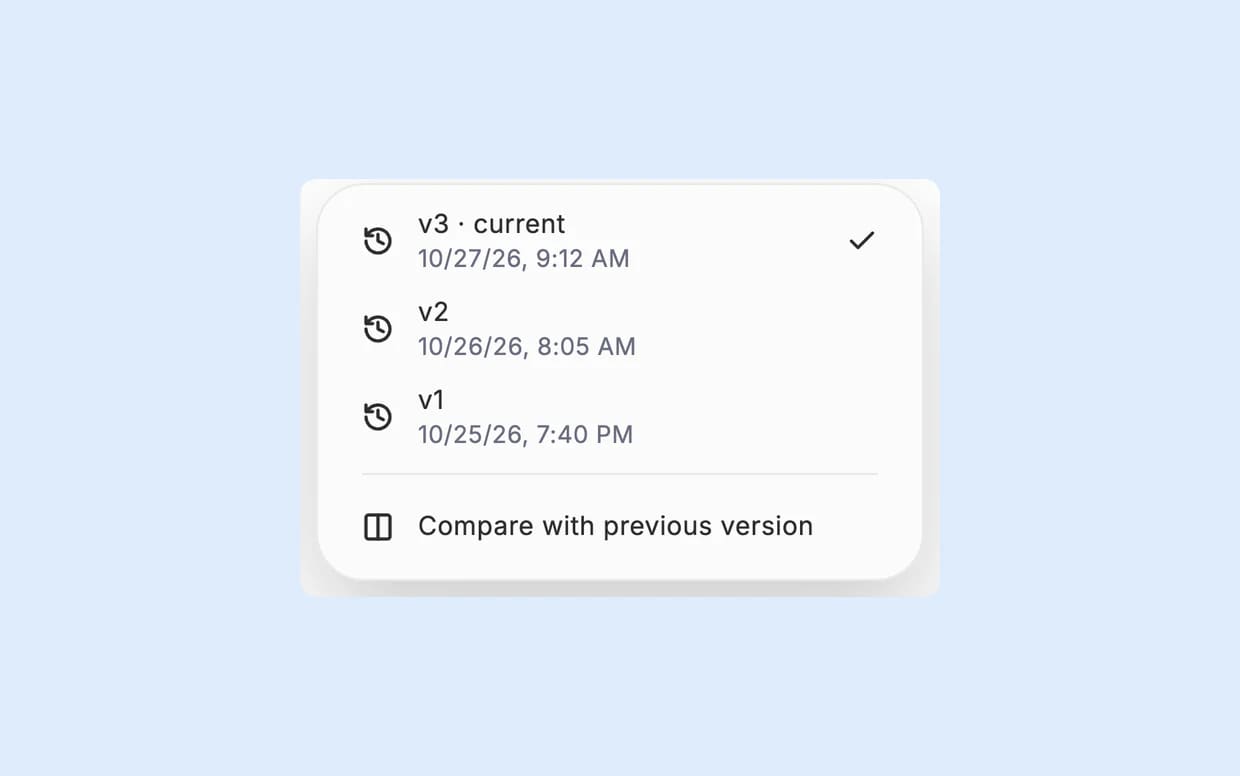
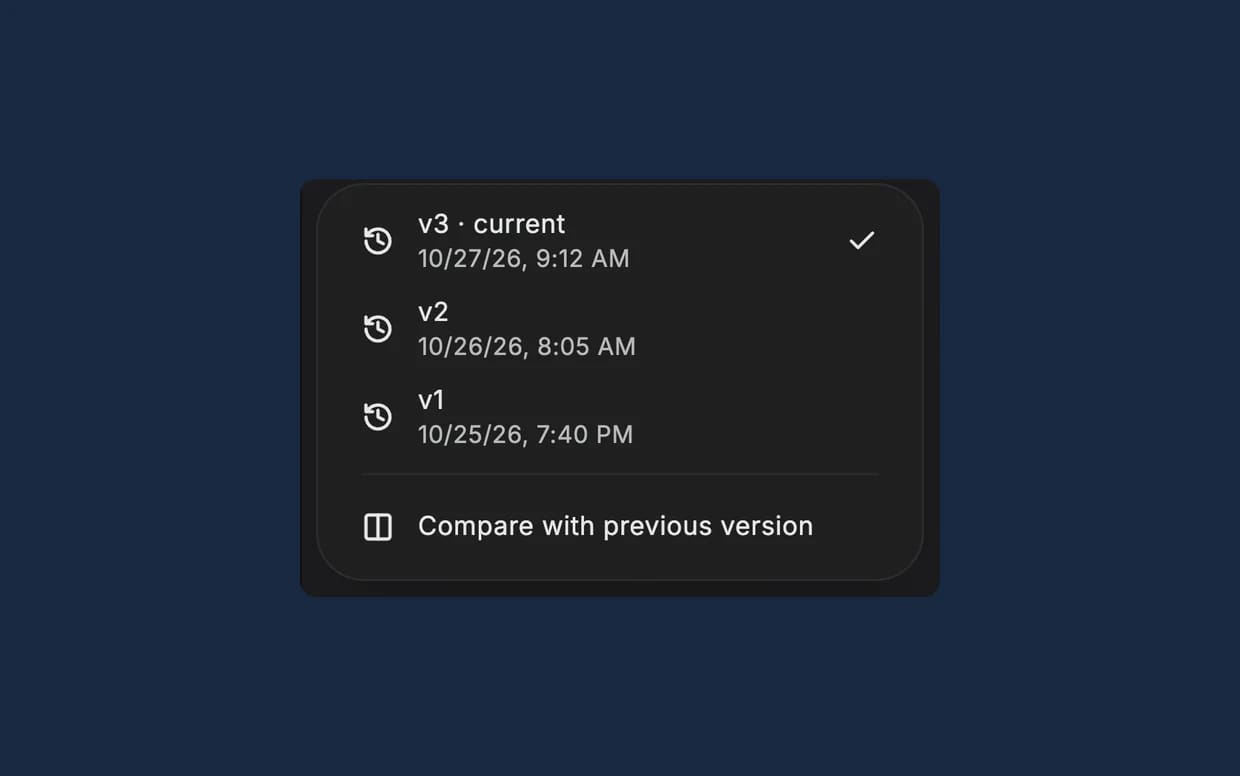
Every save is a version. Ask for a change, then restore any version.
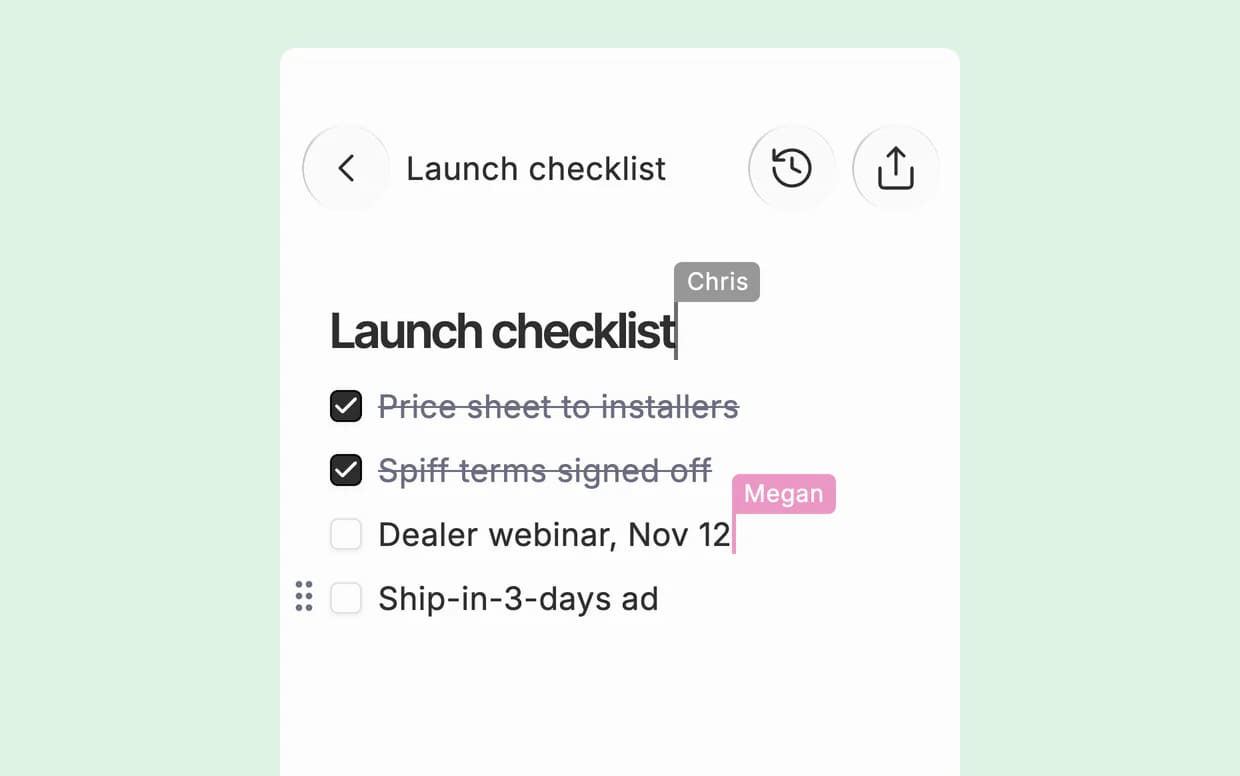
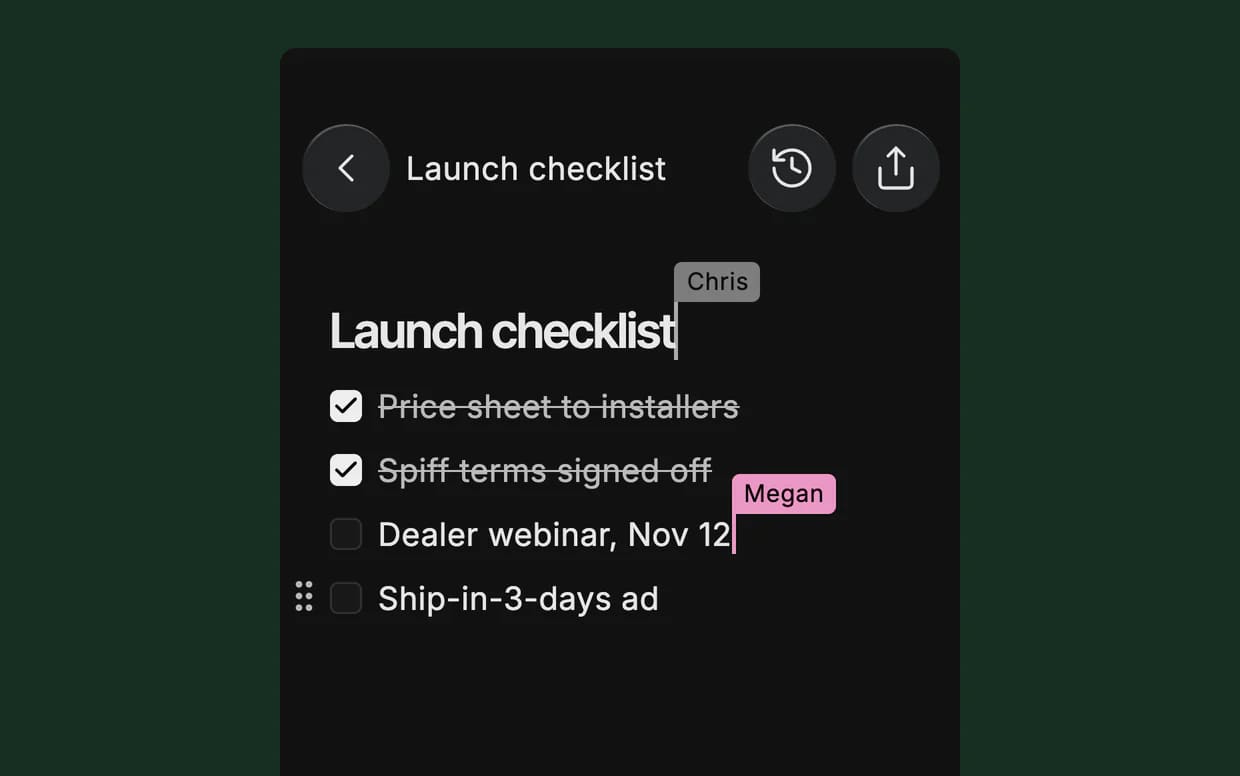
Edit together. Share to view or edit, and see each other’s cursors live.
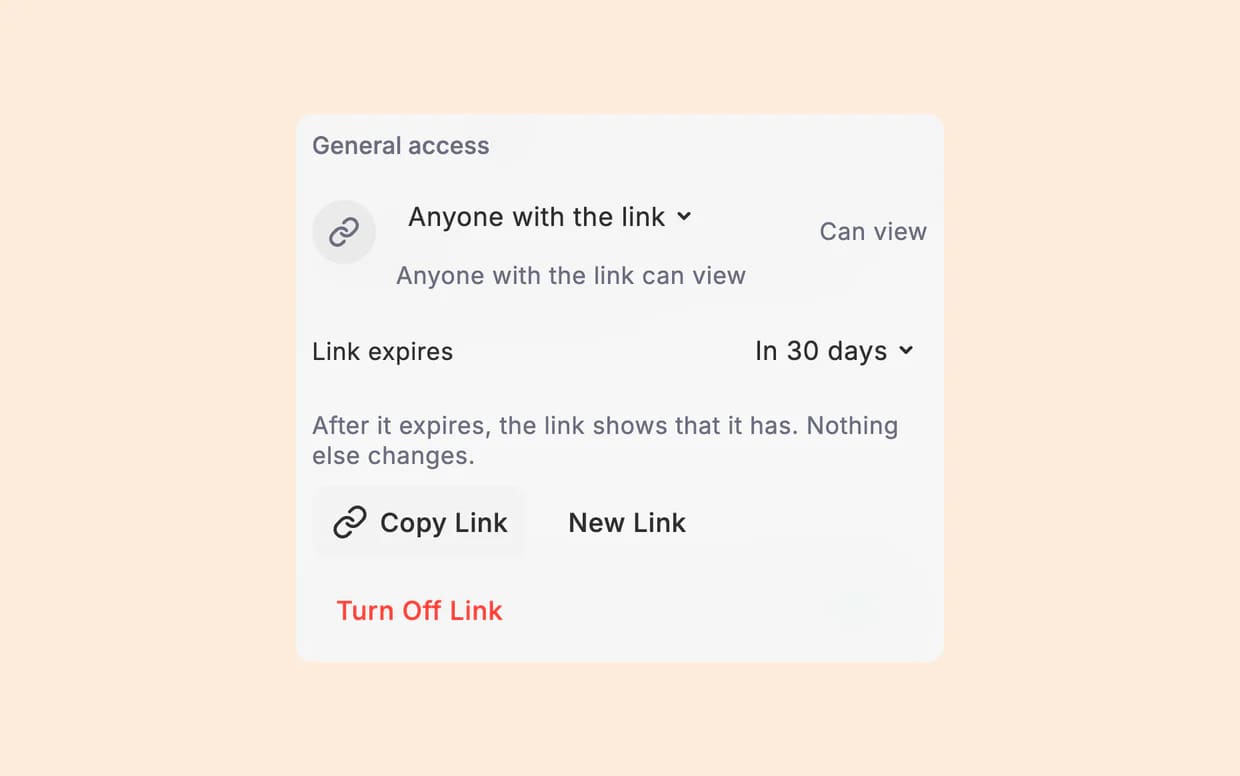
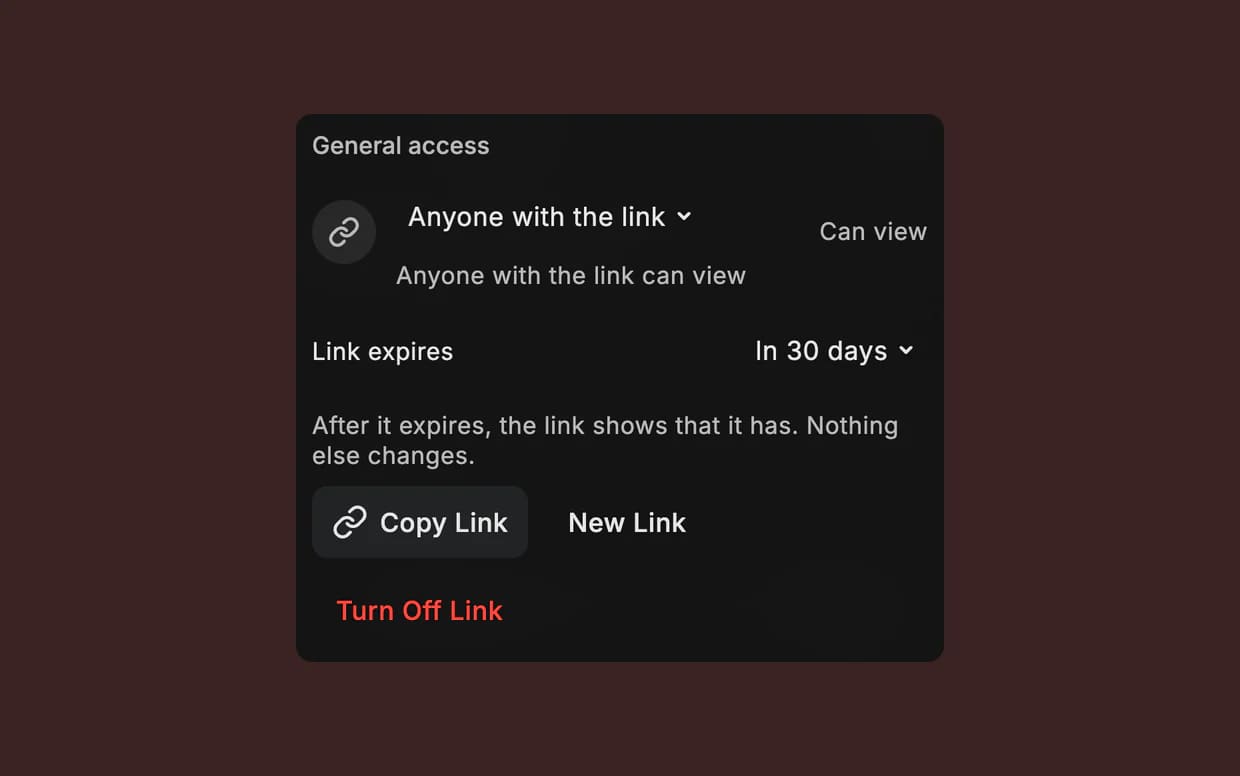
Send a link. It works. Links are view-only, can expire, and turn off anytime.


궁금한 점에 답합니다.
코딩을 할 줄 알아야 하나요?
아니요. 보고서, 예산표, 실제로 작동하는 페이지 등 필요한 것을 평소 쓰는 말로 설명하면 Dvina가 만듭니다. 코딩을 한다면 당신의 코드베이스 안에서도 바로 작업합니다.
Can I see where the facts came from?
Yes. The reply that delivers your file names its sources: web pages, your files with the page, records in your apps, cells in your sheets. Ask for a cited report and the links go into the document.
만든 파일을 나중에 수정할 수 있나요?
네. 말로 수정을 요청하거나 직접 다듬을 수 있습니다. 저장할 때마다 버전이 남아, 이전 버전과 비교하거나 복원할 수 있습니다.
Can it make 3D and complex apps?
Yes. Apps can show real 3D you can turn, charts, maps and simulations, and each app keeps what you log in it.
Can I hand a design to a developer?
Yes. Export an Artboard screen as code, or the board as a PNG or PDF.
Can it make images too?
Yes. Make one from a sentence, then brush over part of it and ask for the change. The rest stays as it was.
파일은 어디에 보관되나요?
보관함의 폴더에 저장됩니다. 검색할 수 있고, 파일을 만든 대화와도 연결되어 있습니다.
Dvina가 만든 결과물을 안전하게 공유할 수 있나요?
각 파일에 담을 내용과 열람할 수 있는 사람을 직접 결정합니다. 개인정보는 가려진 상태로 유지되며, 공유 링크는 언제든 비활성화할 수 있습니다.
실제 결과물을 만들어 보세요.
한 문장이면 시작할 수 있습니다.
무료로 써보기